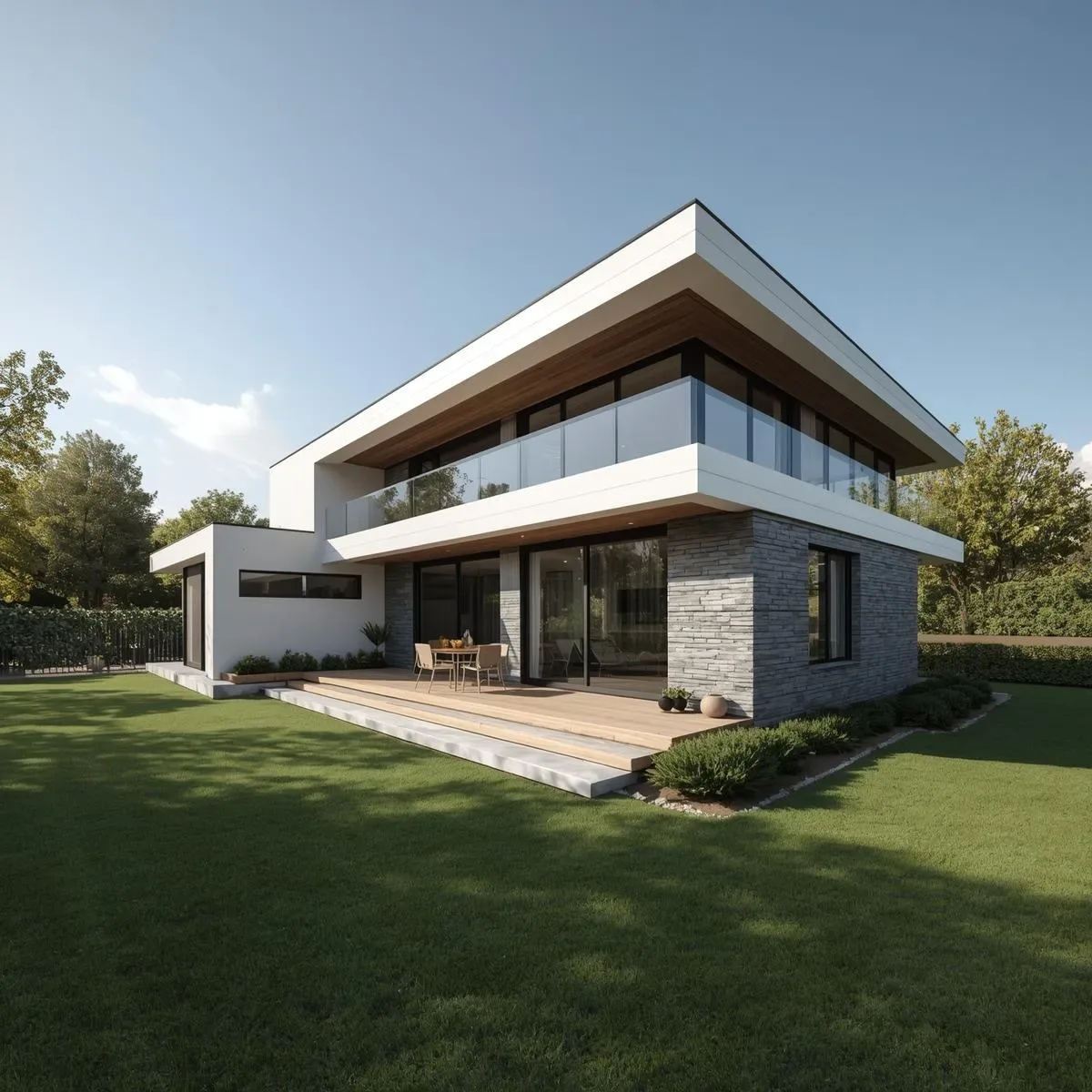
BIM-to-VR Pipeline for Pre-Construction Client Decisions
Traditional 2D drawings and static renders often fail to convey spatial reality to clients investing millions in construction. A BIM-to-VR pipeline bridges this gap by transforming LOD 300–350 BIM models into immersive 3D experiences where clients can “walk through” spaces before ground is broken.
Path 1: Revit → Enscape Standalone EXE
Enscape connects directly to Revit via a real-time plugin, giving architects live render feedback during modeling. When ready, export as a Standalone EXE (300–800 MB) that clients can run on any modern PC or VR headset (Meta Quest 2/3 via Link Cable or Air Link) — no Revit or Enscape license required.
Key capabilities: - Set Hotspots as guided waypoints for client walkthroughs - Populate with Enscape Asset Library (3,500+ furniture models) - Enable Time-of-Day Slider for natural lighting review - VR Annotations capture client feedback directly in session
Path 2: Revit → Twinmotion → Unreal Engine 5
For higher-fidelity presentations, sync Revit to Twinmotion via Direct Link (preserving Revit hierarchy), then export to Twinmotion Presenter or push to Unreal Engine 5 via Datasmith.
In Unreal Engine 5 add: - Lumen Global Illumination for photorealistic sunlight - Chaos Physics for interactive elements (openable doors, drawers) - VR Template with teleport locomotion to reduce motion sickness - Web Browser Packaging for link-based sharing without downloads
Client Meeting Workflow
- Pre-meeting: Export Enscape EXE → share via Google Drive 2 days prior 2. During meeting: Joint VR session using Fly Mode or Walk Mode 3. Change request: Architect edits in Revit → Enscape updates in real-time within 5 minutes 4. Sign-off: Client approves in VR → timestamped screenshot serves as audit trail
ROI and KPIs
Studies (McGraw-Hill Construction, 2024) show BIM-VR adoption reduces post-construction rework costs by 35–50%. Design change requests after VR review typically drop 60% compared to projects using only 2D presentations. Approval cycles reduce from 4–5 rounds to ≤2.
Thailand Market Considerations
Thai C-suite clients may be unfamiliar with VR headsets. Always prepare a Desktop Walkthrough Mode (WASD + mouse) as a fallback, and have staff assist with headset sessions. A Meta Quest 3 (~13,000–15,000 THB) pays for itself many times over versus rework costs in the hundreds of thousands.