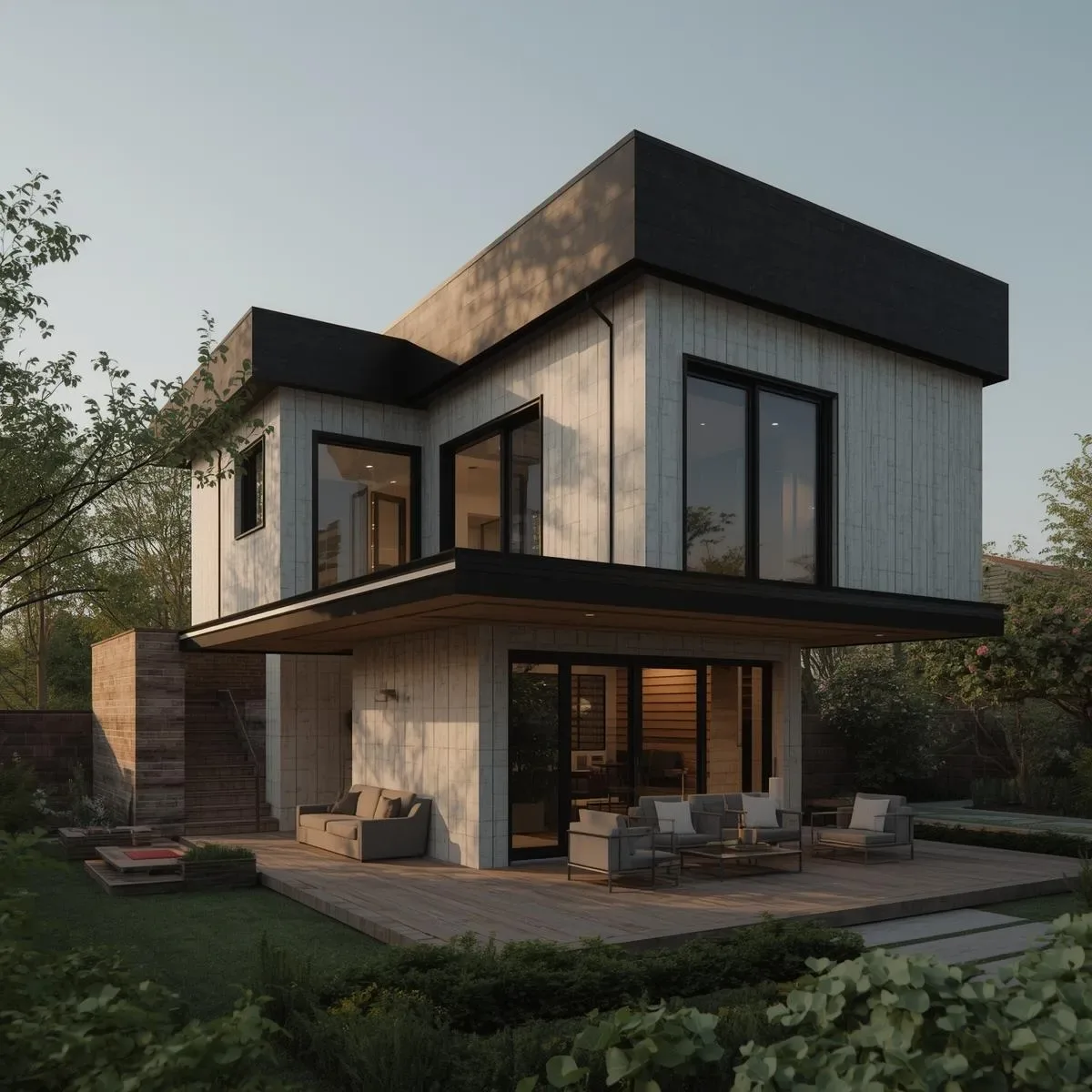
From Basic 3D Model to Smart Home Digital Twin
A standard 3D model shows shape and position. A Digital Twin is a 3D model linked to real-time data from the actual home — light states, per-room temperature, door status, and energy consumption — all visible on the 3D model in real time, giving residents and system administrators a complete home overview in a single view.
Thermal Simulation: Analysing Heat Before Designing
EnergyPlus + OpenStudio: Free software from the US Department of Energy that simulates a home’s thermal performance — calculating solar heat gain through each window face, heat loss through wall and ceiling insulation, HVAC system operation, and annual energy consumption.
Smart home benefit: Identify which rooms are hottest at which time of day to place AC zones and insulation precisely, reducing energy consumption before a single element is built.
Bangkok application: West-facing walls accumulate peak heat from 14:00–18:00. Thermal simulation determines whether to invest in external shading, Low-E glass, or insulation upgrades for the best energy return.
Acoustic Simulation: Planning Audio Systems
Room EQ Wizard (REW) + 3D model: Analyse room modes (resonant frequencies created by room dimensions) and plan acoustic treatment placement — bass traps, diffusers, absorbers — before purchasing any panels.
Home theatre design: Simulate 5.1, 7.1, or Dolby Atmos speaker placement via EASE Focus to find the sweet spot and verify even Sound Pressure Level distribution throughout the seating area.
WFH sound isolation: Analyse STC (Sound Transmission Class) of office walls and plan double-wall construction or acoustic sealant for distraction-free online meetings.
Digital Twin with Home Assistant + 3D Visualisation
Three approaches to creating a HA-connected Digital Twin:
Approach 1 — HA Floorplan + SVG: An interactive SVG floorplan with entity state colour-coding via custom:floorplan-card in Lovelace. Simple and effective.
Approach 2 — HA + Three.js Web Viewer: A 3D Web App pulling real-time data from the HA WebSocket API, showing light, AC, and alarm states on a 3D model in the browser.
Approach 3 — Unreal Engine Digital Twin: For premium projects, Unreal Engine 5 + Pixel Streaming connected to HA via MQTT delivers photorealistic real-time Digital Twin walkthroughs accessible through any browser without installation.
Advanced Signal Strength Simulation
Generate a Zigbee signal heatmap with Python to identify optimal router node positions:
python
import numpy as np
import matplotlib.pyplot as plt

def free_space_loss(d, freq_ghz=2.4):
    return 20*np.log10(d) + 20*np.log10(freq_ghz) + 92.45

room_w, room_h = 20, 15  # metres
router_pos = (3, 7)
x = np.linspace(0, room_w, 200)
y = np.linspace(0, room_h, 150)
X, Y = np.meshgrid(x, y)
dist = np.sqrt((X - router_pos[0])**2 + (Y - router_pos[1])**2)
loss = free_space_loss(np.maximum(dist, 0.1))
plt.contourf(X, Y, -loss, levels=20, cmap='RdYlGn')
plt.colorbar(label='Signal Strength (dBm)')
plt.title('Zigbee Signal Heatmap')
plt.savefig('zigbee_heatmap.png', dpi=150)
ROI Calculation via Digital Twin
A Digital Twin connected to HA Energy Data calculates precise Smart Home investment ROI — electricity costs before and after Smart AC Management, solar generation vs grid import ratios, and sensor battery life predictions for advance maintenance budgeting.
Summary: Advanced 3D Modelling as Competitive Advantage
For smart home integrators and homeowners seeking optimal outcomes, investing in thermal simulation, acoustic modelling, and Digital Twin is not an extravagance — it is evidence-based design decision-making that ensures every baht invested in a smart home system delivers its maximum possible return.