The primary source of smart home dissatisfaction is the gap between design intent and actual living behavior. Automation logic that works in theory creates friction in practice: lights blazing at 02:00 during a bathroom visit that wakes a sleeping partner, HVAC scheduling that conflicts with an early-morning work session that was never in the design brief. Pre-occupancy behavioral simulation closes this gap before corrections become physically difficult and expensive.
Occupancy Profile Construction in BIM: every household member is represented as an Automation Persona with defined daily schedules. A work-from-home adult is online 09:00–17:00 and present in the home office zone. A school-age child is absent 07:00–16:00 on weekdays. An elderly resident is present throughout. AppDaemon simulates each persona’s presence pattern across a virtual 7-day week, incorporating probabilistic variability—some days the work-from-home adult exits for lunch, some evenings the family arrives home late—to reflect realistic behavior rather than idealized schedules.
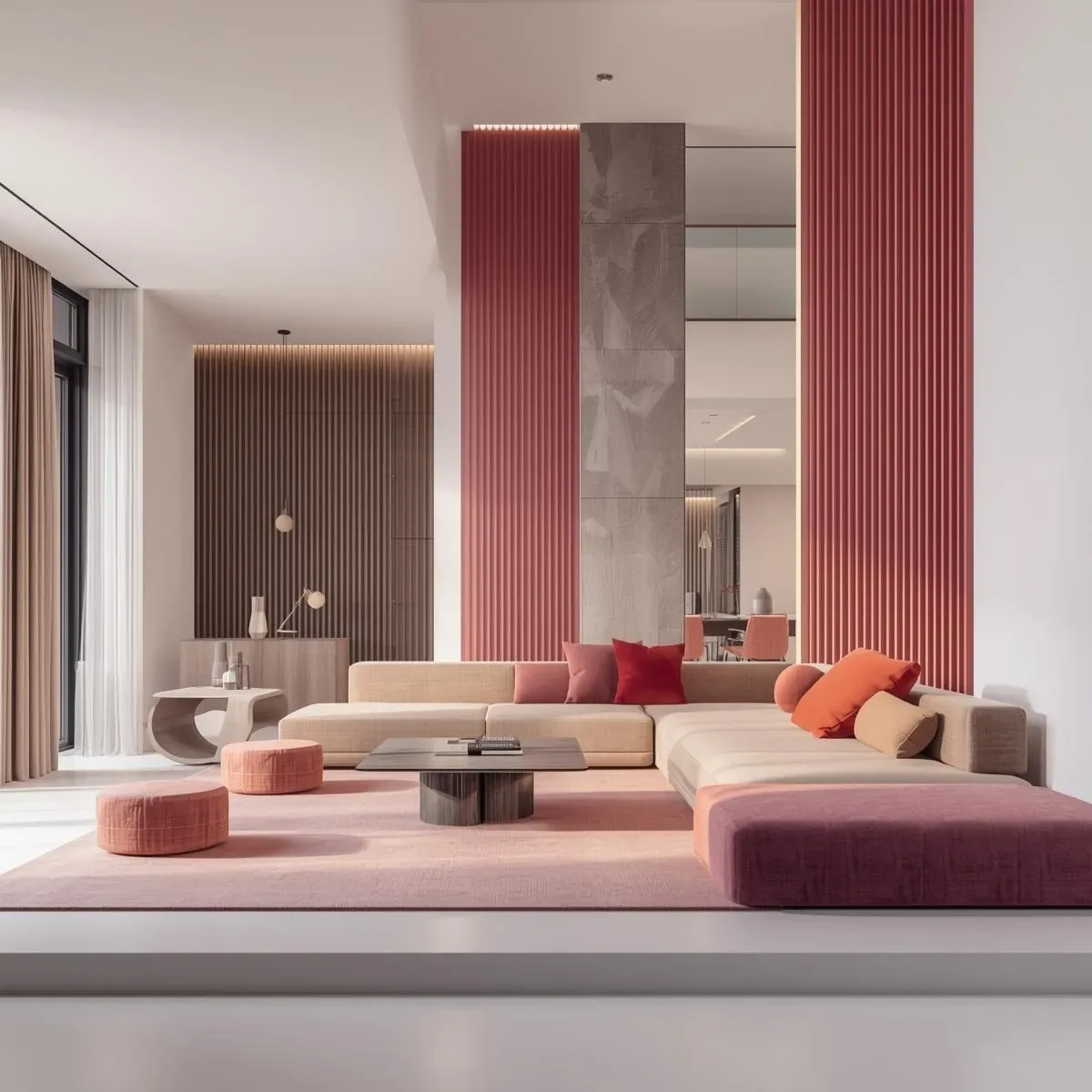
Floor Plan Validation in BIM: Collision Detection verifies circulation paths meet ≥800mm clear width (Universal Design minimum) around all furniture configurations. Natural Ventilation Flow simulation checks that sofa placement or storage units do not obstruct airflow from cassette HVAC units. PIR and radar sensor coverage is tested in 3D to identify blind spots before wiring—a living room furniture arrangement that creates a sensor blind spot covering 40% of the floor area is identified and corrected in the model, not after installation.
Automation Rule Testing in the Digital Twin: the 7-day occupancy simulation evaluates HVAC Setpoint Satisfaction (percentage of occupied hours within the target comfort band of 23–25°C), Lighting Adequacy (lux level vs. scheduled activity type per time window), and Air Quality Response Latency (elapsed time from CO2 exceeding 1,000 ppm to exhaust fan activation). Results are presented as a KPI dashboard with flagged issues ranked by severity and frequency of occurrence.
Edge Case Discovery: simulation consistently reveals unexpected conflicts that human intuition misses. A hallway motion sensor triggers full-brightness lighting at 02:00 during a bathroom visit—resolved by programming Night Light mode (<10 lux) between 22:00 and 06:00. An HVAC schedule designed around a standard working day conflicts with an early-morning work session started at 05:30—resolved by adding an occupancy-triggered HVAC rule. The simulation output becomes the foundation for the 90-day Commissioning Plan: instead of discovering these conflicts through post-occupancy complaints, the commissioning team begins with verified assumptions, validated sensor placements, and pre-tested automation rules—compressing the optimization phase from months to weeks.