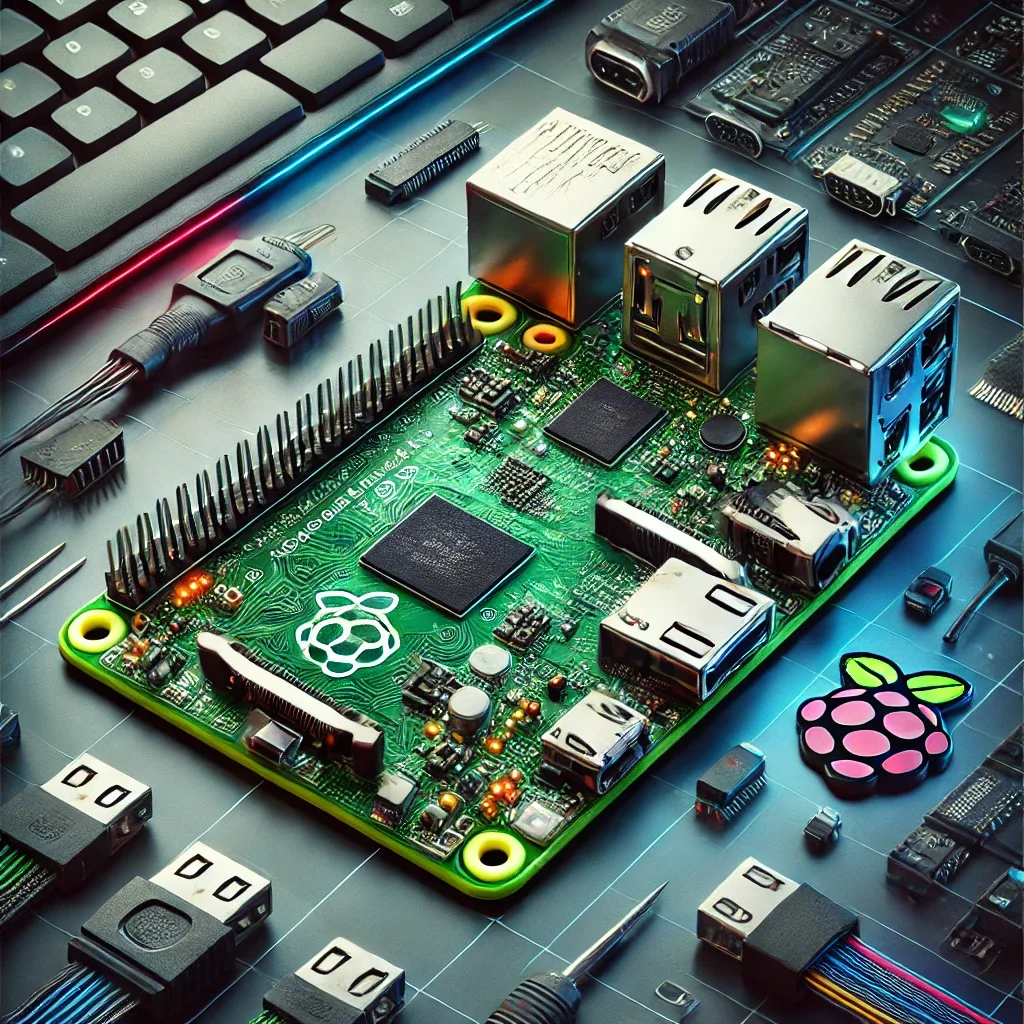
Why Is Raspberry Pi 5 Still the Best Smart Home Choice in 2026?
The hub market has many options, but RPi5 at 3,500-5,500 THB remains the best value because:
- BCM2712 Cortex-A76 2.4 GHz: 2-3x faster than RPi4, runs Home Assistant with Frigate NVR without stuttering
- 4-16 GB RAM: supports hundreds of devices and dozens of simultaneous add-ons
- PCIe 2.0: connects NVMe SSD instead of SD Card for dramatically better speed and durability
- Wi-Fi 5 (802.11ac) + BT 5.0: connects without additional USB adapters
Prepare Hardware Before Installation
Required hardware:
- Raspberry Pi 5 4 GB RAM (sufficient for typical homes) or 8 GB (for device-heavy homes + Frigate)
- MicroSD Card 32 GB Class 10 (for initial boot) or NVMe SSD via PCIe adapter (recommended)
- Official RPi5 Active Cooler or heatsink+fan, 350-500 THB
- Sonoff Zigbee 3.0 USB Dongle Plus (~500 THB) for Zigbee devices
- Coral USB Accelerator (~2,500-3,500 THB) if using Frigate AI CCTV
Step 1 — Install Home Assistant OS
- Download Home Assistant OS image for Raspberry Pi 5 from
github.com/home-assistant/operating-system/releases - Open Raspberry Pi Imager → select 'Use custom image' → choose downloaded file
- In settings, pre-configure Wi-Fi SSID/Password (saves time)
- Write image to MicroSD or SSD → insert into RPi5 → connect power
- Wait 5-10 minutes → open browser at
http://homeassistant.local:8123 - Complete onboarding wizard: name your home, create account, select Bangkok timezone
Step 2 — Connect Zigbee
In HA go to Settings → Devices & Services → Add Integration → Zigbee Home Automation (ZHA) → select Sonoff dongle serial port (typically /dev/ttyUSB0) → Submit.
Then pair Zigbee devices: press pair button on Smart Bulbs, Smart Switches, Air Quality Sensors to enter pairing mode → in ZHA click 'Add Device' → devices appear automatically in HA.
Step 3 — Set Up Security and Air Automation
First bedroom automation:
yaml
Automation: Fresh Air when CO2 high
Trigger: co2_sensor > 900 ppm
Action:
  - service: fan.set_percentage
    entity_id: fan.fresh_air_system
    data: {percentage: 75}
  - service: notify.line
    data: {message: "Bedroom CO2 {{states('sensor.co2')}} ppm - fresh air activated"}
Security automation: when front door camera detects a person → send LINE snapshot immediately.
Step 4 — System Security
Enable Two-Factor Authentication in HA Settings → use an Authenticator app — critical for remote access. Set passwords at least 16 characters long. Update HA every major release (every 3-4 months) via Settings → System → Updates. For remote access from outside, use Nabu Casa Cloud or VPN rather than opening ports directly.
RPi5-Based Smart Home vs Commercial Hubs
Commercial Smart Home hubs like Samsung SmartThings or Hubitat cost 4,000-8,000 THB but are constrained to their brand ecosystems. RPi5 + HA supports every protocol and brand, costs less, and as open source offers maximum customization flexibility — significantly higher long-term investment value.