ZHA
5 articles on ZHA.
Installing a Smart Home System with Raspberry Pi 5: Step-by-Step Guide with Real Automation Examples
Raspberry Pi 5 can transform any home into a Smart Home on a limited budget. This article covers hardware preparation, Home Assistant OS installation via Balena Etcher, Zigbee device setup, security automation, and long-term best practices.
read ↗
Smart Home Integration with Raspberry Pi 5: Connecting All Devices for a Better Living Experience
Raspberry Pi 5 is the powerful and affordable heart of a Smart Home. This article walks you through setting up Home Assistant on RPi5 step by step, with real automation examples for Smart Lighting, Fresh Air Systems, and security cameras you can implement today.
read ↗
Using Raspberry Pi in a Smart Home: Everything It Can Do from Lighting to Fresh Air Control
Raspberry Pi is not just a cheap computer — it is the most capable Smart Home hub at an accessible price, controlling everything from Smart Lighting and Fresh Air Systems to CCTV cameras and processing data from every sensor in your home.
read ↗
Raspberry Pi 5 Smart Home Installation: Hardware Specs and Step-by-Step Setup Guide
Raspberry Pi 5 is the most capable single-board computer for budget Smart Home builds. This guide covers the BCM2712 Cortex-A76 hardware specs, RAM options, Wi-Fi 6 and GPIO connectivity, then walks through flashing Home Assistant OS with Raspberry Pi Imager, raspi-config basics, Zigbee dongle setup, and connecting your first IoT devices.
read ↗
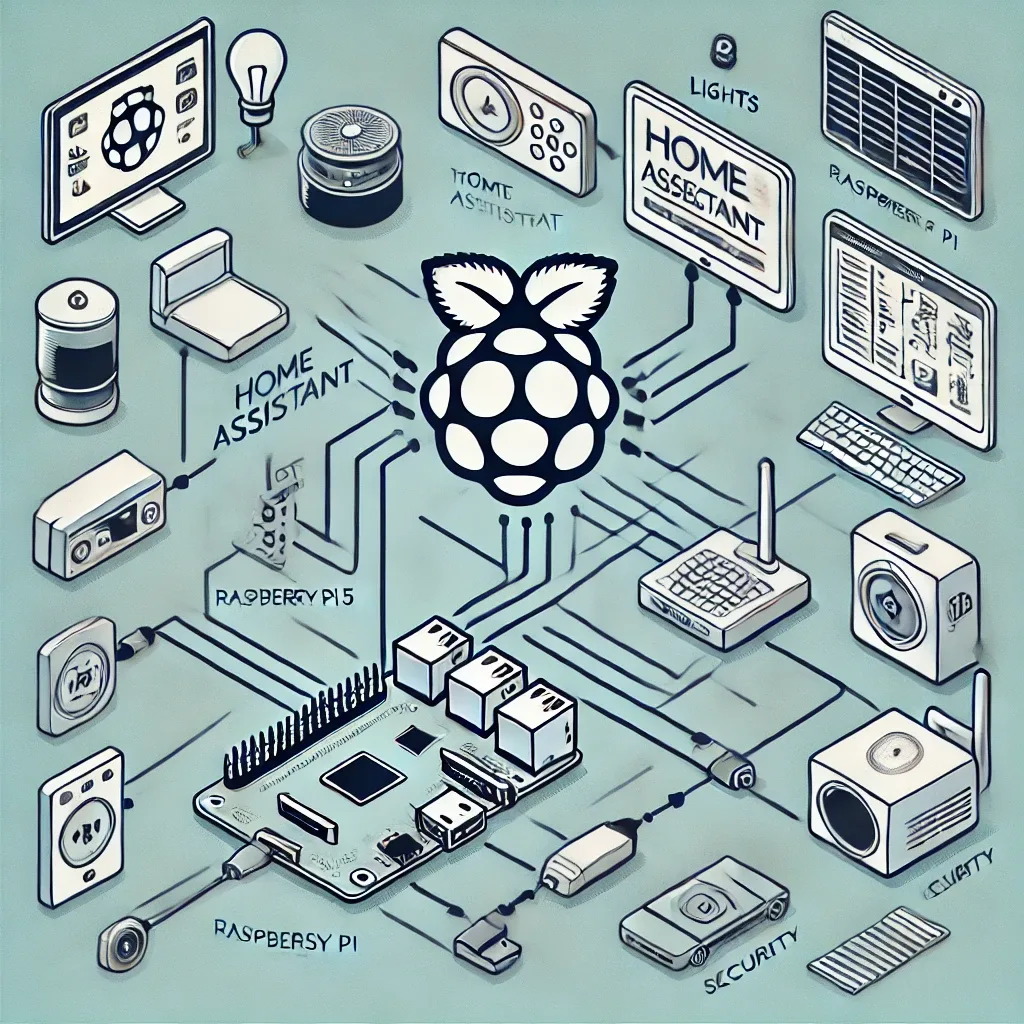
Step-by-Step Guide to Installing Home Assistant on Raspberry Pi 5: From Flash to First Automation
Complete guide to installing Home Assistant OS on Raspberry Pi 5 — from hardware prep and Balena Etcher flashing to Zigbee ZHA setup and creating your first automation.
read ↗