Balena Etcher
5 articles on Balena Etcher.
Installing a Smart Home System with Raspberry Pi 5: Step-by-Step Guide with Real Automation Examples
Raspberry Pi 5 can transform any home into a Smart Home on a limited budget. This article covers hardware preparation, Home Assistant OS installation via Balena Etcher, Zigbee device setup, security automation, and long-term best practices.
read ↗
Installing Home Assistant on Raspberry Pi 5: A Practical Step-by-Step Guide for Beginners
Complete step-by-step guide to installing Home Assistant on Raspberry Pi 5 — from hardware preparation and Balena Etcher flashing to ZHA Zigbee setup and your first automation, with troubleshooting tips.
read ↗
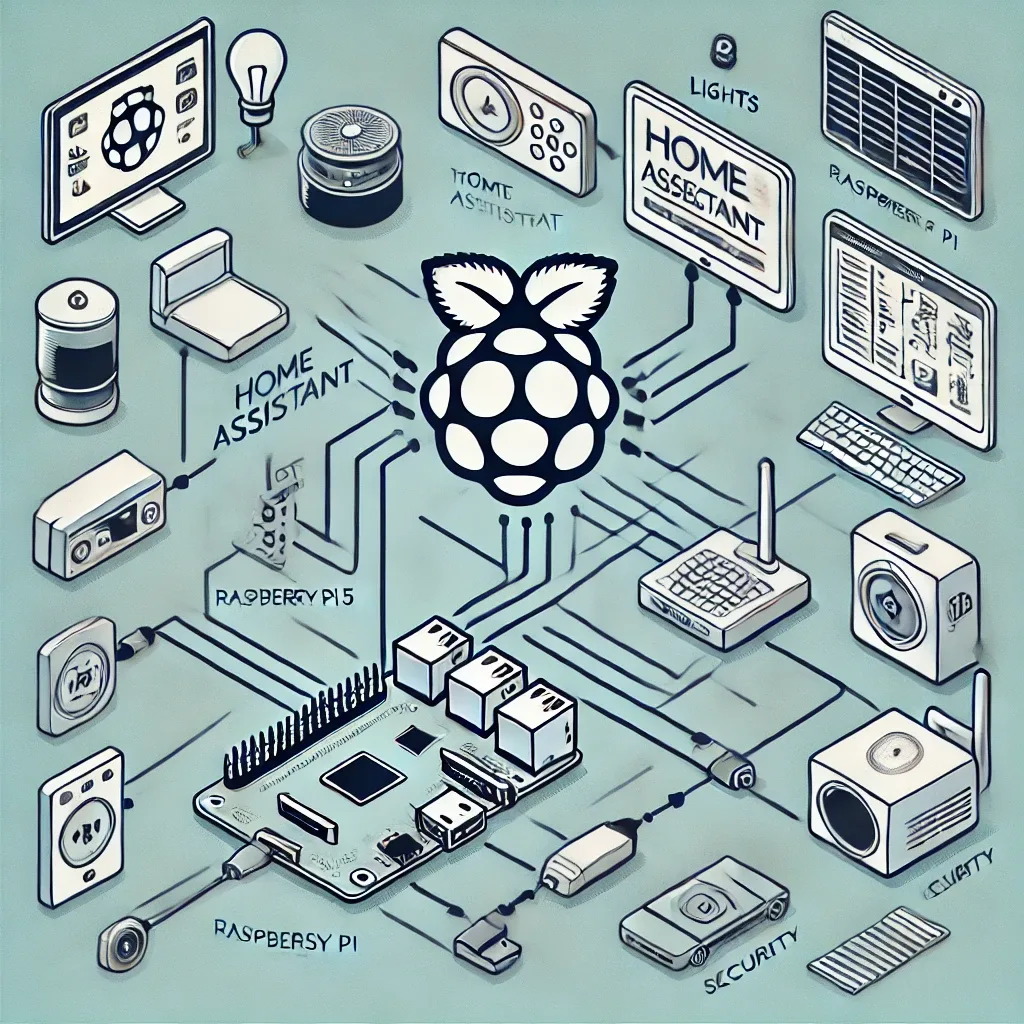
Step-by-Step Guide to Installing Home Assistant on Raspberry Pi 5: From Flash to First Automation
Complete guide to installing Home Assistant OS on Raspberry Pi 5 — from hardware prep and Balena Etcher flashing to Zigbee ZHA setup and creating your first automation.
read ↗
Raspberry Pi Smart Home Setup Guide: Step-by-Step Installation and Real-World Usage
Raspberry Pi transforms any ordinary home into a smart home at minimal cost. This guide walks you through every step from flashing HA OS, connecting your first devices, to building your initial dashboard and automations.
read ↗
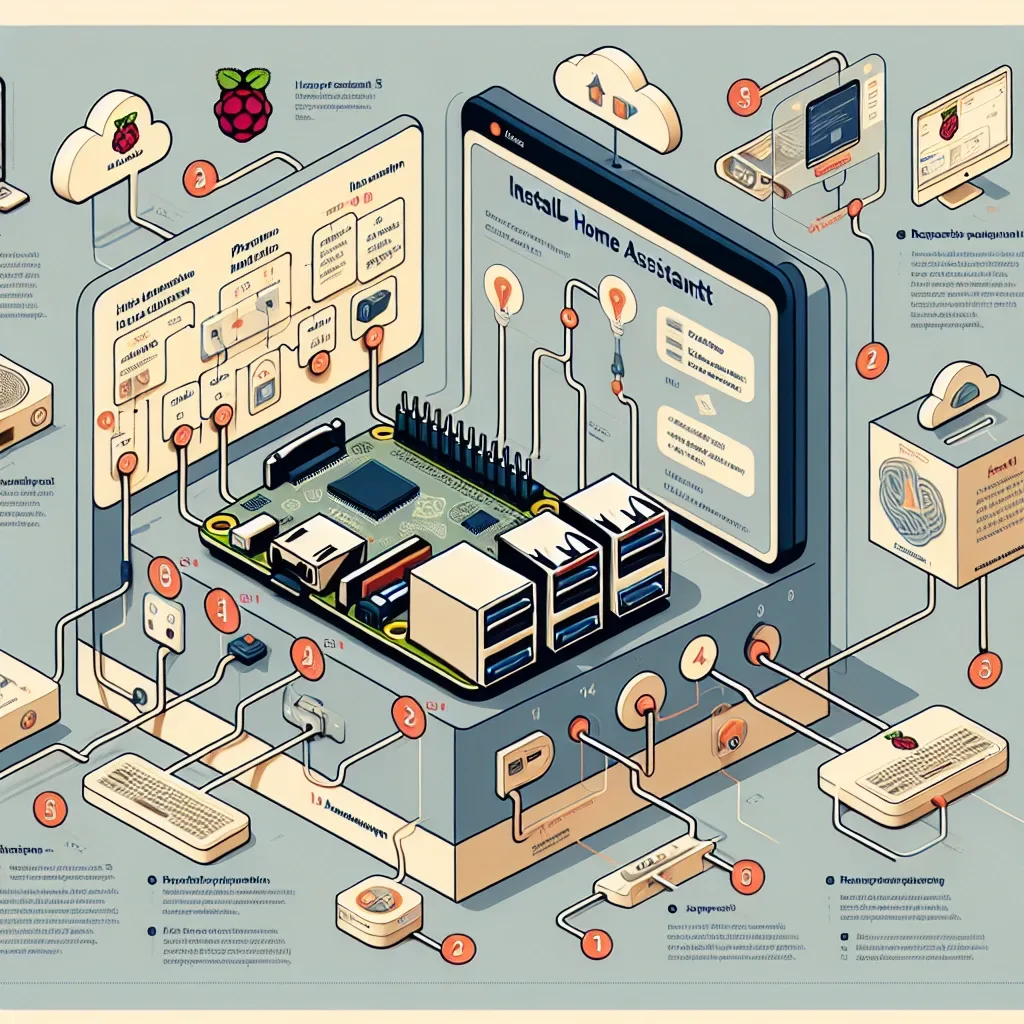
How to Install Home Assistant on Raspberry Pi 5 for a Complete Smart Home System
A complete step-by-step guide to installing Home Assistant on Raspberry Pi 5 — from hardware preparation and OS flashing to adding IoT devices and configuring automation. Everything you need in one article.
read ↗