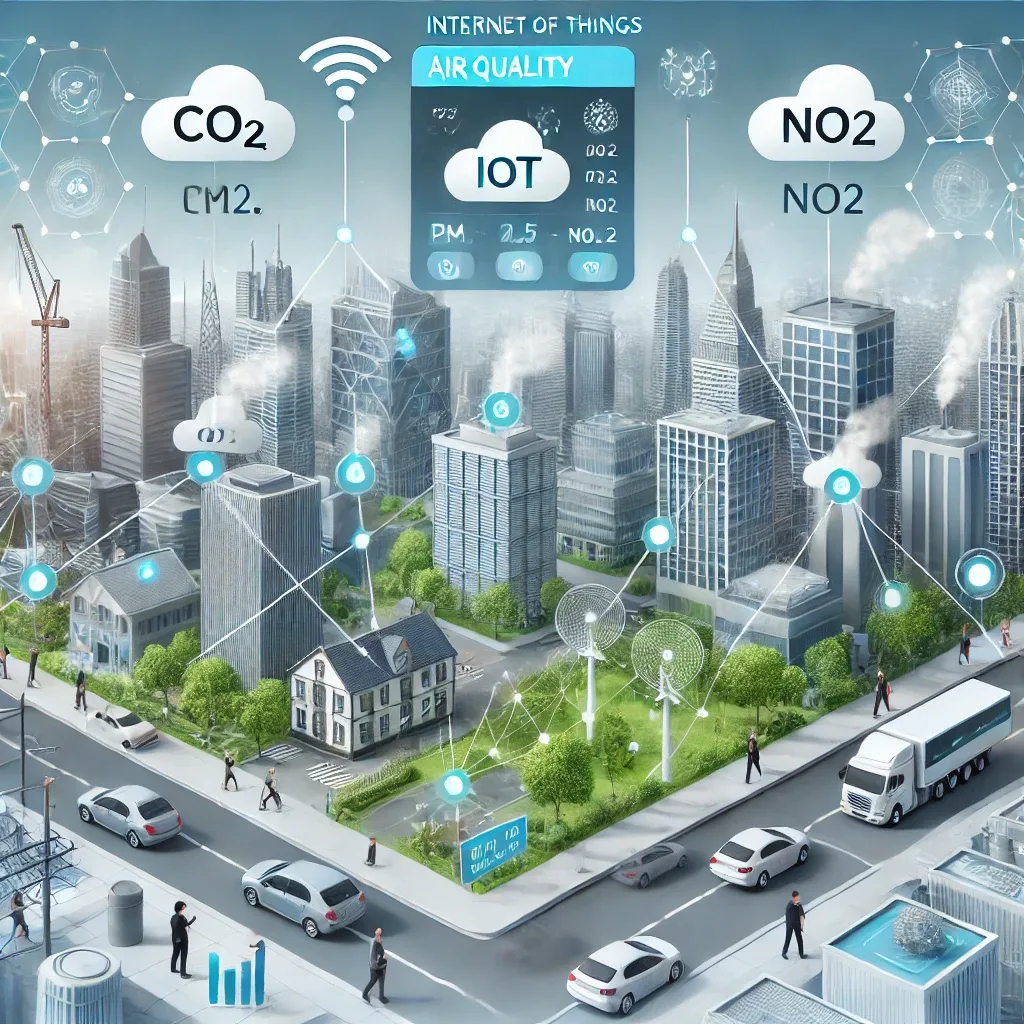
Why Smart Home Is the Best Solution
Managing air quality reactively — turning on a purifier when the air feels bad, closing windows when you see smoke — cannot keep pace with the speed at which PM2.5 changes. Levels can surge from 20 to 80 μg/m³ in under 30 minutes when wind shifts toward a burning area. An IoT-powered Smart Home operates continuously, makes decisions based on real data, and responds many times faster than human reflexes allow.
IoT Sensors: The Foundation of Everything
IoT air quality sensors measure every critical parameter: PM2.5 and PM10 via high-accuracy laser diodes; CO2 to assess air exchange adequacy; VOC from household chemicals; CO, the colorless odorless combustion gas; and temperature and humidity. Data from these sensors flows into Home Assistant every minute, building the dataset that AI uses to identify trends and trigger automated responses without human intervention.
Smart Purifier Plus Ventilation: The Essential Pair
Smart purifiers linked to Home Assistant receive PM2.5-triggered commands automatically — from Auto mode during normal conditions to Turbo during pollution emergencies. Ventilation systems work in the opposite direction: open when outdoor air quality exceeds indoor quality, close immediately when outdoor pollution spikes. Recommended Home Assistant automations include: if outdoor PM2.5 > 35 → close all ventilation points + activate purifier High + send LINE Notify; if outdoor PM2.5 < 20 AND indoor PM2.5 > 25 → open ventilation + reduce purifier speed.
Smart AC and Home Assistant: Advanced Integration
Smart ACs connected to Home Assistant via IR controller or direct Wi-Fi integration can adjust temperature and mode based on sensor data. For example: when CO2 exceeds 1,000 ppm in the living room, the system activates Fan mode to improve air circulation. When bedroom humidity exceeds 65%, the system activates the smart dehumidifier and sends an alert to check plumbing. This level of coordination is only possible with a unified IoT platform.
Five Benefits of IoT Air Quality Management
The five core benefits are: improved health through reduced PM2.5 and allergen exposure; convenience through remote app control from anywhere; energy savings by activating devices only when conditions require; real-time alerts before levels reach dangerous thresholds; and fully unattended automation so the home protects you even while you sleep.