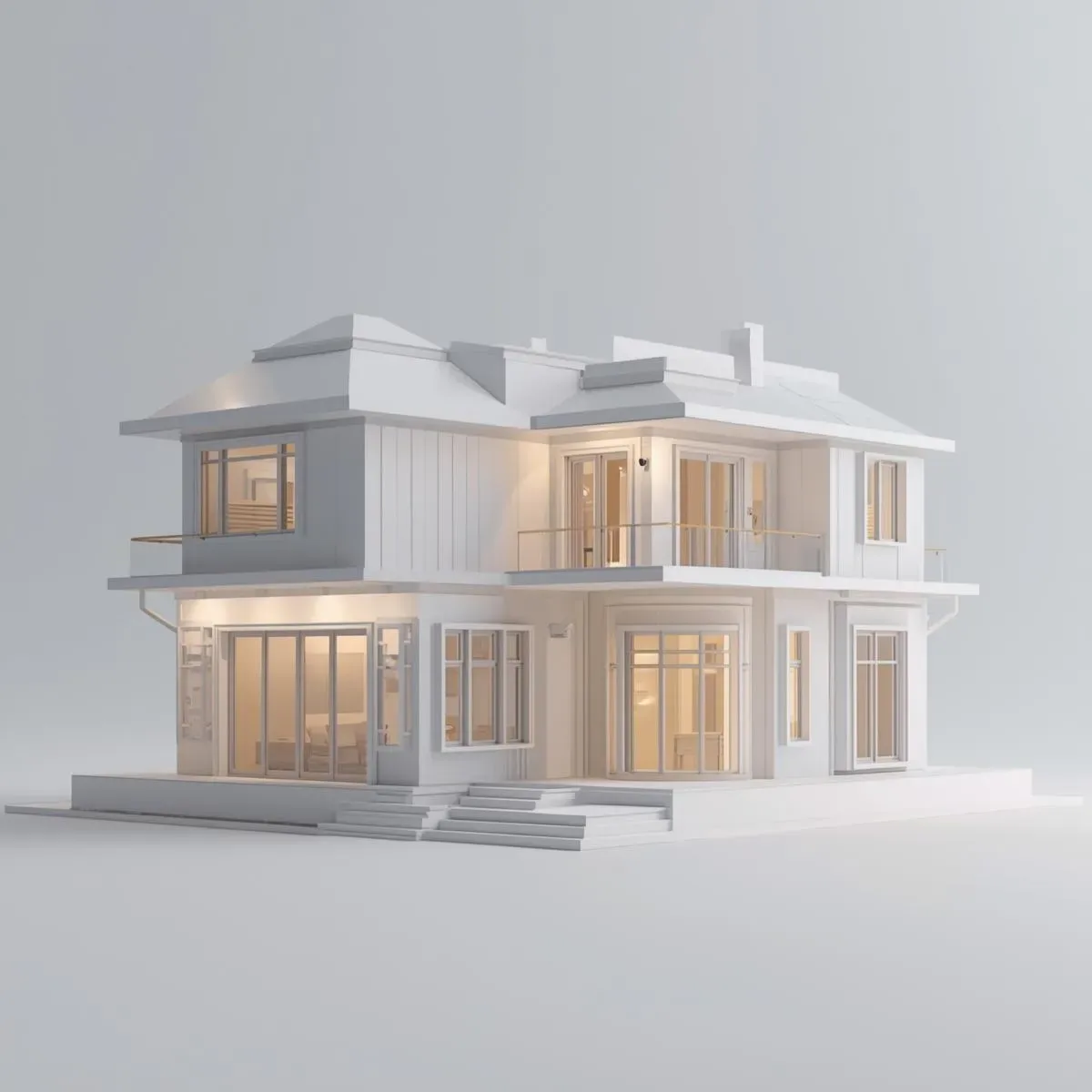
Why Photorealistic Rendering Matters for BIM Projects
Presenting BIM models with 3D wireframes or plain sections is not enough for non-architect clients. Photorealistic rendering lets clients visualise the finished project before construction begins, reducing post-drawing revisions and increasing the sales conversion rate.
Lumion: Real-Time Speed
Strengths: real-time viewport rendering with instant adjustments, the largest asset library (8,000+ objects), the easiest animation workflow for beginners, Lumion for Revit Live Sync (model updates from Revit → Lumion instantly without re-importing), and 4K still renders in 2–10 minutes (GPU-based).
Weaknesses: highest price (~100,000 THB/year for Pro), demands a powerful GPU (RTX 3080 or above recommended), image quality below V-Ray for hyper-realistic work, and material library overlap across collaborative projects.
Best for: architects who prioritise speed for presentations and client meetings.
Enscape: Real-Time + VR + Easiest to Use
Strengths: lives inside Revit as a plugin — press one button to see a live 3D view without leaving the application. VR support via Oculus Quest or HTC Vive, a Standalone Viewer that lets clients walk through the model without installing software, price of ~40,000–60,000 THB/year (lower than Lumion), and the lowest learning curve of the three — usable within 1–2 hours.
Weaknesses: smaller asset library (2,000+ objects), less material control for hyper-realistic work, and less flexible animation than Lumion.
Best for: Thai architects wanting ease of use, VR presentations, and a standalone viewer to send directly to clients.
V-Ray for Revit: Professional Image Quality
Strengths: best image quality through path tracing, physically accurate lighting, and HDRI; deep material control (VRayMtl, SSS, displacement, fur); hybrid GPU + CPU rendering; price of ~30,000–50,000 THB/year (V-Ray Solo).
Weaknesses: steepest learning curve (lighting setup, GI, caustics required); longest render times (4K still: 15–60 minutes); no real-time preview like Lumion/Enscape; animation requires a render farm or powerful GPU cluster.
Best for: high-end visualisation, interior design presentations, and international-level portfolios.
Workflow: BIM to Walkthrough Animation
Clean model: hide annotations and structural details not needed for rendering; create a dedicated Revit view for renders.
Material assignment: set materials in Revit first (material names must match the renderer library).
Live sync or export: use Live Sync (Lumion/Enscape) or export FBX/IFC (V-Ray).
Camera path: define the walkthrough with keyframe cameras.
Render queue: render all frames (24fps × 60 seconds = 1,440 frames) — use a render farm for tight deadlines.
Post-processing: colour grade and add music in Adobe Premiere or DaVinci Resolve.
Pricing and ROI for Thai Architecture Firms
Renderer investment: 30,000–100,000 THB/year. Better presentations help win larger projects — mid-sized Thai firms estimate photorealistic rendering increases their win rate by 15–25%.