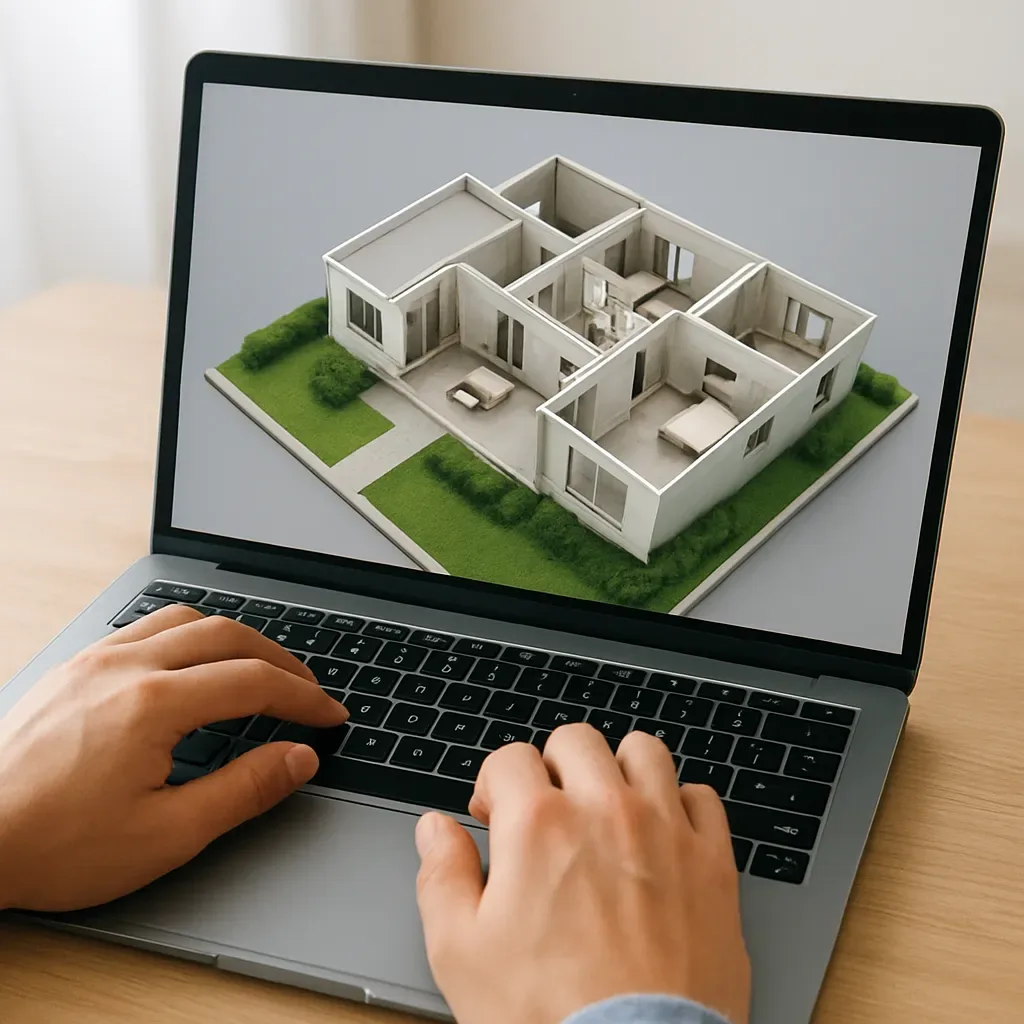
Why AR/VR Is a Game-Changer for Smart Home Sales
Selling smart home systems presents a unique challenge: clients must imagine how invisible systems — automations, scenes, integrated lighting — will function in their own homes. This imagination gap is the primary cause of lost sales and post-sale buyer regret.
Problems with traditional selling:
- Showrooms are not the client’s home — hard to visualize
- Photos and brochures are flat and fail to convey experience
- Clients fear wrong decisions because they have never seen the actual result
- Post-sale cancellations are high when expectations meet reality
What AR/VR solves:
- Clients walk through a 3D model of their own home with the planned smart systems installed
- They see exact sensor, switch, camera, and lighting positions
- They experience scenes — dim lights, adjust temperature, lock doors — before signing
4 Tiers of AR/VR Technology for Smart Homes
Tier 1: Web-Based 360° Virtual Tour Best for: All projects, easy entry point
Tools:
- Matterport ($65-100/month) — Shoot with 360° camera, auto-generates Dollhouse View
- Kuula ($16/month) — Upload 360° images, embed in any website
- Cupix ($30-50/month) — Architecture and construction focus
Advantage: Works on any mobile or desktop browser, no special hardware
Tier 2: Interactive 3D Model (WebGL) Best for: Pre-construction projects
Tools:
- model-viewer (Google) — Free .glb/.gltf embed in any webpage
- SketchUp Viewer — View SketchUp files in browser
- Three.js Custom — Build fully custom interactive experiences
Sample HTML embed:
<model-viewer
  src="/models/smart-home-demo.glb"
  ar ar-modes="webxr scene-viewer quick-look"
  camera-controls
  shadow-intensity="1"
  style="width: 100%; height: 500px;">
</model-viewer>
Advantage: iOS AR via Quick Look, Android AR via Scene Viewer — free
Tier 3: Smartphone AR (Place in Real Room) Best for: Individual device previews
Tools:
- Apple AR Quick Look — USDZ format, works directly in iPhone Safari
- Google Scene Viewer — .glb format on Android
Clients can place a virtual Smart Panel or sensor in their actual room to verify size and position before ordering.
Tier 4: VR Headset Full Immersion Best for: Showroom, high-value projects
Tools:
- Meta Quest 3 (15,000-18,000 THB)
- Unity/Unreal Engine for scene building
- Oculus for Business for enterprise deployment
Highest impact but requires hardware at the showroom.
Measuring Results: Conversion Rate Uplift
Data from smart home builders using virtual tours:
- Conversion rate +40-60% vs. brochure and photos alone
- Average order value +20-30% as clients visualize and add package upgrades
- Post-sale cancellations -35% with expectation alignment
- Sales cycle -15-25% as client confidence builds faster
Implementation Plan
Month 1: Start with Web 360°
- Shoot with Ricoh Theta SC2 (6,000 THB) at showroom or reference project
- Upload to Kuula or Matterport
- Embed on service pages
Month 2: Add Interactive 3D Model
- Export .glb from SketchUp
- Add model-viewer to project pages
- Test iOS AR Quick Look
Month 3: VR Demo at Office
- Purchase Meta Quest 3 for showroom
- Build scene from SketchUp via Oculus for Business
- Present to high-value clients
Conclusion
A 6,000-20,000 THB investment in virtual tour capability can increase revenue 40-60% across every project. Few Thai smart home providers offer this yet — making it a clear competitive differentiator for those who move first.