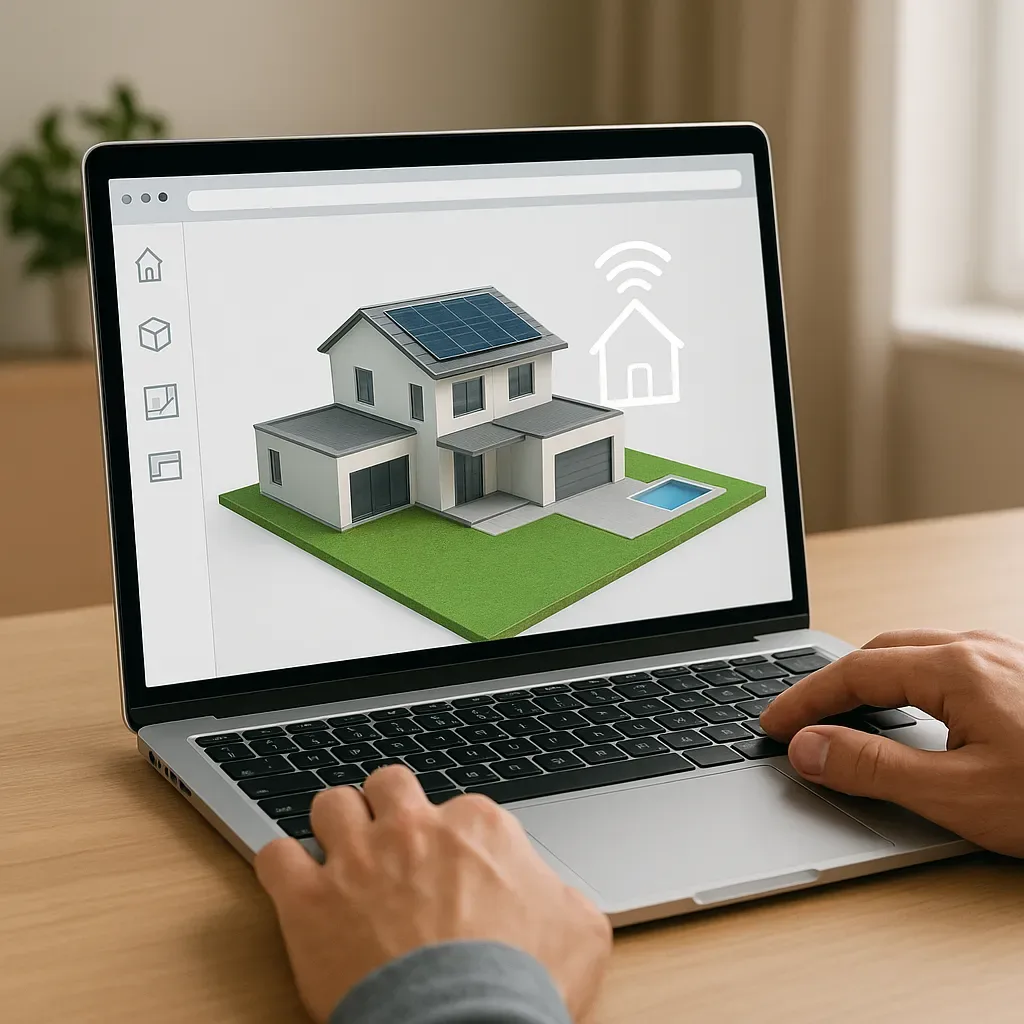
The As-Built Drawing Problem in Thai Homes
Most completed homes in Thailand lack accurate as-built drawings. Contractors provide rough sketches or nothing at all. When problems arise — a leaking pipe, electrical fault, or renovation need — technicians must guess the location of conduits and cables. The hidden costs are significant:
- Cost of drilling the wrong wall location: 2,000-5,000 THB per attempt
- Patching the incorrectly drilled wall: 1,500-3,000 THB
- Technician time waste: 2-4 hours per incident
A 3D Digital Twin resolves this by accurately recording every system after construction.
What Digital Twin Means for a Residential Home
In this context, a Digital Twin is a 3D model that:
- Matches the as-built reality: records exact positions of pipes, wires, conduits, and every device
- Links to live data: displays real-time sensor status overlaid on the 3D model
- Carries metadata: each 3D object contains model number, installation date, warranty expiry
Building the Digital Twin After Construction
Step 1: As-Built Survey After construction and before wall closures — photograph and record:
- Every water pipe — size and material
- Every electrical circuit back to the DB box
- All smart home conduit runs (LAN, HDMI, control cable)
- Every device location: switches, sensors, panels
Step 2: Build 3D Model (SketchUp or Revit)
- Overlay pipe and cable positions on floor plan
- Add dimensions and layer each system separately
- Export as IFC or 3D PDF for archive storage
Step 3: QR Code System Attach QR codes to every device — scanning reveals:
- Location in the 3D model
- Manual PDF
- Installation date + warranty expiry
- Maintenance history log
Connecting the Digital Twin to Home Assistant
yaml
# custom_component: floorplan
lovelace_gen: true
type: custom:floorplan-card
config:
  image: /local/floorplan/house_3d.svg
  stylesheet: /local/floorplan/house.css
  rules:
    - name: HVAC Status
      entities:
        - sensor.living_room_temp
        - sensor.bedroom_co2
      element: hvac_zone
      state_action:
        action: call-service
        service: homeassistant.toggle
Home Assistant Floorplan Card displays sensor status on a 2D/3D floor plan in real time.
Case Study: Maintenance Savings in Bangkok
A two-storey Bangkok home using a Digital Twin post-construction:
Incident 1: Water pipe leaking inside bedroom wall
- Without Digital Twin: technician drilled 3 wall locations before finding pipe. Cost: 18,000 THB
- With Digital Twin: opened 3D model, saw pipe position, drilled correctly first time. Cost: 4,500 THB
- Saving: 13,500 THB
Incident 2: Adding new LAN cable run
- Without Digital Twin: technician guessed available conduit routes, spent 4 hours
- With Digital Twin: opened conduit layer, found 2 spare conduits immediately, completed in 45 minutes
- Time saving: 3+ hours
Digital Twin ROI:
- Build cost: 15,000-30,000 THB (two-storey detached house)
- Payback: typically recovered in the first 1-2 maintenance incidents requiring locating