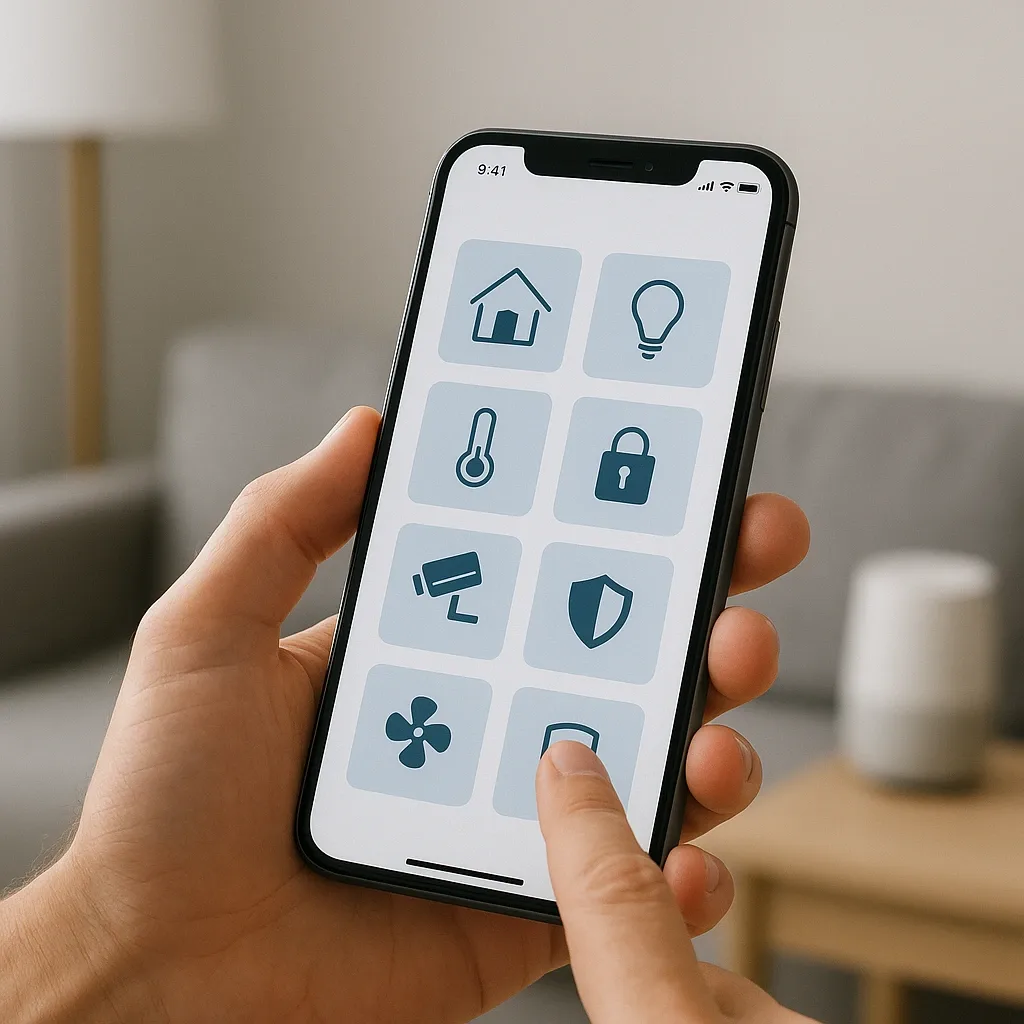
Why iPhone Users Can Choose Home Assistant
Many Thais use iPhone as their primary device and assume they must choose between Apple HomeKit and Home Assistant. In reality, both can be used together through HomeKit Bridge.
HomeKit Bridge makes all Home Assistant devices appear automatically in the Apple Home app:
- Control through Apple Home app
- Siri voice commands in Thai
- Automate through iOS Shortcuts
- Display on Apple Watch
- Works with HomePod Mini as a Home Hub
Installing HomeKit Bridge in Home Assistant
yaml
# configuration.yaml
homekit:
  - name: HomeAssistant Bridge
    port: 21063
    filter:
      include_domains:
        - light
        - switch
        - climate
        - lock
        - cover
        - sensor
        - binary_sensor
        - alarm_control_panel
    entity_config:
      light.living_room:
        name: Living Room Light
      climate.bedroom_ac:
        name: Bedroom AC
After HA restarts, a QR code appears for pairing with iPhone in the Apple Home app.
Siri Shortcuts with Home Assistant
Siri Shortcuts can trigger HA automations or scripts directly through the HA API:
Example Siri Shortcuts in Thai:
- Say: "Hey Siri เปิดโหมดกลางคืน" → calls HA Script: good_night_routine
- Say: "Hey Siri ออกจากบ้าน" → triggers HA Scene: away_mode
- Say: "Hey Siri บ้านเป็นยังไง" → returns home status summary from HA
Steps to create a Siri Shortcut for HA:
- Open Shortcuts app on iPhone
- New Shortcut → Add Action → Web Request
- URL: http://[HA-IP]:8123/api/services/script/good_night
- Method: POST
- Headers: Authorization: Bearer [Long-Lived Token]
- Name the shortcut
- Add to Siri → record your Thai phrase
iOS Focus Mode → HA Scene Automation
iOS Focus modes (Do Not Disturb, Work, Personal, Sleep) can trigger HA automations through Shortcuts Automation:
Work Focus activates → WFH Focus Mode in HA:
- iOS Shortcuts: when Work Focus turns on → call HA scene.wfh_focus
- HA: adjusts lighting to 4,500K at 80%, AC to 23°C, ERV to 60%
Sleep Focus activates → Good Night Routine:
- iOS Shortcuts: when Sleep Focus turns on → call HA script.good_night
- HA: turns off all lights, reduces AC, activates dim night light, locks front door
yaml
alias: "iOS Sleep Focus - Good Night"
trigger:
  - platform: webhook
    webhook_id: ios_sleep_focus_on
action:
  - service: script.good_night_routine
  - service: lock.lock
    target:
      entity_id: lock.front_door
  - service: climate.set_temperature
    target:
      entity_id: climate.bedroom_ac
    data:
      temperature: 26
  - service: light.turn_on
    target:
      entity_id: light.bedroom_nightlight
    data:
      brightness_pct: 5
      color_temp_kelvin: 2700
Apple Watch: Smart Home Control from Your Wrist
HA Companion App on Apple Watch displays:
- Key sensor status (CO2, PM2.5, temperature)
- Up to 4 Quick Action buttons
- Watch face complications
Recommended watch Quick Actions:
- 🔒 Lock All / Unlock Front
- 💡 All Lights Off
- ❄️ AC All Off
- 🚨 Emergency Alert
HomePod Mini: Thread Border Router for Thai Homes
HomePod Mini (3,900 THB) serves three purposes simultaneously:
- Home Hub: remote access for HomeKit devices
- Thread Border Router: supports Matter devices using Thread protocol
- Siri voice control: Thai-language voice commands
Ideal for homes combining Apple Ecosystem with Home Assistant.