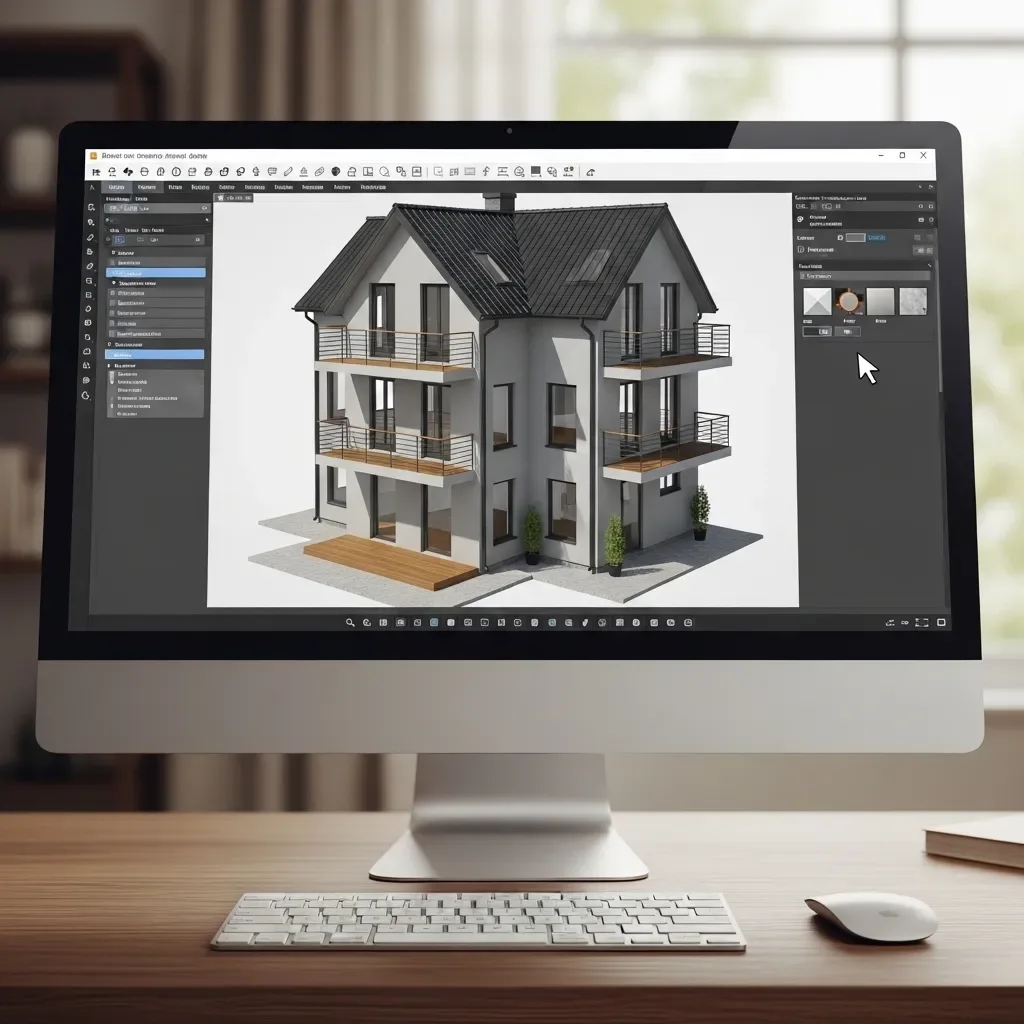
One of the most common mistakes in home design is falling victim to First Impression bias — choosing the first design that looks appealing without exploring alternatives. 3D software with Multi-variant Simulation capability addresses this systematically.
Style Variant Generation: Multiple Versions Simultaneously HappySmart AI Architect generates simulations of a home in multiple different styles from the same base structure simultaneously — Modern Minimalist, Tropical Modern, Japanese Wabi-sabi, and Traditional Thai Contemporary — using the same floor plan but applying different facades, materials, colors, and finishing details. This makes it clear which style best suits a lifestyle and budget.
Side-by-Side Comparison View Rather than viewing designs one page at a time, the system displays multiple variants simultaneously in a single window, alongside supporting data including estimated material costs, labor costs, and construction timelines for each variant. Decision-making is grounded in evidence rather than subjective preference alone.
Room-by-Room Interior Variants The system creates Interior Variants for each room as well — a living room in warm tones versus cool tones, a bedroom with full wall built-in storage versus an open plan with more usable space, or an open-plan kitchen versus an enclosed one. Interior comparison significantly reduces change-of-mind requests after contracts are signed.
Cost Comparison Per Variant Each Design Variant comes with an approximate Bill of Quantities (BOQ), showing homeowners the budget implications of each choice. For example, natural marble instead of ceramic tile may increase costs by 30%, but seeing this figure in advance enables rational decision-making rather than post-construction regret.
Stakeholder Voting: Inclusive Decision-Making For projects with multiple decision-makers — married couples, parents and adult children — the system supports Stakeholder Voting by sending each variant as a LINE link for individual votes. Results aggregate on a Dashboard, making the final decision democratic and ensuring no one feels overridden.
Comparison Timeline With AI accelerating each variant generation, the Multi-variant Comparison process that once required two to three weeks now completes within two to three business days, allowing projects to advance quickly without sacrificing decision quality.