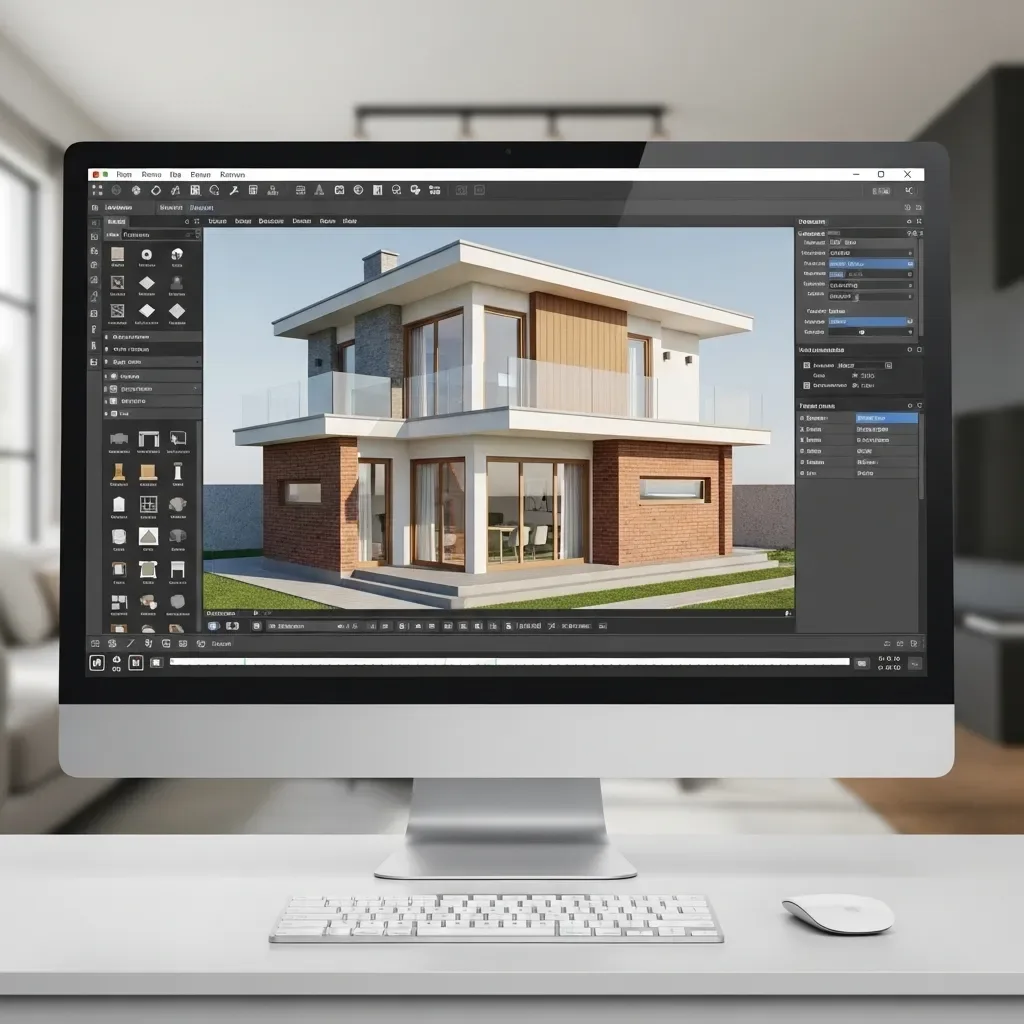
In the fields of architecture and interior design, images that immediately inspire confidence are the most critical factor in a client’s decision-making process. Older 3D software produced visuals that were clearly computer-generated, but today’s AI-Powered Rendering creates images clients struggle to distinguish from real photography.
Path Tracing Rendering: The Most Realistic Light Path Tracing technology simulates light behavior according to the laws of physics — reflections off marble surfaces, soft shadows cast by light filtering through sheer curtains, the golden warmth of evening sunlight entering a living room. Every lighting element is computed photon by photon, producing images that look like they were captured on a professional DSLR camera.
Up-to-Date Material Library HappySmart’s 3D design platform includes a Material Library of over 10,000 entries covering marble, natural wood, decorative fabrics, various tile patterns, and traditional Thai building materials. Every material carries full PBR (Physically Based Rendering) properties — Roughness, Metallic, and Normal Maps — ensuring renders accurately replicate how each material behaves in real light.
Camera Staging for Presentations HappySmart AI Architect automatically identifies the optimal camera angle for each room. The AI analyzes composition, selects the appropriate focal length, and adjusts Depth of Field for a natural appearance. Clients always see rooms from their most flattering angle rather than an arbitrary viewpoint that makes spaces feel cramped.
360° Virtual Tour for Immersive Experience Beyond static renders, the system produces 360° Virtual Tours that allow clients to walk through the home virtually using a smartphone or VR headset. This makes remote project presentations via LINE or Zoom as effective as bringing the client to the actual site.
Faster Renders with GPU Cloud High-quality Photorealistic Renders once required four to eight hours per image on standard hardware. HappySmart’s GPU Cloud Rendering reduces this to 15 to 30 minutes per image, enabling architects and designers to revise and iterate rapidly during live client meetings.
Measurable Presentation ROI Architects and design firms using Photorealistic Renders report a 40 to 60% higher Conversion Rate from presentation to signed contract compared to presenting with 2D plans or flat-shaded 3D models, because clients develop clear confidence and make decisions more readily.