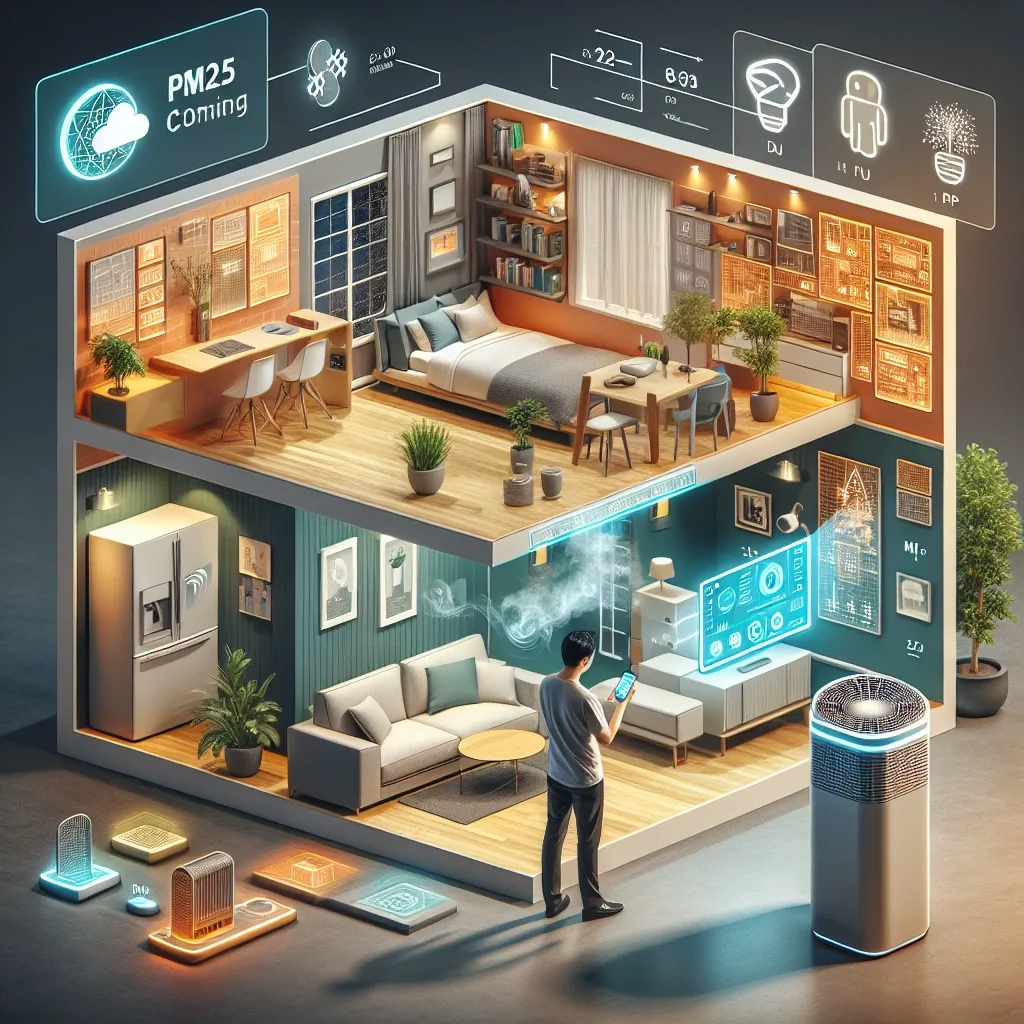
The PM2.5 Problem Indoors and Why Technology Helps
PM2.5 in Bangkok doesn't stop at your doorstep. Particles smaller than 2.5 micrometers infiltrate through ventilation gaps, wall cracks, and imperfectly sealed windows constantly. Indoor activities also generate PM2.5 — cooking, scented candles, incense, and laser printers all contribute to indoor pollution that many residents underestimate.
The key difference between manual management and Smart Home systems is continuity. A Smart Home monitors and responds around the clock without missing the hours when you're asleep or away. Today's technology is increasingly accessible, and a single investment delivers long-term health and quality-of-life returns that outweigh the upfront cost.
Smart Air Purifiers — The Primary Defense
Smart air purifiers differ from standard models by having built-in PM2.5 sensors that automatically adjust fan speed. When the sensor detects rising PM2.5, the machine accelerates immediately and slows when air is clean — saving energy and extending filter life compared to running at a fixed speed continuously.
When selecting a smart purifier, consider CADR matched to room size (formula: room area in sqm × 2.5), HEPA H13 or better filtration, and Wi-Fi or Zigbee connectivity for Smart Home integration. Models supporting Xiaomi Mi Home, Tuya, or Matter connect directly to Home Assistant. Position units at least 20cm from walls, at 0.5-1.5m height, away from AC airflow or windows.
Air Quality Sensors — The System's Eyes
Air quality sensors are the intelligence layer that makes Smart Home responses accurate rather than guesswork. A quality sensor should measure PM2.5, CO2, humidity, and temperature simultaneously, pushing data to a smartphone app every 1-5 minutes.
Popular Home Assistant-compatible options include the Xiaomi Mi Air Quality Monitor (PM2.5 plus humidity plus temperature), Aqara Air Quality Monitor (TVOC plus CO2 plus humidity plus temperature), and Airthings Wave Mini (TVOC plus CO2 plus humidity plus temperature, Matter-compatible). Install at 1-1.5m height, at least 1 meter from windows and doors for representative readings.
Home Assistant — Air Quality Command Center
Home Assistant makes all devices work together intelligently. High-impact automation examples: when indoor PM2.5 exceeds 35 μg/m³, increase all air purifiers to High speed and send a LINE Notify alert; when PM2.5 drops below 12 μg/m³, return to Auto mode; when Presence Detection shows nobody home, switch to energy-saving mode.
Setup requires Home Assistant on a Raspberry Pi 4 or Home Assistant Green, with Xiaomi Miot Auto or Tuya integration added. Automations are created in Settings → Automations. A dashboard displaying 30-day air quality history graphs allows ongoing trend analysis and system optimization — revealing which times of day or year require more intensive management.
Installation Steps and Expected Results
Installing a PM2.5 Smart Home system follows four steps: select Wi-Fi or Zigbee-compatible purifiers; install air quality sensors in bedrooms and living areas; connect all devices to Home Assistant; then configure automation rules with appropriate thresholds.
After installation, indoor PM2.5 should consistently stay below 15 μg/m³ even during burning season when outdoor levels reach 80-100 μg/m³. Allergy and asthma symptoms in residents typically decrease noticeably, and sleep quality improves when bedroom PM2.5 is consistently maintained at safe levels throughout the night.