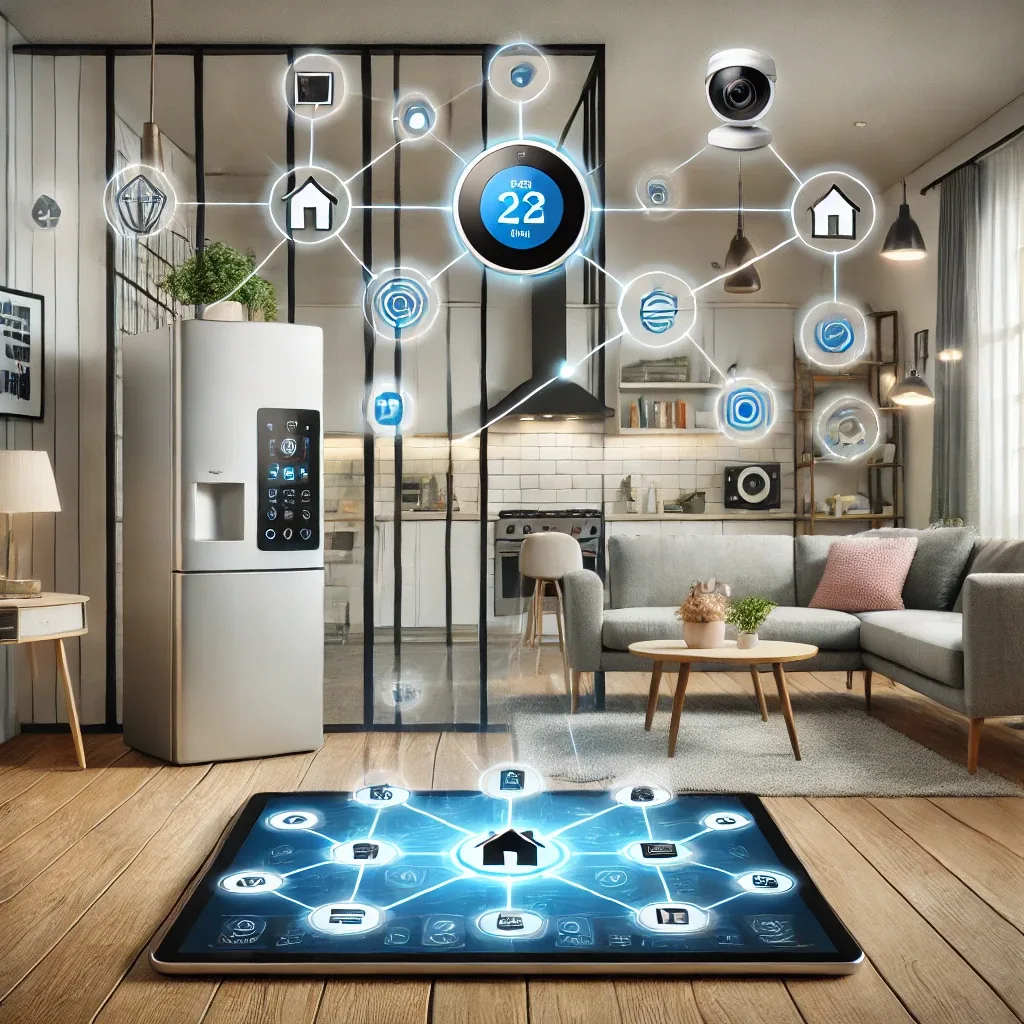
What Is IoT and How Does It Work in the Home?
The Internet of Things (IoT) is a network of devices that connect and communicate over the internet, enabling remote control and monitoring. In a typical home, IoT devices span several categories: sensors (temperature, humidity, PM2.5, motion), smart appliances (lights, air conditioners, refrigerators), security cameras, and health devices such as wearables and SpO2 monitors.
Choose a Compatible Platform First
Selecting a central control platform is the most important decision in any IoT deployment. Major options include Google Home for Android and Google ecosystem users, Amazon Alexa for those who prioritize comprehensive voice control, Apple HomeKit for iPhone and iPad households, and Home Assistant for those who need full local control with maximum privacy.
Choosing devices that support Zigbee or Z-Wave protocols significantly reduces compatibility issues and consumes far less power than Wi-Fi devices.
IoT Device Installation Steps
A proper installation starts with preparing the device and reviewing specifications, then connecting to Wi-Fi and verifying signal strength at the installation location, downloading the appropriate app and creating an account, configuring the device per the manufacturer guide, and testing before considering it complete.
A critical technique is naming devices clearly and consistently — Bedroom Light, Living Room Sensor — to make voice control and automation setup straightforward.
Creating Effective Automations
The greatest value of IoT lies in automations that make your home genuinely self-managing. Popular automations include: when you leave home (GPS presence detection), turn off all lights, set AC to away mode, lock the door, and activate cameras; when you return, welcome lighting activates, temperature adjusts, and the door unlocks; when PM2.5 exceeds 35 μg/m3, air purifiers activate automatically.
Maintenance and Security
Good IoT maintenance includes regularly checking and updating firmware to patch security vulnerabilities, periodically verifying Wi-Fi connectivity, restarting devices showing connection issues, using strong passwords for Wi-Fi networks (WPA3 where supported), disabling unused features, and separating the IoT network from your main network using a VLAN or guest network.
Energy Savings with IoT
A well-configured IoT system delivers meaningful electricity bill reductions through real-time energy monitoring, scheduling high-consumption appliances during off-peak tariff periods, and automatic shutoff automations for devices left idle. HappySmart configures all of these systems for clients as part of every installation.