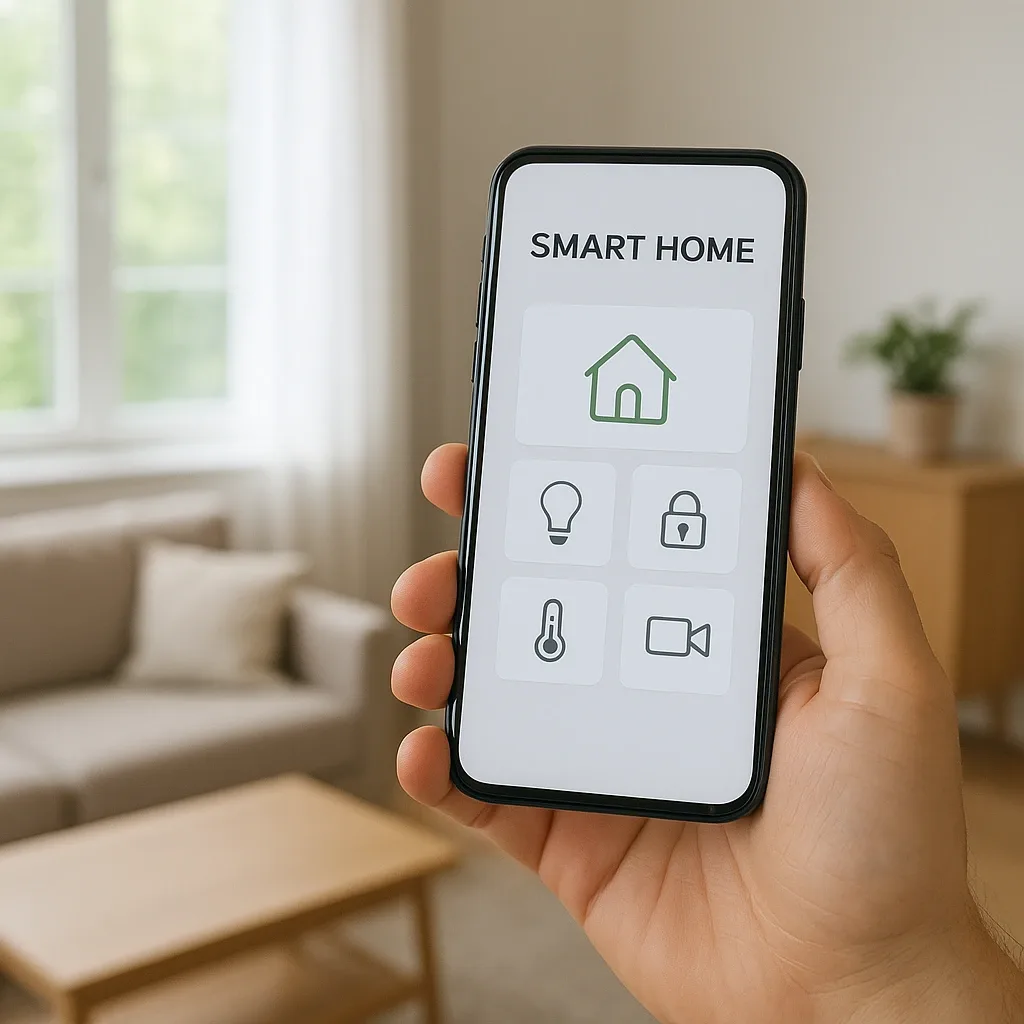
The Multi-App Smart Home Problem
One of the most common smart home mistakes is purchasing devices from multiple brands that each require separate apps. Users end up with one app for lighting, another for cameras, and a third for door locks — a fragmented experience that makes the supposedly smart home feel more complicated than a traditional one. For elderly residents with limited technology confidence, this complexity is a real barrier.
SmartHomeThailand solves this by consolidating all devices into a single platform. But which platform? Google Home, Apple HomeKit, and Home Assistant each serve different user profiles with meaningful trade-offs.
Three-Platform Comparison
Google Home excels in Thai-language voice recognition through Google Assistant, works well with Android households, and requires no hardware investment. However, it depends entirely on internet connectivity, stores all data on Google’s servers, and offers limited automation complexity.
Apple HomeKit provides the most seamless experience for iPhone and iPad users, with Thread network support enabling partial local operation. Its ecosystem requires Apple devices and restricts integration to Matter and HomeKit-certified products — limiting device choice for Thai buyers who often mix brands.
Home Assistant runs entirely on local hardware (a Raspberry Pi 4 or Intel NUC, 2,500–5,000 THB), operates fully offline, keeps all personal data on-premises, and integrates with over 3,000 device brands including Zigbee, Tuya, Xiaomi, Aqara, Philips Hue, and Thai-market brands. Automation logic can be as simple or complex as needed.
Why HappySmart Recommends Home Assistant
Four advantages make Home Assistant the right choice for Thai families:
First, it operates fully when the internet fails — a common occurrence in Bangkok. Google Home and Alexa become non-functional during outages, while Home Assistant continues running on the local network.
Second, all behavioral data — elderly resident movements, health sensor readings, camera events — remains on the home server and never transmits to foreign cloud services, aligning with Thailand’s PDPA data privacy requirements.
Third, it unifies every device brand in a single interface regardless of manufacturer or communication protocol. Thai homes typically accumulate mixed-brand devices; Home Assistant bridges them all.
Fourth, automation logic can execute conditional logic impossible in Google Home: "If the elderly resident has not triggered any motion sensor between 07:00 and 11:00 on a weekday, notify the family group and call the designated emergency contact."
Elderly-Optimized Mobile Dashboard Design
Dashboard design for elderly users differs fundamentally from standard smart home interfaces. HappySmart applies four principles: oversized touch targets (minimum 48×48 dp for arthritic fingers), high-contrast color schemes (white on dark or black on white — no pastel colors), minimal primary screen containing only four to six essential controls (lights, air conditioning, door, camera), and voice control supplements via Google Home Mini or Amazon Echo Dot placed at the bedside for hands-free operation.
LINE as the Control Interface
For families unfamiliar with the Home Assistant app, HappySmart connects Home Assistant to a LINE Official Account. Family members can send commands directly in LINE chat — "turn off all lights" or "home status now" — and receive instant responses. This leverages Thailand’s dominant messaging platform rather than requiring users to learn new apps, making genuine one-app home control accessible to every generation.