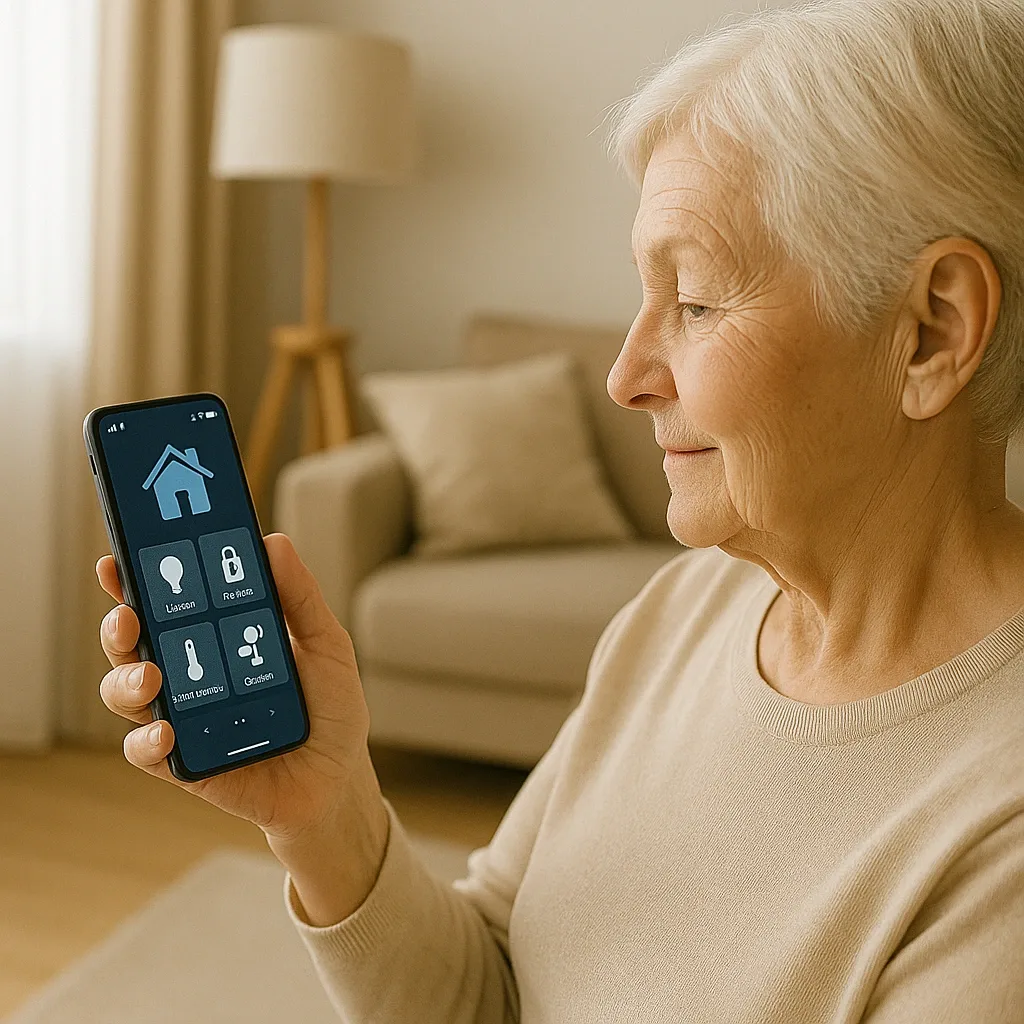
The Real Problem with ’One App Controls Everything’ for Elderly Users
The phrase ’single app for everything’ sounds appealing, but for Thai elderly users it comes with critical conditions that are frequently overlooked. UX research on Thai elderly users finds that those aged 60 and above need minimum font size of 16px, touch targets of at least 80×80 pixels per WCAG 2.1 standards, and no more than 4–5 functions visible on a single screen. Most smart home apps are designed for 25–35-year-old users comfortable with complex UIs. Selecting an app for elderly users therefore requires evaluating factors beyond feature lists.
Home Assistant Companion App: Powerful but Requires Configuration
Home Assistant Companion connects iPhone and Android devices to a Home Assistant server hosted inside the home. Its most important advantage for Thai context is local processing — the entire system runs on a Raspberry Pi 4 or mini PC; even without internet, devices remain fully controllable. Dashboards are fully customizable through the Lovelace UI, allowing a system administrator to build an elderly-specific screen: large fonts, wide buttons, and only essential functions such as lights, AC, and a call-family shortcut. The downside is that initial setup is complex, requiring either a technically capable family member or a paid integrator.
Google Home: Easy to Use but 100% Cloud-Dependent
Google Home offers a clean interface, fast learning curve, and reasonably good Thai-language Google Assistant support. However it carries two critical limitations for Thai elderly users: the system is 100% cloud-dependent, meaning many devices become uncontrollable during internet outages even on the same Wi-Fi network; and camera data routes to Google servers outside Thailand, which may conflict with PDPA requirements for in-home surveillance footage. Google Home suits families who need to start quickly without complex configuration.
Vendor Apps: Convenient but Siloed
Manufacturer apps — Tuya Smart, Mi Home, Aqara — work well within their own ecosystems but rarely communicate across brands. A family buying devices from multiple vendors ends up managing multiple apps, which is disorienting for elderly users. The optimal solution is using Home Assistant as a central hub that pulls all devices from all vendor ecosystems into a single unified interface.
UX Checklist: How to Evaluate Any Smart Home App for Elderly Users
Before committing to an app, verify these six criteria: font size on the main screen at minimum 16px; primary buttons at minimum 80×80 pixels; offline mode functionality when internet fails; Thai-language push notifications; ability to create a dedicated elderly dashboard; and camera data processed locally without routing to overseas cloud servers. HappySmart meets all six by building on Home Assistant with a Thai-language elderly dashboard developed specifically for this use case.
Case Study: A Nonthaburi Family’s Grandmother Dashboard
A Nonthaburi family configured Home Assistant Companion with a dashboard tailored for their 78-year-old grandmother — three large buttons: AC on/off, bedroom lights on/off, and call family, each 120×80 pixels with 24px font. After three months of use, the grandmother operated it independently without calling for help. Family-assistance calls about electrical devices dropped from eight per week to one per week.