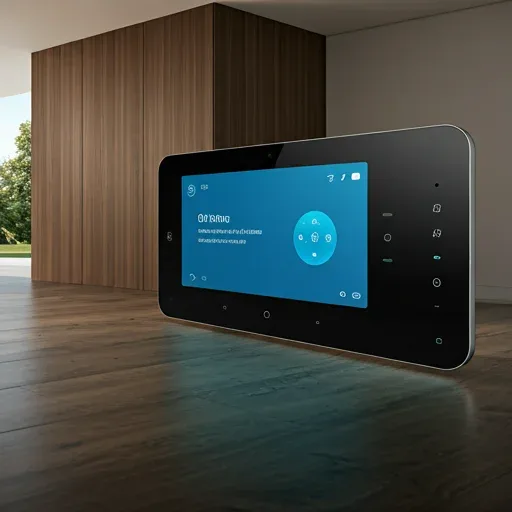
What Is IoT and Why Does It Matter for Modern Homes?
IoT (Internet of Things) means connecting home devices to the internet and to each other, enabling them to communicate and operate automatically. A modern IoT home is not simply "turning lights on from a phone" — it is a context-aware system that makes decisions on your behalf.
Three core benefits:
- Convenience: eliminates repetitive daily tasks
- Energy saving: auto-off devices reduce electricity bills by 15-35%
- Security: instant alerts when anomalies are detected
Home Assistant: The Core of a Home IoT System
Home Assistant is an open-source platform running locally on a Raspberry Pi. All data stays in your home — nothing goes to external cloud servers. It supports 3,000+ brands across Zigbee, Z-Wave, Wi-Fi, Bluetooth, and Matter Protocol.
Home Assistant strengths:
- 100% offline capable
- Complex automations via a simple UI
- Fully customizable Dashboard
- Raspberry Pi 5 support makes processing 2-3x faster than RPi4
Homebridge: The Apple HomeKit Bridge
If you use iPhone, iPad, or Apple TV and want to control everything through Siri or the Apple Home app, Homebridge is the best option.
Homebridge acts as a virtual bridge, converting protocols from devices that don't natively support Apple HomeKit into HomeKit-compatible devices — making Xiaomi Mi Sensors, Sonoff Switches, or Hikvision cameras appear in Apple Home and controllable via Siri.
Popular plugins:
- homebridge-xiaomi-roborock-vacuum: controls Xiaomi robot vacuums
- homebridge-hikvision: views CCTV cameras inside Apple Home
- homebridge-tuya: connects Tuya/Smart Life devices
Scrypt: Flexible Cross-Device Automation
Scrypt is a flexible automation platform designed for complex logic spanning multiple devices and platforms — for example, linking PM2.5 sensor readings to air purifier control while sending LINE notifications.
Scrypt is suitable for:
- Connecting systems that Home Assistant doesn't yet support
- Building advanced conditional logic
- Integrating external services such as LINE Notify, Google Sheets, and email
HappySmart: 4-Step Complete IoT Installation Process
Step 1: Survey and planning — HappySmart team assesses the home's electrical structure, internet connectivity, and existing devices.
Step 2: Hardware installation — RPi5 Hub placed, Zigbee Sensors, Smart Switches, and cameras installed per the plan.
Step 3: Configuration — Home Assistant, Homebridge, or Scrypt configured to requirements; family-specific Automations created.
Step 4: Training and Support — Mobile Dashboard training provided, with 24-hour support throughout the system's life.
With a complete IoT solution from HappySmart, your home becomes smarter, safer, and genuinely reduces your electricity bills.