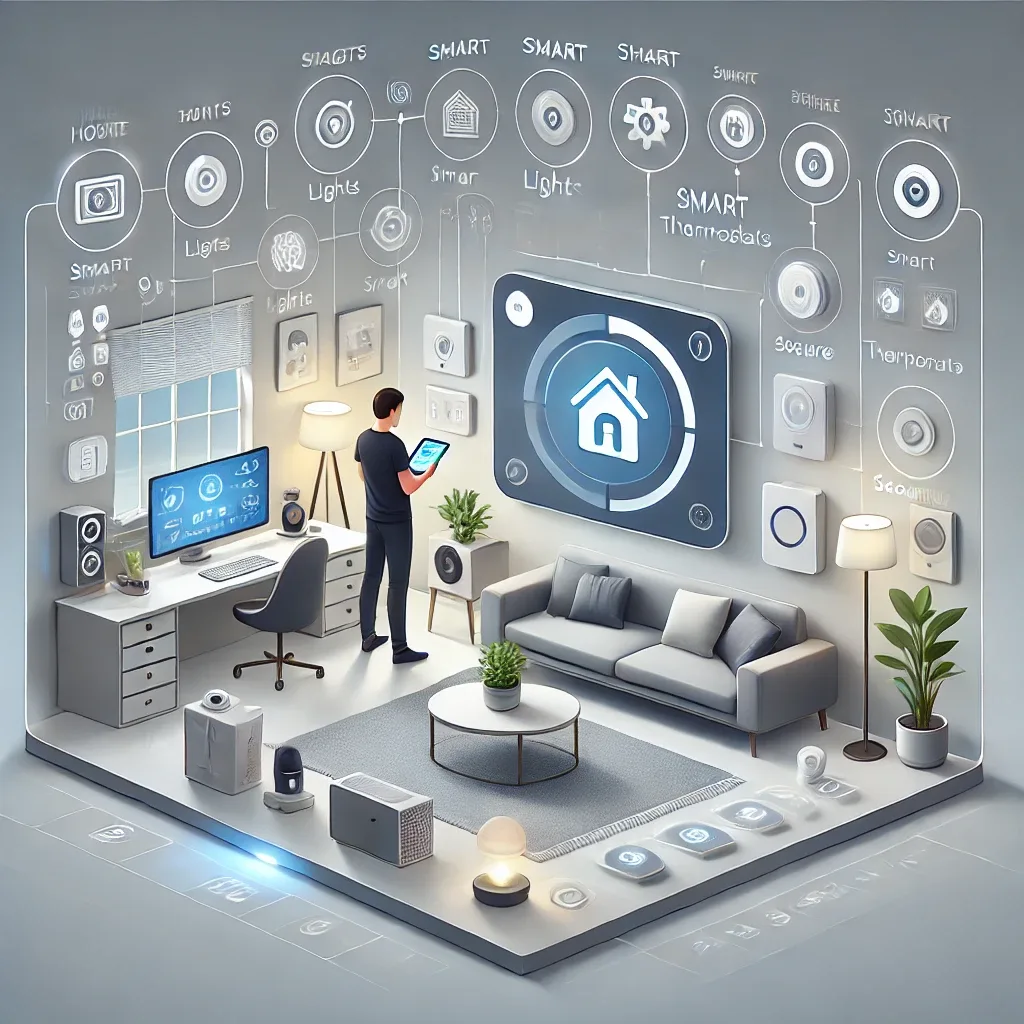
Home Assistant and HomeBridge for Beginners
The smart home dream often stalls at the first step — not knowing where to start, which device to buy first, or how to configure anything without being an engineer. HappySmart designed its installation service specifically for beginners to make entering the Smart Home world straightforward and genuinely effective.
Understanding Home Assistant and HomeBridge
Home Assistant (HA) is the world's most popular open-source Smart Home platform, running locally on Raspberry Pi or other devices. Supporting 3,000+ integrations across Zigbee, Z-Wave, Wi-Fi, Matter, and Bluetooth, its key advantage is that all data stays within your home — never sent to any company's cloud — with no monthly subscription fees.
HomeBridge is bridge software connecting IoT devices that don't natively support Apple HomeKit to the Apple Home ecosystem. iPhone and iPad users gain Siri control over all devices. HomeBridge typically runs as an add-on within Home Assistant, keeping everything manageable from one Dashboard.
What Beginners Should Know Before Installation
Check existing device compatibility — understand which protocol they use (Zigbee, Wi-Fi, Bluetooth) to select the right coordinator. Prepare the network properly: a router supporting VLAN to isolate IoT traffic from the main home network significantly improves both security and performance. Choose storage correctly: NVMe SSD over MicroSD provides far better durability and speed.
What HappySmart's Installation Service Covers
Step 1 — Free Consultation: analyzing requirements, home layout, budget, and designing the right architecture before purchasing anything.
Step 2 — Hardware Procurement: recommending and sourcing the best hardware at the right price for your use case, including Raspberry Pi 5, Zigbee dongle, and IoT devices.
Step 3 — Professional Installation: installing HAOS, HomeBridge, required add-ons, pairing all devices, building dashboards and automations per requirements.
Step 4 — User Training: teaching Dashboard navigation, mobile app usage, voice commands, and how to create additional automations independently.
Step 5 — After-Sales Support: LINE OA for urgent issues, monthly health checks, and system updates.
Benefits Beginners Gain from Professional Service
Time savings: rather than spending weeks self-studying and experimenting, HappySmart makes the system operational in 1–2 days. Risk reduction: security misconfigurations can make a home less safe rather than more — professionals guarantee correct operation from day one. Optimization: dashboards and automations built by experts significantly outperform default settings.
HappySmart believes everyone deserves a smart home that actually works — not a project permanently stuck in a YouTube tutorial queue.