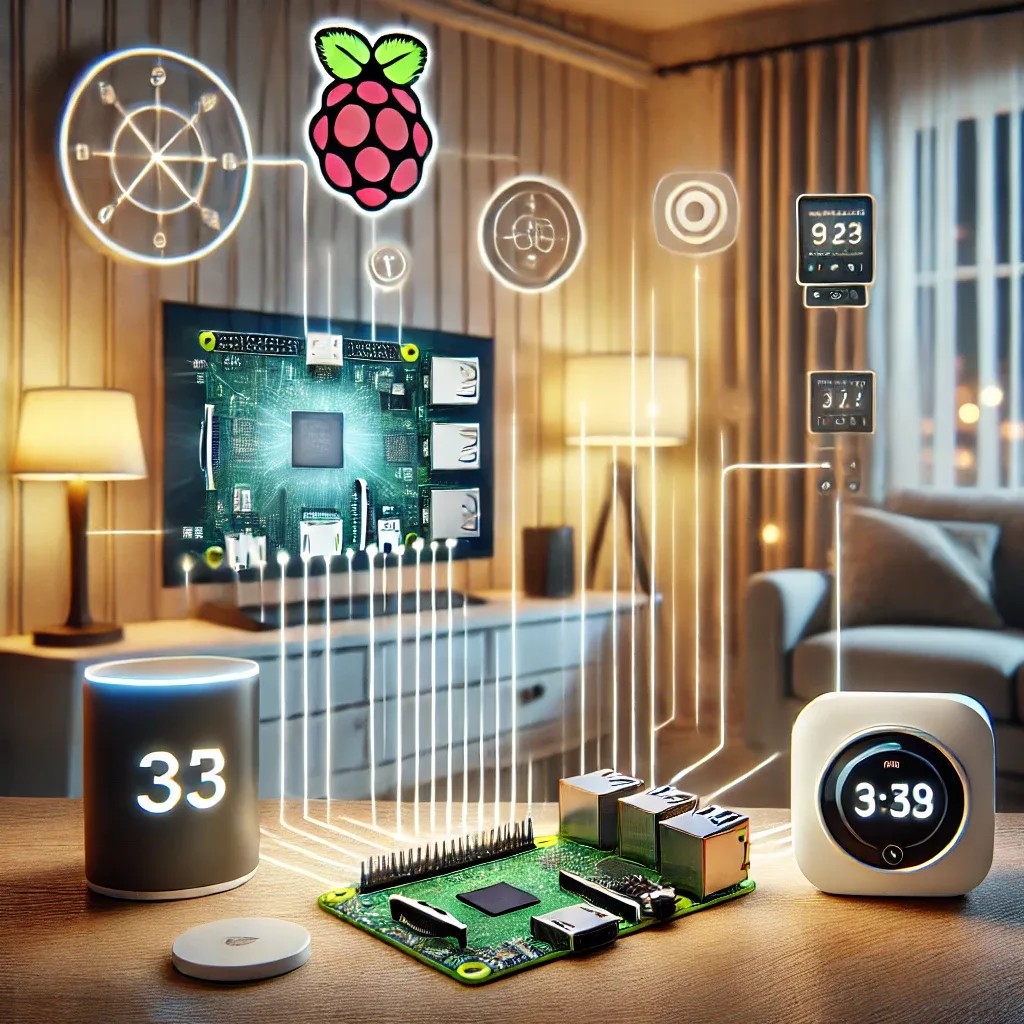
What Is Raspberry Pi and Why Use It for Smart Homes?
Raspberry Pi is a small, affordable computer that can serve as the central controller for smart home devices with impressive efficiency. Thanks to its accessible price point and large developer community, Raspberry Pi has become the go-to choice for those wanting to build smart home systems on a budget.
The main advantage of Raspberry Pi in smart home applications is its high flexibility. It supports multiple communication protocols including Wi-Fi, Zigbee, Z-Wave, and Bluetooth, enabling connection to smart devices from various brands without being locked into any single ecosystem.
Installing Raspberry Pi OS and Home Assistant
The first step is preparing the hardware: a Raspberry Pi 4 or 5, a microSD card of at least 32GB, a power adapter, and an HDMI cable for initial setup. Then download Raspberry Pi Imager to flash Raspberry Pi OS Lite onto the microSD card.
After the first boot, update all packages with sudo apt update && sudo apt upgrade, then install Docker to run the Home Assistant Container — a reliable and stable approach. Installing via Docker allows easy Home Assistant updates without affecting the underlying operating system.
Installing Home Assistant via Docker
Run docker run -d --name homeassistant --privileged --restart=unless-stopped -e TZ=Asia/Bangkok -v /home/pi/homeassistant:/config --network=host ghcr.io/home-assistant/home-assistant:stable to start the Home Assistant Container. Once running, access the Web UI at http://[RPi-IP]:8123, complete initial setup, create an admin account, and start adding devices.
For users in Thailand, set the timezone to Asia/Bangkok and optionally switch the interface to Thai for daily convenience.
Benefits of Using Raspberry Pi with Home Assistant
The key benefits of building a smart home with Raspberry Pi include the ability to control multiple devices simultaneously from a single platform, and the ability to configure complex automations without relying on external cloud services — meaning the system keeps working even during internet outages.
You can also connect environmental sensors for PM2.5, CO2, temperature, and humidity to create automatic alert systems. Remote control via the Home Assistant app on your smartphone means managing your home from anywhere, at any time.
Saving Energy with Automation
One of the standout features of Raspberry Pi with Home Assistant is building Energy Management Automations that genuinely reduce electricity bills. Examples include automatically turning off air conditioning when a room is empty, switching lights on/off based on time or natural light levels, and tracking per-device energy consumption through Smart Plugs.
HappySmart offers sensors and Smart Plugs that connect directly to Home Assistant on Raspberry Pi, making it straightforward to build automated energy-saving systems — backed by expert technical support from our team.