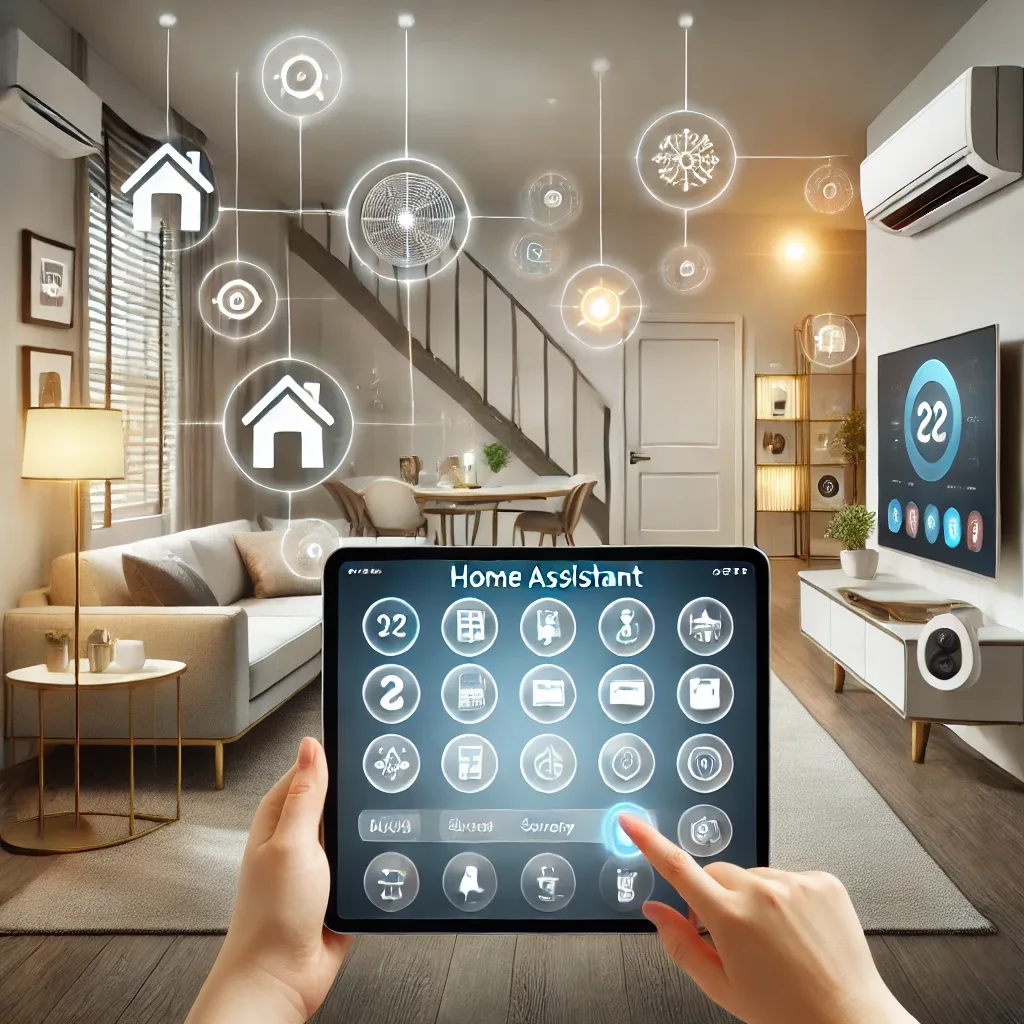
Why Home Assistant Is the Top Choice for Smart Home Management
When smart home devices come from hundreds of different brands each with their own app, the constant app-switching becomes a genuine daily frustration. Home Assistant solves this by serving as a central hub that integrates over 3,000 devices from every major brand — Philips Hue, Xiaomi, Google Nest, Sonos, and far beyond.
As an open-source platform developed by a global community, Home Assistant receives monthly feature additions and security updates. All data stays on your local network — never sent to external cloud servers — delivering privacy levels that cloud-dependent platforms simply cannot match.
Four Core Benefits of Home Assistant
Centralized control: Manage, toggle, adjust, and monitor every device through the Home Assistant Companion app on iOS or Android, or via any web browser — all from one interface without app-switching.
Powerful automation: Define rules that make devices respond intelligently — turn on lights at sunset, shut down the AC when rooms are empty, or send notifications when motion is detected while everyone is out.
Comprehensive security: Home Assistant's notification system integrates with CCTV cameras, smoke sensors, and smart locks to provide real-time situational awareness and instant alerts for defined events.
Energy savings: The energy dashboard visualizes electricity consumption per device, identifies high-usage equipment, and enables targeted automation to reduce unnecessary power draw.
Installing Home Assistant: Simpler Than Expected
Getting started requires compatible hardware — Raspberry Pi 5 is the most popular choice. Download Home Assistant OS via Raspberry Pi Imager, flash it to an SD card or SSD, insert into the RPi5, power on, then navigate to http://homeassistant.local:8123 in any browser. The entire process requires no command-line input.
After account setup, the system automatically scans the local network for IoT devices and suggests relevant integrations.
Building Automations With Home Assistant
Home Assistant automations follow a Trigger-Condition-Action model. For example: when a motion sensor detects movement (trigger) and the time is between 22:00-06:00 (condition), turn on hallway lights at 20% brightness (action). Users build these through the visual UI with no coding required.
Advanced users can use YAML or community Blueprints for complex scenarios. HappySmart's Home Assistant specialists are available to design and configure automation systems tailored to Thai home environments.