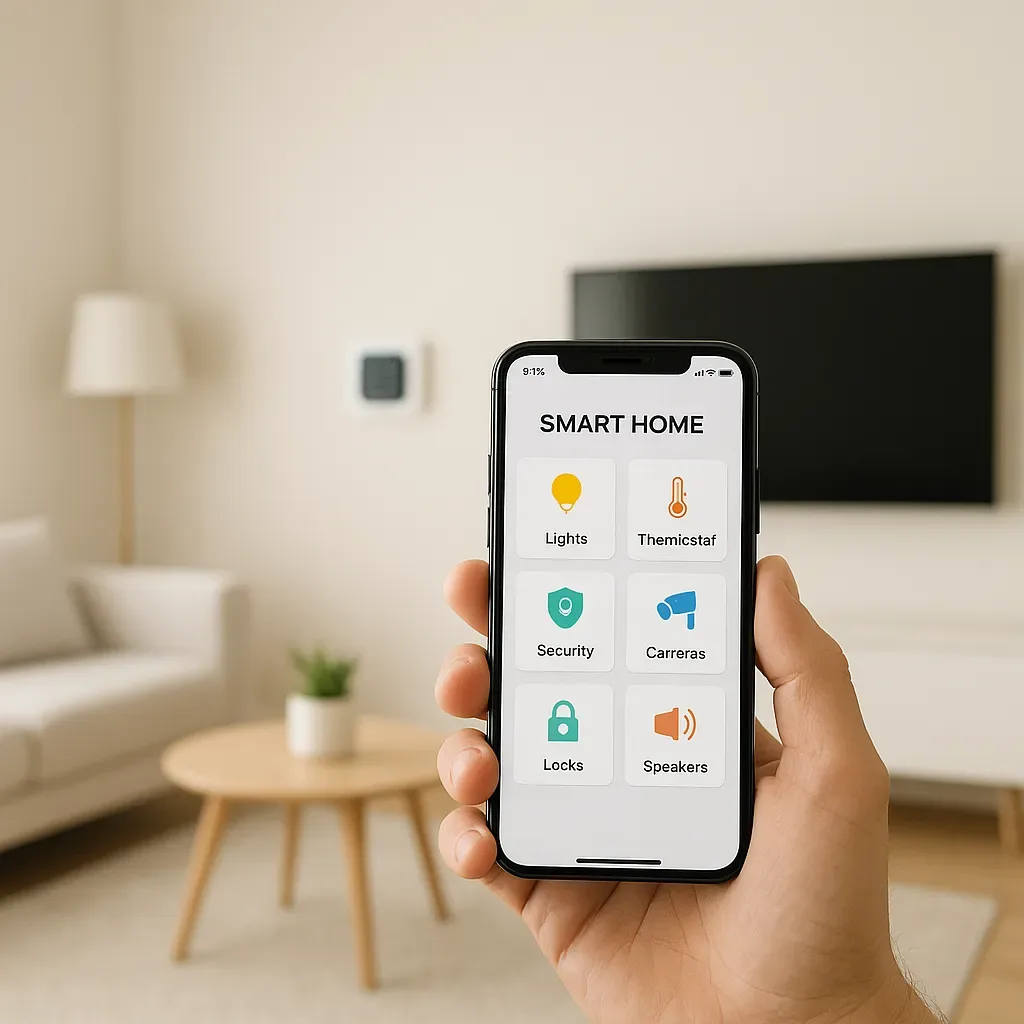
Why Voice Control Transforms Smart Home Use
App control is good, but voice control is a fundamentally different experience. Hands full, carrying groceries, or just too comfortable to reach for your phone — you just speak. It is also ideal for elderly users and those less comfortable with technology.
A good home in 2026 should support at least one voice control platform.
Comparing 3 Voice Assistants for Thai Smart Homes
Google Assistant
- Thai language: best support, accepts Thai voice commands natively
- Routines: easy to set up in Google Home App
- HA Integration: via Nabu Casa or manual Google Cloud setup
- Devices: Google Nest Hub, Nest Mini, all Android phones
- Best for: households primarily using Android
Apple Siri (HomeKit)
- Thai language: partial support, basic commands work
- Routines: Siri Shortcuts and Apple Home Automation
- HA Integration: HomeKit Bridge built into HA
- Devices: iPhone, iPad, Apple Watch, HomePod mini
- Best for: Apple-ecosystem households prioritizing privacy
Amazon Alexa
- Thai language: not yet supported (English only)
- Routines: highly complex Alexa routines possible
- HA Integration: Emulated Hue or Nabu Casa
- Devices: Echo Dot, Echo Show
- Best for: English-speaking households or bilingual families
Setting Up Google Assistant with Home Assistant
Easiest method: Nabu Casa
- Subscribe to Nabu Casa ($6.50/month)
- Enable Google Assistant in Nabu Casa Dashboard
- Link Google account in Google Home App
- Say "Hey Google, sync devices"
- All HA devices appear in Google Home immediately
Sample commands:
- "Hey Google, turn on the living room lights"
- "Hey Google, set the AC to 25 degrees"
- "Hey Google, activate Morning Scene"
- "Hey Google, what is the status of my home?"
Setting Up Siri with Home Assistant (HomeKit Bridge)
HA includes a built-in HomeKit Bridge integration:
- Go to Settings → Integrations → Add HomeKit Bridge
- Select entities to expose to HomeKit
- Scan the QR code with iPhone in Home app
- Entities appear in Apple Home and are immediately Siri-controllable
Special advantage: use Apple Shortcuts to build complex automations — e.g. when arriving home after 6 PM → activate Evening Scene.
Common Voice Routines
Google Routine: "I’m home"
- Say: "Hey Google, I’m home"
- Result: entrance lights on, door unlocked, living room AC on, news/weather briefing
Google Routine: "Good night"
- Say: "Hey Google, good night"
- Result: all lights off, doors locked, AC set to Sleep Mode, white noise starts
Siri Shortcut: "Work mode"
- Say: "Hey Siri, work mode"
- Result: home office light at 100%, do-not-disturb on, focus music starts
Device Naming Tips for Voice Control
Device names matter enormously for voice accuracy:
- Use short, natural names: "bedroom light" beats "Philips Hue Bedroom Strip Light E27"
- Always lead with room name: "living light", "bedroom AC", "front door lock"
- Avoid similar-sounding names: differentiate clearly to prevent misfire
Homes with well-named devices see 30-40% higher voice command accuracy.