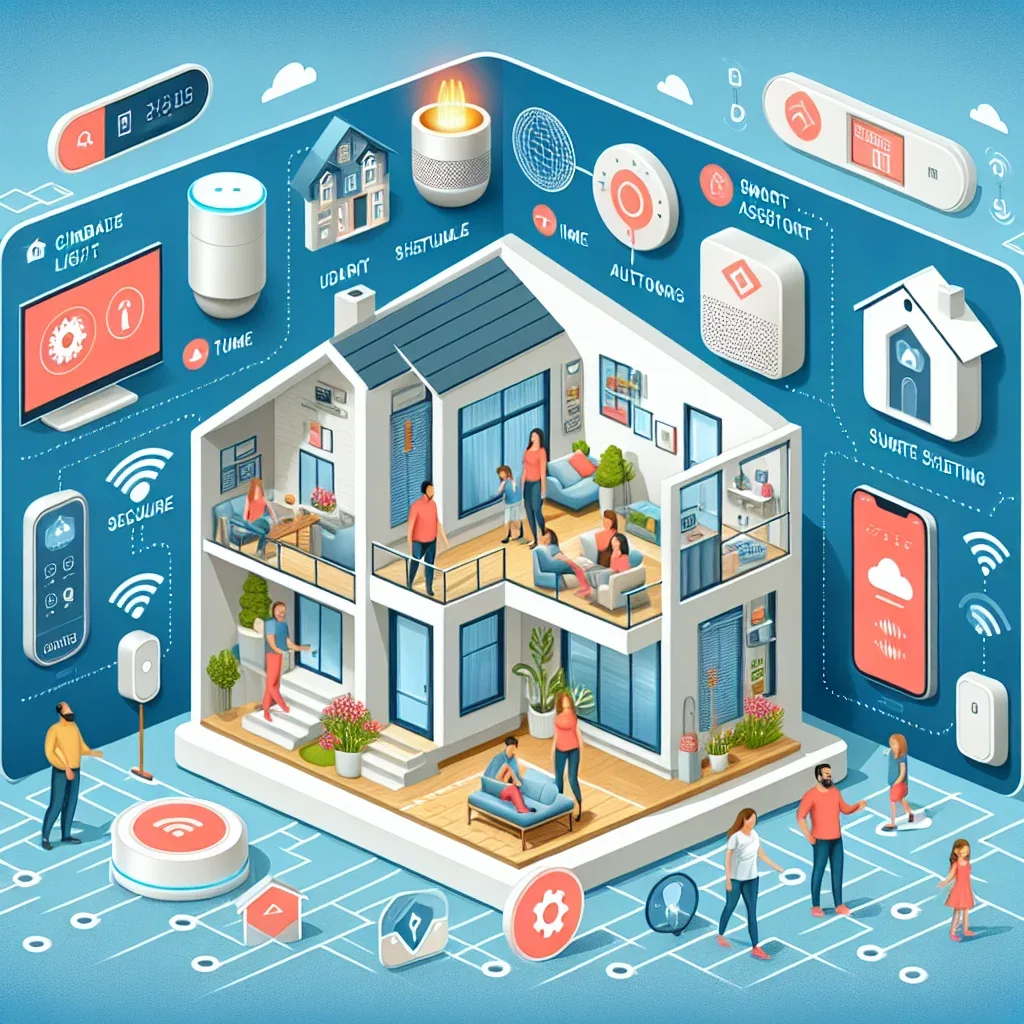
Why Home Assistant Differs from Other Smart Home Platforms
The Smart Home market includes several major platforms: Amazon Alexa, Google Home, Apple HomeKit, and Samsung SmartThings. Each has strengths, but all share a common limitation — dependence on overseas manufacturer cloud servers with hidden ongoing costs.
Home Assistant is an open-source platform that runs locally on your own hardware. It requires no external cloud, works during internet outages, and charges no monthly subscription fees.
Advantage 1: Privacy and Data Security
All data — from your home schedule and movement patterns to health sensor readings — stays on your Raspberry Pi. No foreign company can access any of it.
External access is supported via VPN or Nabu Casa (optional Home Assistant Cloud) without opening direct ports, which would create security vulnerabilities.
Advantage 2: 3,000+ Device Integrations
Home Assistant supports integrations with over 3,000 devices and services, including Philips Hue, Xiaomi, Google Nest, Samsung SmartThings, Sonos, Synology, and far more. Unsupported devices can be added via MQTT, Zigbee ZHA, or Z-Wave JS.
This eliminates brand ecosystem lock-in — you can mix devices from any manufacturers and have them work together seamlessly.
Advantage 3: Flexible and Complex Automation
Home Assistant supports automation from simple rules (motion detected → light on) to complex multi-step flows using Templates, Python Scripts, or AppDaemon.
Example: when CO2 > 800 ppm between 22:00-06:00, increase ERV speed — but if outdoor PM2.5 > 75 µg/m³, disable Fresh Air and send a LINE notification instead. Automation at this level is impossible with closed-source platforms.
Advantage 4: Voice Assistant Control
Home Assistant integrates with Amazon Alexa, Google Assistant, and Siri via HomeKit Integration — enabling voice control of all devices from one place without switching between apps or ecosystems.
Advantage 5: Data Logging and Analytics
Home Assistant logs sensor data to a database (SQLite or MariaDB) that can feed InfluxDB and Grafana for long-term trend visualization — energy usage, temperature patterns, and air quality trends over weeks and months.
Conclusion
Home Assistant is the most complete Smart Home platform for users wanting privacy, flexibility, and full control — without monthly subscription fees or dependence on any manufacturer's ongoing cloud services.