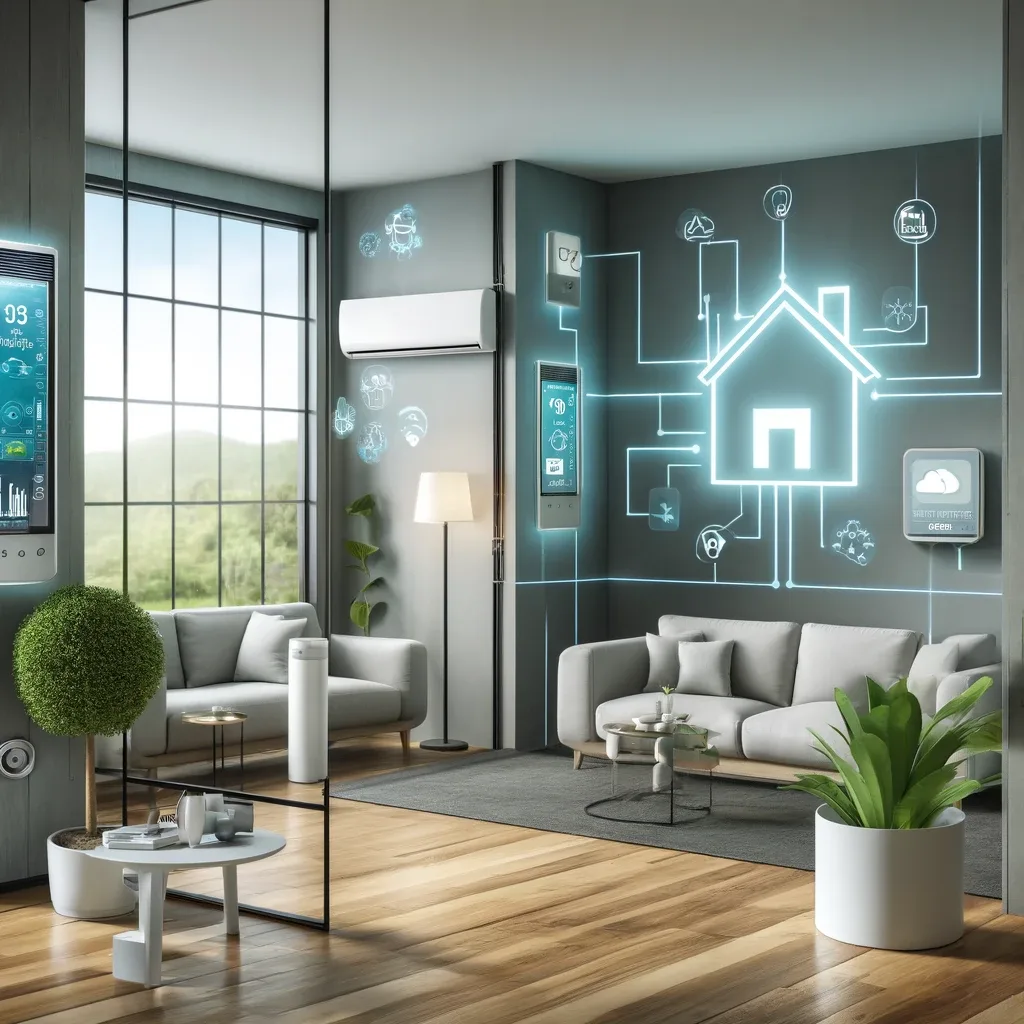
Why Integration Matters More Than Just Installation?
Many homes have both Fresh Air Systems and Smart Home devices running independently — Fresh Air on a timer, purifiers operating separately with no communication between them. The result is a system too dumb to respond to real situations: outdoor PM2.5 spiking after field burning nearby, or CO2 surging in the kitchen during cooking.
True integration means every device shares data and makes decisions together — like a central nervous system responding to the environment in real time.
Step 1 — Build a Sensor Network
Place Air Quality Sensors in every occupied room (bedroom, living room, office, kitchen). Choose sensors measuring at least 3 values: PM2.5, CO2, and humidity. All Zigbee sensors transmit data to Home Assistant via ZHA integration. Data is logged in InfluxDB on Raspberry Pi 5 for long-term trend analysis.
For Bangkok specifically, add an outdoor AQI sensor or pull data from IQAir or OpenWeatherMap APIs to compare outdoor versus indoor conditions and decide whether to open Fresh Air intake or switch to recirculation.
Step 2 — Define Automation Rules
Core rules to set up immediately:
Rule 1 — CO2 Control: When bedroom CO2 > 900 ppm → increase Fresh Air speed to Medium; when CO2 > 1,200 ppm → increase to High + send LINE notification; when CO2 < 700 ppm → reduce back to Low.
Rule 2 — Outdoor PM2.5 Protection: When outdoor AQI > 100 → close Fresh Air intake, activate recirculation mode + increase Air Purifier speed; when outdoor AQI < 50 → resume normal Fresh Air intake.
Rule 3 — Humidity Control: When indoor humidity > 70% → activate humidity exhaust fan + temporarily reduce Fresh Air intake; when indoor humidity < 40% → reduce exhaust speed to prevent over-drying.
Step 3 — App Monitoring and Remote Control
Configure a Home Assistant Dashboard on your smartphone showing:
- Real-time PM2.5, CO2, and humidity for every room
- Fresh Air System status (speed, mode, filter health)
- Outdoor Air Quality Index from API
- 24-hour history and weekly trends
Configure LINE Notify to send a daily summary at 07:00 reporting last night's average air quality, filter status, and day-specific recommendations (e.g., PM2.5 high today — recommend keeping windows closed).
Step 4 — Real Bangkok Scenario Example
In January-February, Bangkok PM2.5 spikes to 60-80 μg/m³ on still mornings. A well-integrated system responds as follows:
- 04:00: Outdoor AQI sensor detects rising PM2.5
- 04:05: Fresh Air System automatically switches to recirculation mode
- 04:10: All home Air Purifiers increase speed
- 06:30: LINE notification before wake-up: outdoor PM2.5 at 75 μg/m³, home already protected
- Throughout the day: continuous monitoring, intake reopened when AQI drops below 50
Future: AI and ML for Smart Air Management
The next evolution of Smart Home + Fresh Air uses Machine Learning on RPi5 to learn family patterns: predict CO2 spikes 30 minutes ahead from history, adapt Fresh Air scheduling to seasons and behavior, and reduce energy use without compromising air quality. Home Assistant supports custom TensorFlow models via AppDaemon integration.