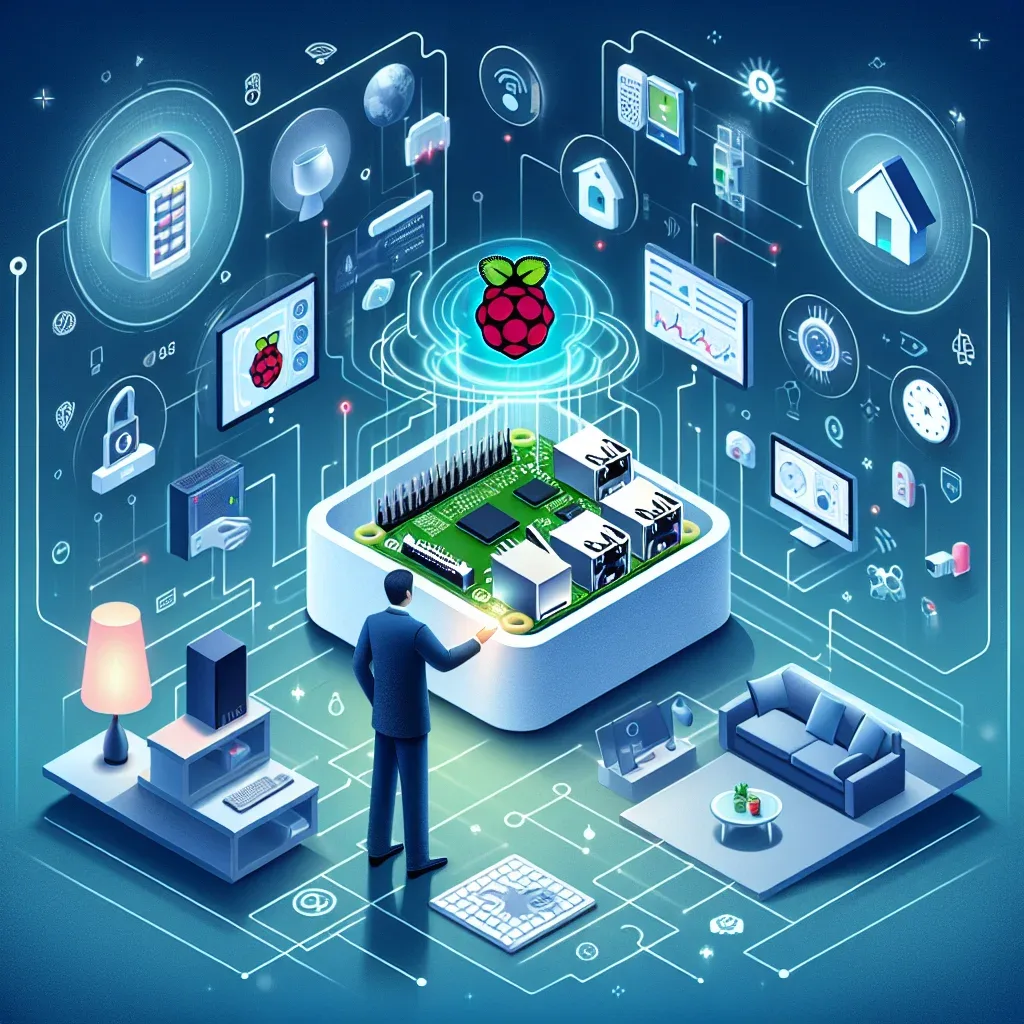
Why Raspberry Pi Outperforms Commercial Smart Home Hubs
The smart home market offers many hub options — Samsung SmartThings, Amazon Echo Hub, Apple HomePod mini — each with its own strengths. But they share a critical limitation: users cannot fully control their own system, data flows to external servers, and customization is restricted by corporate policies.
Raspberry Pi solves all of this. At just 1,500-3,000 THB (RPi 4B/5), you get a hub that is more powerful and flexible than commercial alternatives costing 5,000-15,000 THB.
Unmatched Software Flexibility
Raspberry Pi supports a wide range of operating systems and smart home platforms, letting you choose exactly what fits your needs:
Home Assistant OS is the most popular choice. Install via Balena Etcher, connect 3,000+ brands, customize dashboards, and keep all data local inside your home.
OpenHAB suits advanced users who need Enterprise-level customization with support for Z-Wave, Zigbee, KNX, and industrial protocols.
Domoticz is a lightweight system perfect for older RPi models (RPi 2/3), requiring minimal RAM and easy setup — ideal for beginners.
Node-RED provides flow-based programming that integrates seamlessly with Home Assistant for building complex multi-step automations.
Connectivity Across Every Protocol
Raspberry Pi's true strength lies in its ability to support every communication protocol:
Wi-Fi and Bluetooth are built into all RPi 3/4/5 models, enabling direct connection to Xiaomi, Tuya, Philips Hue, and BLE Beacon devices.
Zigbee and Z-Wave via USB Dongles priced at 400-800 THB, such as the Sonoff Zigbee 3.0 USB Dongle Plus or HUSBZB-1 (Zigbee+Z-Wave combo), opening access to hundreds of device models.
40-Pin GPIO enables connection to DIY sensors: DHT22 (temperature/humidity), MQ-2 (gas detection), HC-SR501 (PIR motion), and relay modules for controlling appliances directly.
MQTT Broker via Mosquitto Add-on in Home Assistant allows all IoT devices to communicate through a single unified protocol.
Cost-Effective with Fast ROI
Comparing 3-year total cost:
- Commercial Hub (Samsung SmartThings v3): 5,500 THB + potential cloud fees for some features + device limitations
- Raspberry Pi 5 (4GB) + 128GB SSD + Zigbee Dongle: approximately 4,500-5,500 THB, no monthly fees, no device caps
RPi5 power consumption runs at 2-5 watts continuously — roughly 15-35 THB per month at Thai electricity rates. Negligible cost against the value delivered.
Massive Community and Learning Resources
Raspberry Pi has a global community of over 40 million users, with active forums, tutorials, YouTube videos, and ready-made add-ons. Problems you encounter almost certainly have documented solutions. This contrasts sharply with commercial hubs — when a company stops support, the device becomes electronic waste immediately.
Popular Use Cases in Thai Homes
Thai Raspberry Pi users typically start with:
- Smart Lighting: Control 20-40 Zigbee bulbs via Home Assistant with time-based and motion-triggered automations
- AI Security Camera: Run Frigate on RPi5 for real-time RTSP analysis from Hikvision/Dahua cameras
- Smart Plugs and Energy Management: Control Xiaomi/Sonoff plugs, monitor power consumption, auto-shutoff when rooms are empty
- Temperature and Humidity Monitoring: Distribute DHT22 or Zigbee sensors throughout the home with real-time dashboard visualization