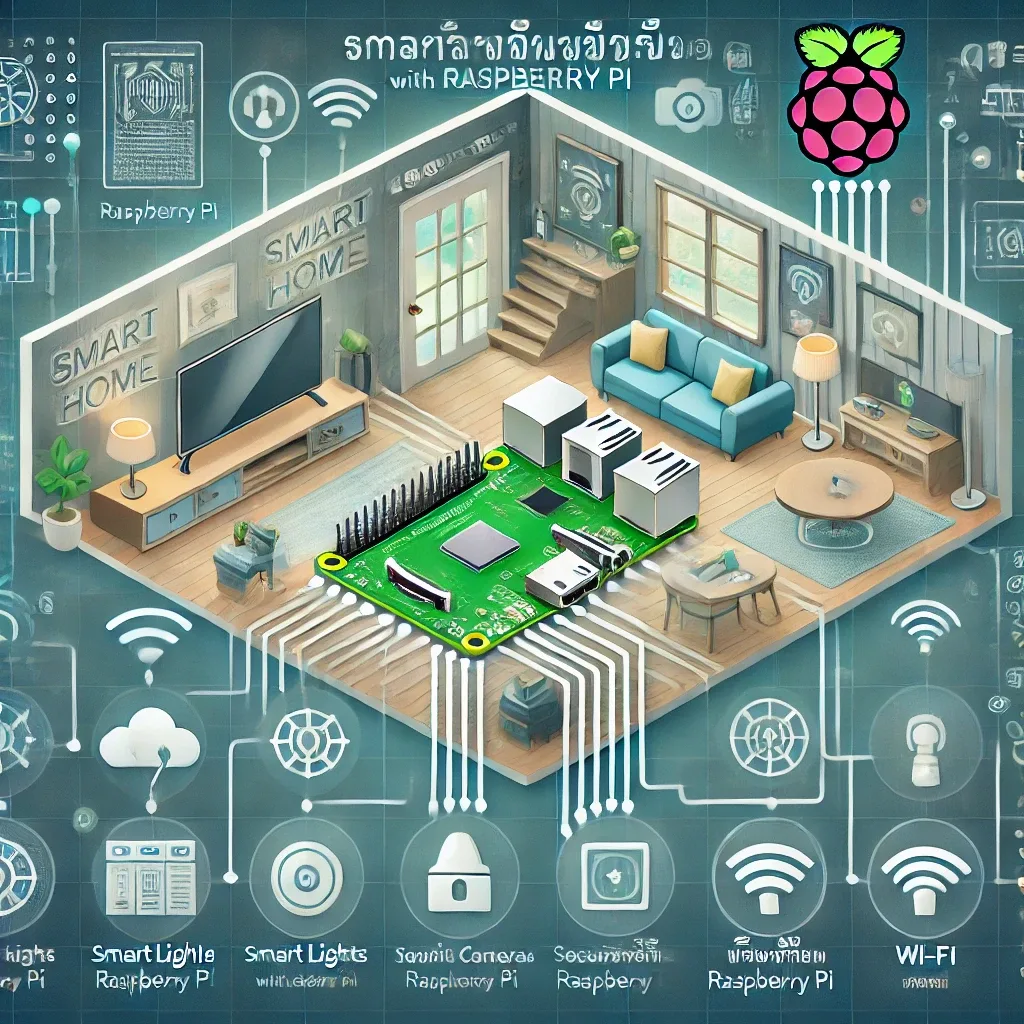
Getting Started: Building a Smart Home with Raspberry Pi
Building a Raspberry Pi smart home begins with understanding the core architecture: the RPi serves as the Central Hub connecting all IoT devices, managing automations, and providing a unified control interface. Everything — sensors, switches, cameras, locks — reports to this single hub.
Choosing the Right Hardware
For average-sized homes, a RPi 4 Model B 4GB is fully adequate. If you anticipate significant expansion, the RPi 5 4GB or 8GB offers substantially better performance and supports NVMe SSD storage via a PCIe HAT add-on.
Required hardware: RPi 4 or 5 board, official RPi power supply (5V/3A for RPi 4, 5V/5A for RPi 5), a 32GB+ A2-rated microSD card, a case with adequate thermal management, and for RPi 5 — an active cooler or fan given its higher TDP.
Installing the Operating System
Download Raspberry Pi Imager from raspberrypi.com/software. For Home Assistant, select: Other specific-purpose OS → Home Assistant → Home Assistant OS for your RPi model. For a general Linux server, select Raspberry Pi OS (64-bit) Lite.
After flashing and completing the first boot, access HAOS at homeassistant.local:8123 or the IP address assigned by your router's DHCP server.
Adding Wireless Protocols
Zigbee: Insert a SONOFF Zigbee 3.0 USB Dongle Plus and install either the ZHA or Zigbee2MQTT Add-on in HAOS. This supports 2,500+ devices including Philips Hue, IKEA TRADFRI, Aqara, and Sonoff products.
Z-Wave: Add the Z-Wave JS UI Add-on plus an Aeotec Z-Wave USB Stick Gen5+ for high-reliability switches, Leviton dimmers, Yale Smart Locks, and other Z-Wave devices.
Bluetooth: RPi 4 and 5 include Bluetooth 5.0, supporting BLE sensors like Xiaomi Mi Temperature Sensor and Govee Hygrometer without additional hardware.
Connecting Smart Home Devices
With protocol coordinators in place, add integrations in Home Assistant for each platform. Smart Lighting: Philips Hue via the Hue integration and Hue Bridge, or IKEA TRADFRI via its gateway. Smart Lock: Yale via Z-Wave JS. Smart AC: Mitsubishi or Daikin via Climate integration. IP Cameras: Hikvision or Reolink via ONVIF or direct RTSP stream.
Building Your First Automations
Start with straightforward automations: turn off all lights when nobody is home (using Person entities tracked via the HA Companion App GPS), auto-start the AC when indoor temperature exceeds 28°C during operating hours (06:00–22:00), and send a LINE or Telegram notification when the front door opens.
As you grow more comfortable, install the Node-RED Add-on to build sophisticated multi-step automations — a Morning Routine that opens motorized blinds, activates kitchen lights, starts the kettle via a smart plug, and plays a weather report through a Smart Speaker, all triggered by your morning alarm.