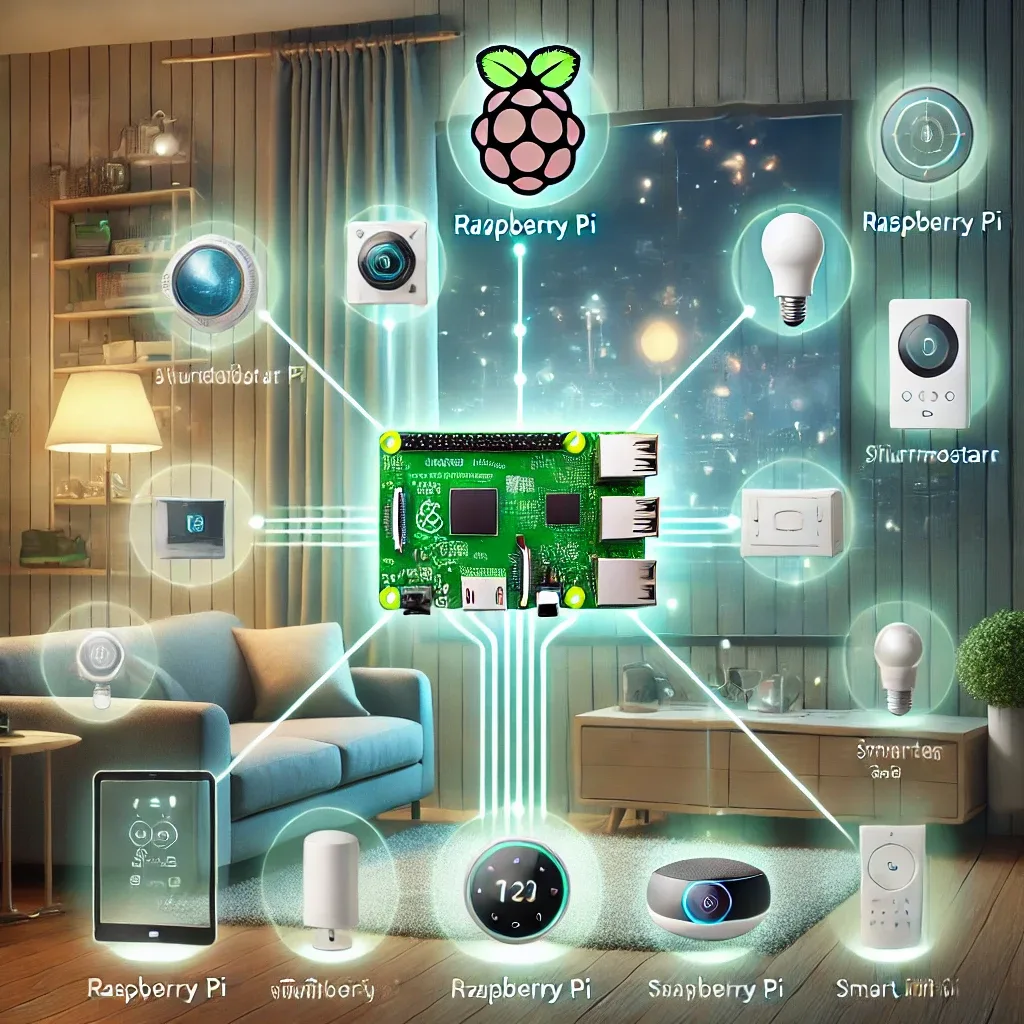
Why Raspberry Pi Is Perfect for Smart Home
Raspberry Pi is a compact, affordable single-board computer powerful enough to run Home Assistant, HomeBridge, or other Smart Home platforms fully. The RPi 4 Model B 4GB costs approximately 2,500–3,500 THB and the RPi 5 around 3,500–5,000 THB — dramatically less than commercial smart home hubs starting at 10,000 THB — while offering far greater customization.
Key Benefits of Raspberry Pi for Smart Home
The 40-pin GPIO header enables direct hardware integration with sensors and modules: DHT22 temperature-humidity probes, relay modules for appliance switching, and I2C-connected displays. This hardware flexibility is unavailable on commercial hubs.
RPi supports Wi-Fi, Ethernet, and Bluetooth natively. Adding a SONOFF Zigbee Dongle Plus via USB creates a full Zigbee coordinator, while Z-Wave USB sticks add Z-Wave coverage. This multi-protocol capability in a single device is a significant advantage.
From a privacy standpoint, running Home Assistant locally on RPi means all automation data stays within your home network — no cloud subscription required, no vendor data collection. This is particularly valued in Thailand where cloud service reliability can vary.
Installing Home Assistant OS on Raspberry Pi
Download the HAOS image for your RPi model from github.com/home-assistant/operating-system. Flash it to a microSD card (32GB minimum, Class 10 or A1) using balenaEtcher or Raspberry Pi Imager. Insert the card, connect Ethernet and the correct power supply — 5V/3A for RPi 4, 5V/5A for RPi 5 — then wait 10–15 minutes for first boot and initial setup to complete. Navigate to homeassistant.local:8123 to begin onboarding.
RPi 5 users can attach an NVMe SSD via a PCIe HAT for dramatically faster I/O performance, reducing boot times and Add-on load times significantly compared to microSD storage.
Installing HomeBridge on Raspberry Pi
For Apple ecosystem users, HomeBridge bridges non-HomeKit devices into the Apple Home app, accessible via iPhone, iPad, Mac, and Siri. Install Node.js on Raspberry Pi OS, then run sudo npm install -g --unsafe-perm homebridge. Add device-specific plugins — homebridge-nest for Google Nest thermostats, homebridge-xiaomi-roborock-vacuum for Xiaomi robot vacuums — and manage everything through the HomeBridge web UI.
Remote Access and Security
For secure remote access, Nabu Casa ($6.50/month) provides an encrypted tunnel without requiring any port forwarding on your router. Alternatively, WireGuard VPN installed directly on the RPi gives free remote access with no monthly fees.
Always block all inbound connections at the router firewall level and enable Two-Factor Authentication within Home Assistant to prevent unauthorized access.