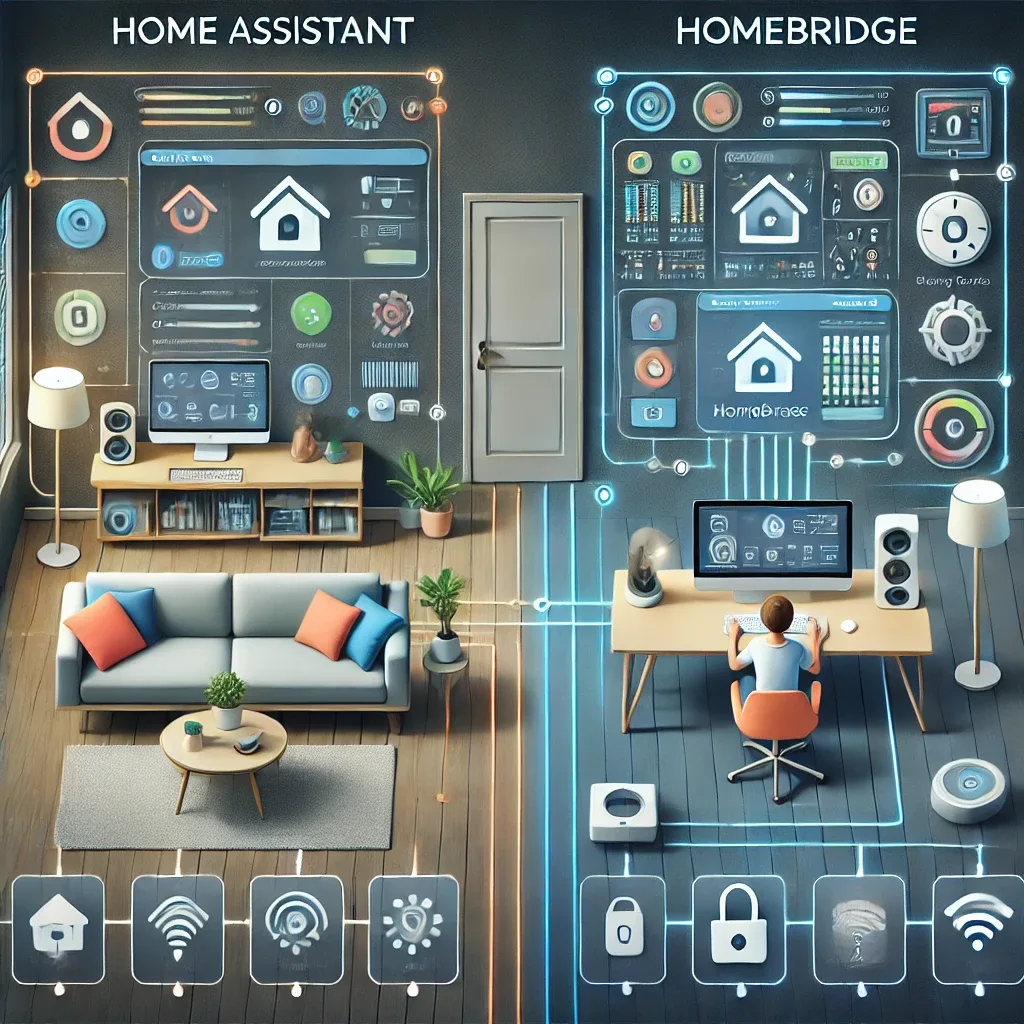
Overview: Two Platforms With Fundamentally Different Philosophies
Both Home Assistant and HomeBridge are open-source smart home platforms that run on Raspberry Pi, but their core philosophies differ completely. Home Assistant is designed as a universal hub that unifies devices from any brand and any protocol. HomeBridge has a single purpose: bridging non-HomeKit devices into Apple's HomeKit ecosystem.
Home Assistant: Everything in One Place
Home Assistant's strengths lie in its support for 3,000+ device brands through official integrations, native multi-protocol coverage (Zigbee, Z-Wave, Matter, Wi-Fi, Bluetooth simultaneously), powerful Automation Editor and YAML scripting, and fully local control that keeps all data within your home without cloud dependency.
Its weakness is a steep learning curve. Initial configuration can take several hours for beginners, and troubleshooting sometimes requires understanding YAML syntax or Docker basics.
HomeBridge: The Bridge to Apple HomeKit
HomeBridge suits iPhone, iPad, and Mac users who want to control non-HomeKit IoT devices directly through the Apple Home App and Siri. Its key strength is simplicity — once installed, every iPhone user in the household can immediately control all bridged devices through Apple's familiar interface.
Its weaknesses include limited support for complex automations, no native sensor data management beyond HomeKit's scope, and hard confinement to the Apple ecosystem. Android users and Google Assistant users cannot use HomeBridge directly.
Installation and Configuration
For Home Assistant: download the HAOS image, flash it to microSD using balenaEtcher, insert into Raspberry Pi, and navigate to homeassistant.local:8123 after boot — up and running in 15 minutes. Integration configuration and automation building require additional learning time.
For HomeBridge: install Raspberry Pi OS, then Node.js and npm, run sudo npm install -g --unsafe-perm homebridge, add device-specific plugins, configure config.json, then scan the QR code from the Apple Home App to pair.
Can You Use Both Together?
Yes — and this is the most popular approach for Apple users wanting a comprehensive system. Run Home Assistant as the main hub for all automations and multi-brand device management, then use the built-in HomeKit Integration in Home Assistant (via Nabu Casa or the HomeKit Bridge Add-on) to expose devices into Apple Home. This delivers Home Assistant's flexibility alongside Apple HomeKit's convenience — without running a separate HomeBridge instance.
Summary: Which to Choose
Choose Home Assistant if you want a comprehensive smart home platform supporting many device brands and complex automations. Choose HomeBridge if your household is entirely on Apple and you prioritize maximum simplicity. Or run Home Assistant with its HomeKit Integration to enjoy the best of both worlds.