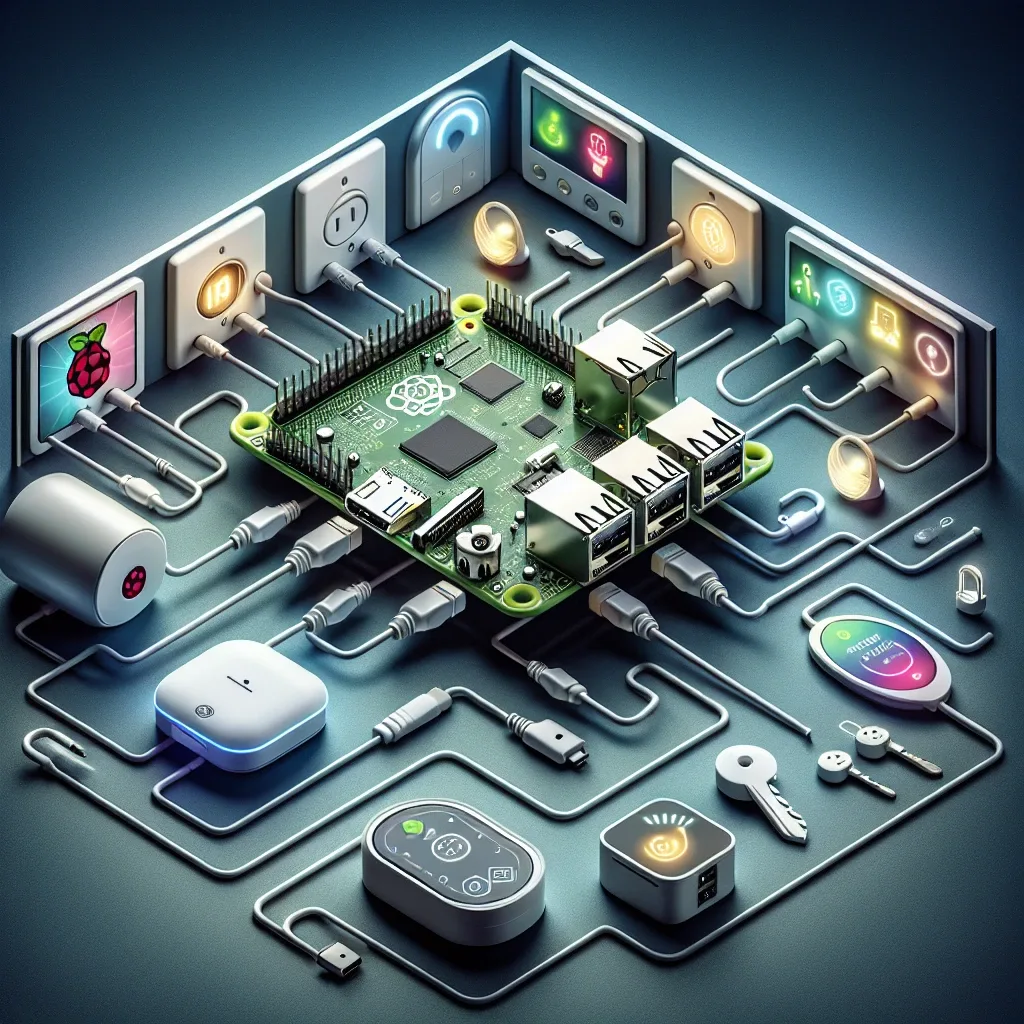
Getting to Know Raspberry Pi 5
Raspberry Pi 5 is a high-performance mini-computer from the Raspberry Pi Foundation, designed for learning, software development, and IoT applications. As smart home systems grow rapidly, RPi5 has become a popular choice because it combines high performance, affordable price, and flexibility — ideal for both beginners and developers who want to build their own Smart Home system without relying on third-party cloud services that may compromise privacy or availability.
Raspberry Pi 5 Specifications for Smart Home
Raspberry Pi 5 offers impressive specifications for smart home use. The ARM Cortex-A76 2.4GHz Quad-core CPU enables fast processing and handles multiple concurrent tasks without lag. Up to 8GB RAM is sufficient to run Home Assistant with multiple Add-ons and NVR for several cameras simultaneously. Wi-Fi 5 and Bluetooth 5.0 support along with USB 3.0, HDMI 2.0, and USB-C power ports provide comprehensive connectivity. 4K display support enables use as a multimedia control center. Critically, it consumes only 5–10W, enabling 24-hour operation without meaningfully increasing electricity costs.
Installing Raspberry Pi 5 for Smart Home
Equipment preparation requires Raspberry Pi 5, a high-quality Class A2 microSD card of at least 32GB, a USB-C 5V/3A power supply, and HDMI cable plus keyboard for initial setup. For Raspberry Pi OS installation, download from the official website and use Raspberry Pi Imager to write to the microSD card, configuring SSH and Wi-Fi in Advanced Options before flashing — enabling immediate network connection without a monitor. For Home Assistant OS, flash directly through Raspberry Pi Imager, then access localhost:8123 in a browser for initial configuration.
Installing Home Assistant on RPi5
Home Assistant is the most popular open-source smart home software. After installation, access it through a browser at localhost:8123 or the RPi5's IP address followed by :8123. Connect IoT devices via Settings > Devices & Services > Add Integration, selecting the required protocol — Zigbee, Z-Wave, Wi-Fi, or Matter. For CCTV cameras, the Frigate Add-on provides local AI object detection that is stable and cloud-independent. OpenHAB is also available as an alternative for those preferring a different ecosystem with different architecture and plugin structure.
Security for Smart Home Systems on RPi5
Security is critical when Smart Home systems connect to the internet. Regularly update Raspberry Pi OS and Home Assistant to receive the latest Security Patches. Set strong passwords and enable 2FA for Home Assistant. For external access, use VPN or Nabu Casa (Home Assistant's secure cloud service) rather than directly opening internet ports — the latter creates unnecessary attack surface. Separate IoT Network from the main network using VLAN to prevent lateral movement if any device is compromised.