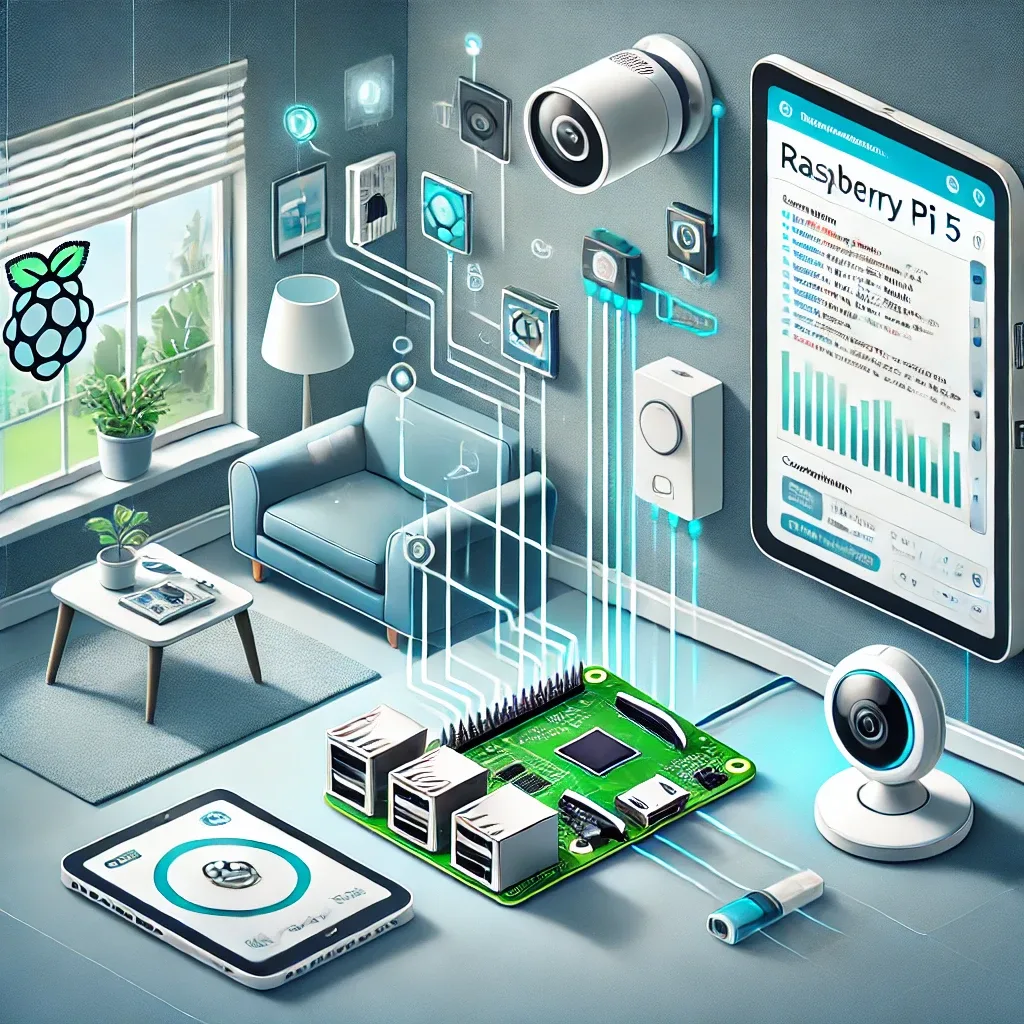
What Is Raspberry Pi 5 and Why Is It Ideal for Smart Homes?
Raspberry Pi 5 is the latest single-board computer from Raspberry Pi Foundation, featuring a Cortex-A76 Quad-Core 2.4GHz CPU, 4GB or 8GB RAM options, Wi-Fi 6, Bluetooth 5.0, USB 3.0 ports, and 40-pin GPIO. Delivering 2–3x the performance of RPi 4 at an accessible price point, it has become the most popular smart home hub choice both in Thailand and globally.
Hardware Preparation Before Installation
Gather these components before starting: Raspberry Pi 5 (8GB RAM recommended for homes with 30+ devices), a 32GB+ MicroSD Card (Class 10 or A2) or NVMe SSD via PCIe HAT for maximum speed, a 5V/5A USB-C power adapter, a Zigbee USB dongle such as the Sonoff Zigbee 3.0 or ConBee II, and your IoT devices — smart bulbs, door sensors, security cameras.
Installing Home Assistant OS Step by Step
Download Raspberry Pi Imager from the official website. Select "Home Assistant" under "Other specific-purpose OS," then write it to your MicroSD or SSD. Insert the storage into the RPi 5 and power on. Wait 5–10 minutes for the initial boot, then access the Dashboard at http://homeassistant.local:8123 or via the board's IP address.
Once the Dashboard loads, complete the Onboarding: name your home, set Location to Bangkok (or your province), configure Timezone as Asia/Bangkok, and create your user account.
Connecting IoT Devices and Integrations
Home Assistant's strength lies in 3,000+ supported integrations. Add devices through Settings > Devices & Services > Add Integration. Choose the relevant protocol — Zigbee2MQTT for Zigbee devices, Matter/Thread for newer devices, MQTT for ESPHome and DIY sensors, and Homebridge for Apple HomeKit compatibility.
For Thai homes with Daikin or Mitsubishi Electric air conditioners, an IR Blaster integration via Broadlink RM4 Pro enables control of virtually any AC brand through a single dashboard.
Building Automations for Daily Convenience
With devices connected, create automations tailored to Thai living. Practical examples include: turning on the AC automatically when room temperature exceeds 28°C between 2pm–10pm, activating hallway lights when motion is detected after 8pm, and sending LINE notifications via the LINE Messaging API when Frigate NVR detects a person at the front door.
HappySmart's Long-Term Usage Tips
Use NVMe SSD instead of MicroSD to reduce storage failures and improve I/O speed. Schedule automatic weekly backups through Settings > System > Backups. Set up VPN (such as the WireGuard add-on) for safe remote access instead of exposing ports directly. Keep Home Assistant OS updated regularly for security patches and new features.
With Raspberry Pi 5 as the hub and Home Assistant as the brain, you can build a flexible, secure, energy-saving smart home at a fraction of the cost of proprietary systems from major brands.