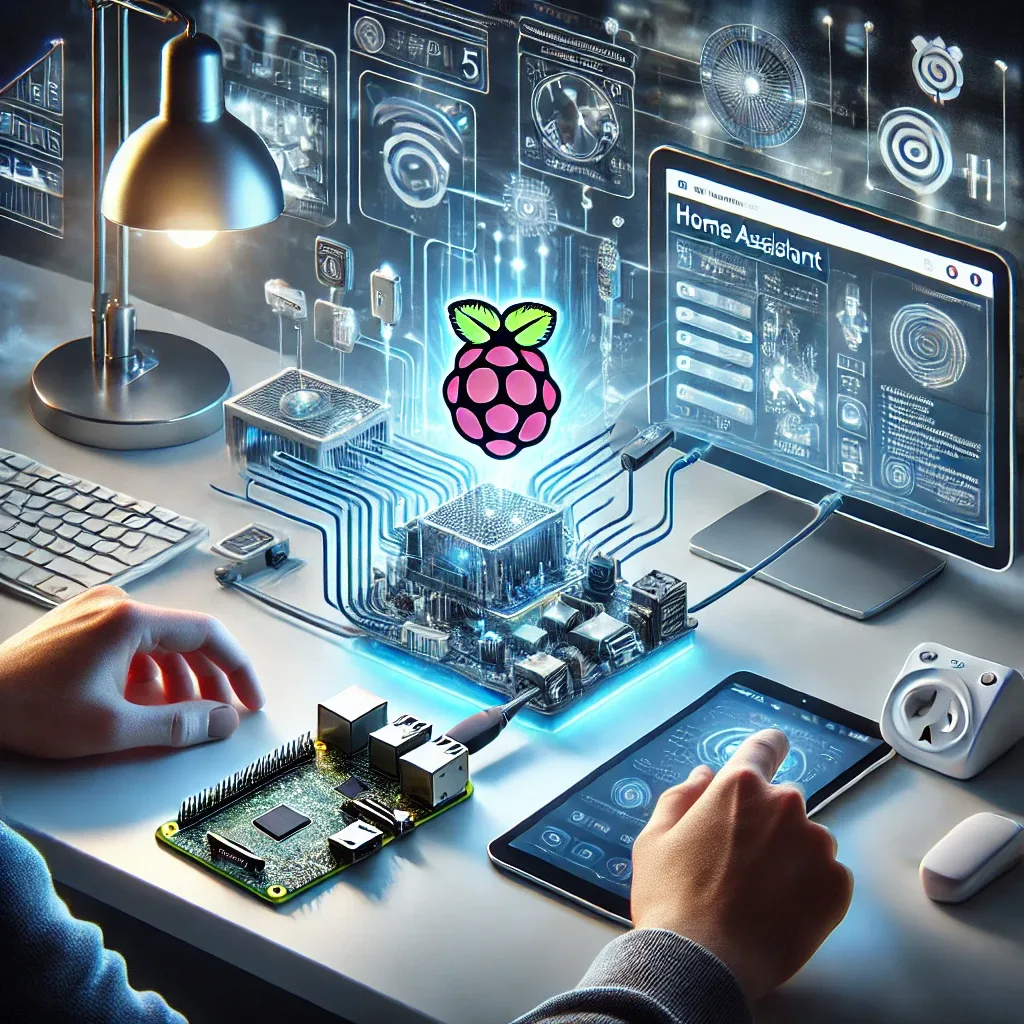
Why Raspberry Pi 5 for Home Assistant?
Raspberry Pi 5 is the standard hardware for Home Assistant in 2026. Its quad-core ARM Cortex-A76 CPU at 2.4 GHz, 4 or 8 GB RAM, PCIe 2.0 for NVMe SSD expansion, and Gigabit Ethernet handle hundreds of IoT devices, multiple Frigate camera streams, and dozens of add-ons simultaneously without breaking a sweat.
Hardware and Software Requirements
Required hardware: Raspberry Pi 5 (4 GB or 8 GB), M.2 NVMe SSD 64 GB+ with PCIe adapter (strongly preferred over SD card), USB-C 5V 5A power supply (official RPi 5 PSU), and a case with active cooling fan.
Required software: Home Assistant OS (HAOS) image for RPi 5 (from home-assistant.io) and Raspberry Pi Imager for flashing.
Step-by-Step HAOS Installation
Step 1: Flash HAOS. Open Raspberry Pi Imager on your computer. Choose OS > Other specific-purpose OS > Home Assistants and home automation > Home Assistant. Select your storage device, click Write, and wait for completion.
Step 2: Boot the Raspberry Pi 5. Insert the SD/SSD, connect Ethernet, and apply power. Wait 5–20 minutes for first boot (depending on storage speed).
Step 3: Access Home Assistant. Open a browser on any device on the same network and navigate to homeassistant.local:8123. Complete onboarding: create your account, name your home, select Bangkok as your location, set your timezone and units.
Customizing the Dashboard
Home Assistant's Lovelace Dashboard is fully customizable. Start with the auto-generated dashboard HA creates automatically. Build a custom dashboard via Settings > Dashboards > Add Dashboard. Add cards such as Entities, Glance, and Energy cards.
For an advanced dashboard, install HACS and add Mushroom Cards for a modern UI, ApexCharts Card for electricity usage graphs, and Lovelace Mini Graph Card for compact sensor displays.
Essential Add-ons to Install
For beginners: File Editor (edit YAML files in browser), Terminal & SSH (command-line access), Samba Share (Windows/Mac network drive access), Studio Code Server (browser-based VS Code for YAML editing), and Zigbee2MQTT (if using Zigbee devices).
For advanced users: Frigate NVR (AI camera processing), Node-RED (visual flow automation), ESPHome (firmware for ESP32/ESP8266 devices), and AdGuard Home (network-wide ad blocking and DNS).
Building Basic Automations
Practical Thai-context automations: welcome lights when arriving home (Trigger: GPS Zone Enter > Action: turn on living room lights); auto-off air conditioning when everyone leaves (Trigger: All People Leave > Action: turn off all climate entities); LINE notification when Frigate detects an unfamiliar person (Trigger: Frigate Person Detection > Action: LINE Notify message).
Backup and Updates
Configure automatic backups via Settings > System > Backups. Schedule weekly backups and send copies to Google Drive using the Google Drive Backup add-on. Update HAOS via Settings > System > Updates — updating every 1–2 months keeps your system secure and feature-current.
Conclusion
Installing Home Assistant on a Raspberry Pi 5 takes under one hour and delivers a complete smart home system with no monthly subscription. It is the highest-value single investment you can make for a smart home in 2026.