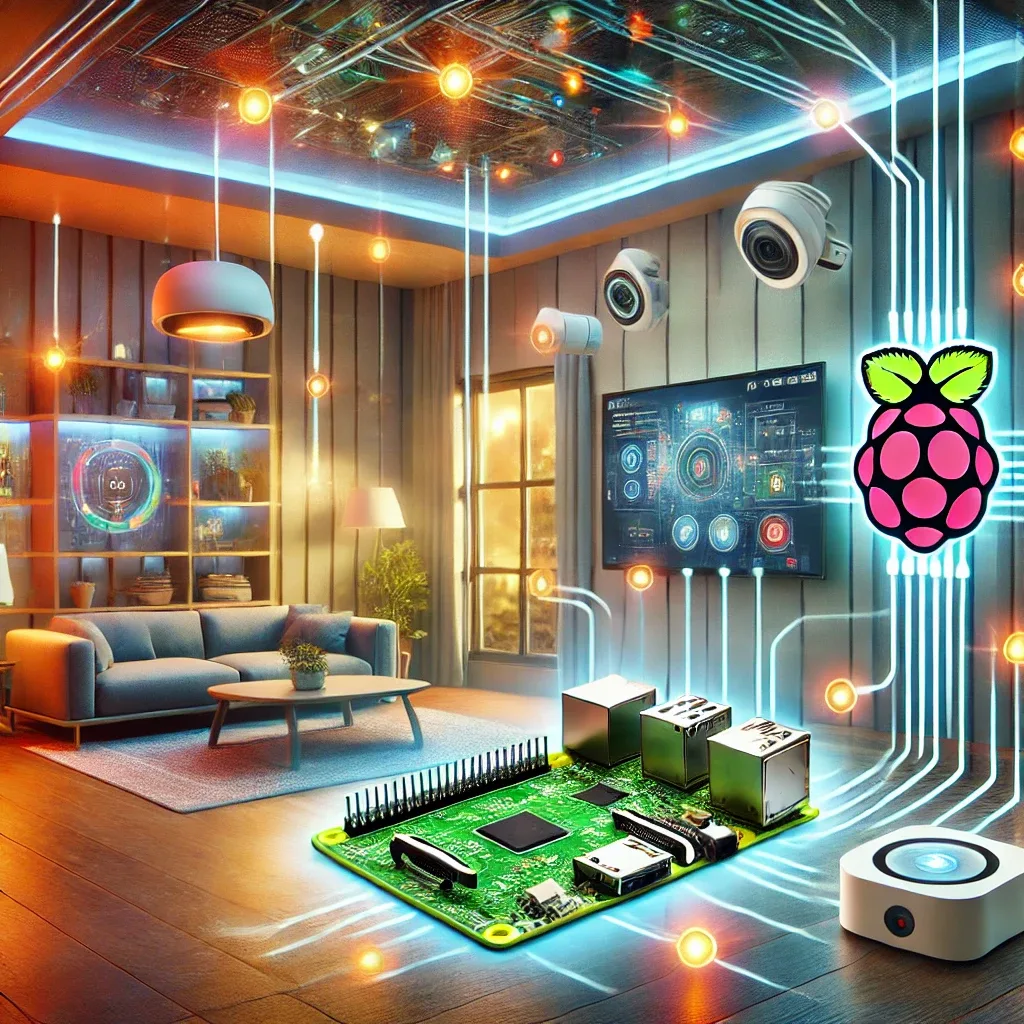
Why Raspberry Pi 5 Is the Right Smart Home Hub
Choosing Smart Home Hub hardware is a critical decision since it runs 24/7. Raspberry Pi 5 wins this equation with a price of 2,500–3,500 THB (8GB model), idle power consumption of just 3–5W, the world's largest community support network, and an ecosystem covering every Smart Home use case.
Specs Relevant to Smart Home Use
The Cortex-A76 Quad-Core 2.4GHz CPU handles Home Assistant alongside multiple add-ons simultaneously. 4GB and 8GB RAM options suit different system scales. PCIe Gen 2 for NVMe SSD delivers significantly faster I/O than MicroSD while eliminating storage corruption. Wi-Fi 6 + Bluetooth 5.0 provides more stable connectivity than RPi 4, and 40-pin GPIO supports all types of wired sensors.
Smart Home Software That Runs on RPi 5
Home Assistant OS (HAOS) is the first recommendation for general users — easy installation via Raspberry Pi Imager, built-in Add-on Store, Supervisor, and update mechanism, supporting 3,000+ integrations.
Homebridge suits Apple users wanting Siri and Apple Home control over all devices. It runs as an HAOS add-on or as a standalone installation.
OpenHAB is another open-source alternative with broad protocol support, ideal for those with a Java/OSGi background or requiring an enterprise-grade solution.
Node-RED serves as a visual programming tool for complex automations without writing code, typically installed alongside Home Assistant.
Installing HAOS on RPi 5 Step by Step
Download Raspberry Pi Imager from raspberrypi.com. Select OS: "Other specific-purpose OS" > "Home Automation" > "Home Assistant," then write to MicroSD (32GB+) or NVMe SSD. Insert storage, connect LAN or Wi-Fi, power on, wait 5–10 minutes, then navigate to http://homeassistant.local:8123 and complete onboarding — setting User, Location (Bangkok), and Timezone (Asia/Bangkok).
Popular Automations for Thai Homes
Auto-shutoff AC when no occupancy is detected for 15 minutes delivers clear electricity savings in Bangkok's heat. Hallway lights at 20% when motion is detected after 9pm avoids disrupting sleep. LINE alerts when an AI camera detects a stranger at the front door. LINE notification when indoor PM2.5 exceeds 35 μg/m³.
Maintenance for Long-Term Reliability
Always use NVMe SSD over MicroSD in production. Use an Active Cooler especially in Bangkok's high ambient temperatures. Install a UPS to prevent power surge damage and filesystem corruption. Schedule automatic weekly config backups via HA's built-in Backup system. Update HAOS regularly for security patches.