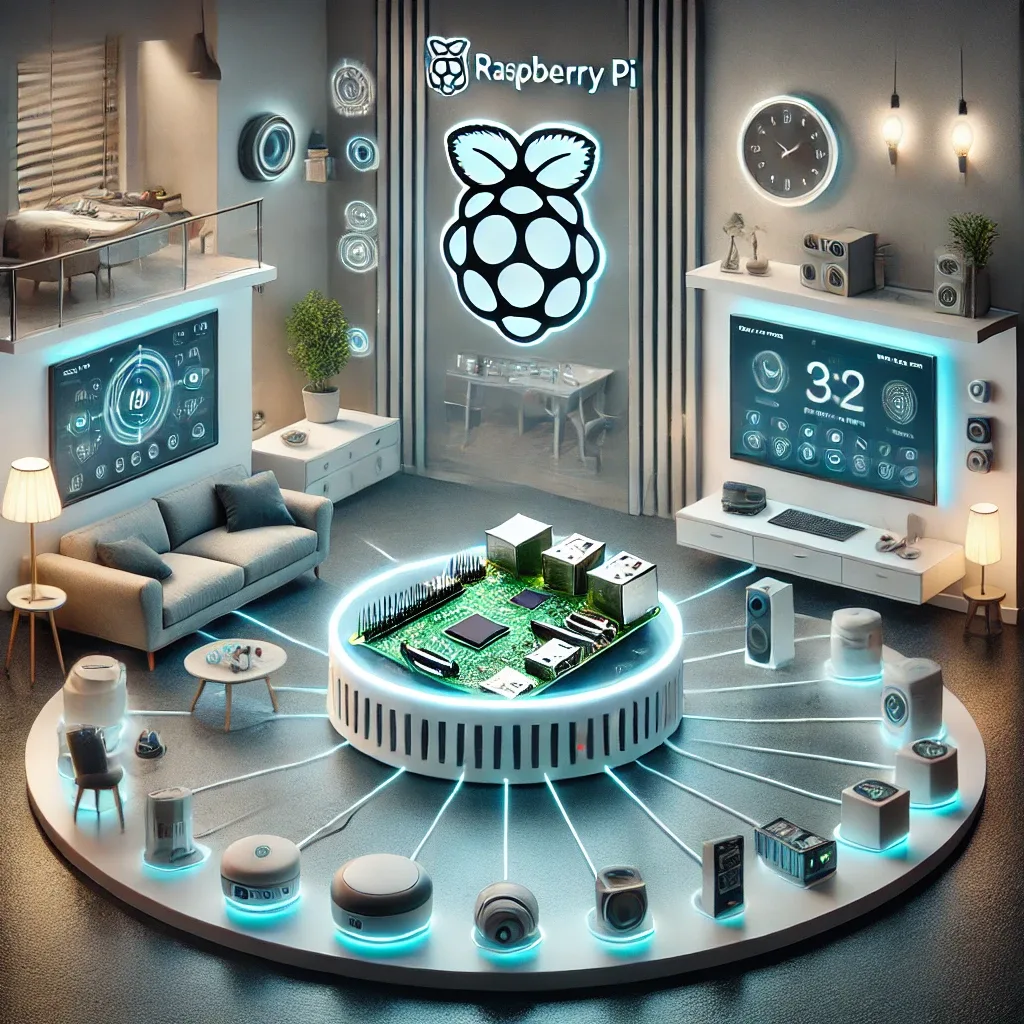
Why Raspberry Pi Is the Top Smart Home Hub Choice
Raspberry Pi is a compact computer priced at 1,500–3,000 THB that delivers sufficient performance for Home Assistant while supporting 3,200+ integrations and consuming only 5–15W. Its combination of affordability, capability, and the largest DIY community in the smart home space makes it the default recommendation for both beginners and experienced users.
Comparison: RPi4 vs RPi5 vs NUC vs NAS
Raspberry Pi 4 (1,500–2,500 THB) — ARM Cortex-A72 1.8GHz, 2–8GB RAM, USB 3.0 for external SSD, 5–8W power draw. Suitable for homes with up to 50 devices. Still capable for basic HA setups but may lag under Frigate NVR or Whisper STT workloads.
Raspberry Pi 5 (2,000–3,500 THB) — ARM Cortex-A76 2.4GHz with 2–3× the throughput of RPi4, 4–8GB RAM, native PCIe 2.0 NVMe slot, built-in RTC, 5–12W power. The recommended choice in 2025 for homes with 50–200 devices or any installation running HA AI features.
Intel NUC (8,000–25,000 THB) — x86 processor runs HA OS or Proxmox VE, integrated NVMe, 8–32GB RAM, 15–35W. Best for users who need multiple VMs or GPU-accelerated Frigate processing.
Synology NAS (12,000–40,000 THB) — HA runs in a Docker container alongside large CCTV storage. Requires Docker and Linux proficiency. Not recommended for beginners.
Platform Comparison: HA vs OpenHAB vs Domoticz
Home Assistant is the recommended platform — monthly updates, modern UI, comprehensive documentation, and the most integrations available.
OpenHAB suits enterprise deployments and users needing a highly flexible rule engine, but has an older UI and more complex initial configuration than HA.
Domoticz has a minimal resource footprint ideal for RPi3 or RPi Zero, but offers far fewer integrations and a smaller support community than HA.
Hardware Budget Tiers for a Smart Home Hub
Under 5,000 THB — RPi4 4GB + MicroSD + case: basic HA for 20–50 devices.
5,000–10,000 THB — RPi5 8GB + NVMe SSD + PCIe HAT+ + Sonoff Zigbee Dongle: the HappySmart standard recommendation for typical homes supporting 50–200 devices.
15,000+ THB — Intel NUC 12 + NVMe + UPS: premium tier for large homes or SME deployments.
HappySmart's Recommendation
For the typical Bangkok home, the RPi5 8GB + NVMe SSD combination delivers the best cost-to-performance ratio available today. Total hardware cost runs 6,000–8,000 THB, supports 100–200 devices, runs all current HA AI features, and provides a 5–7 year service life.