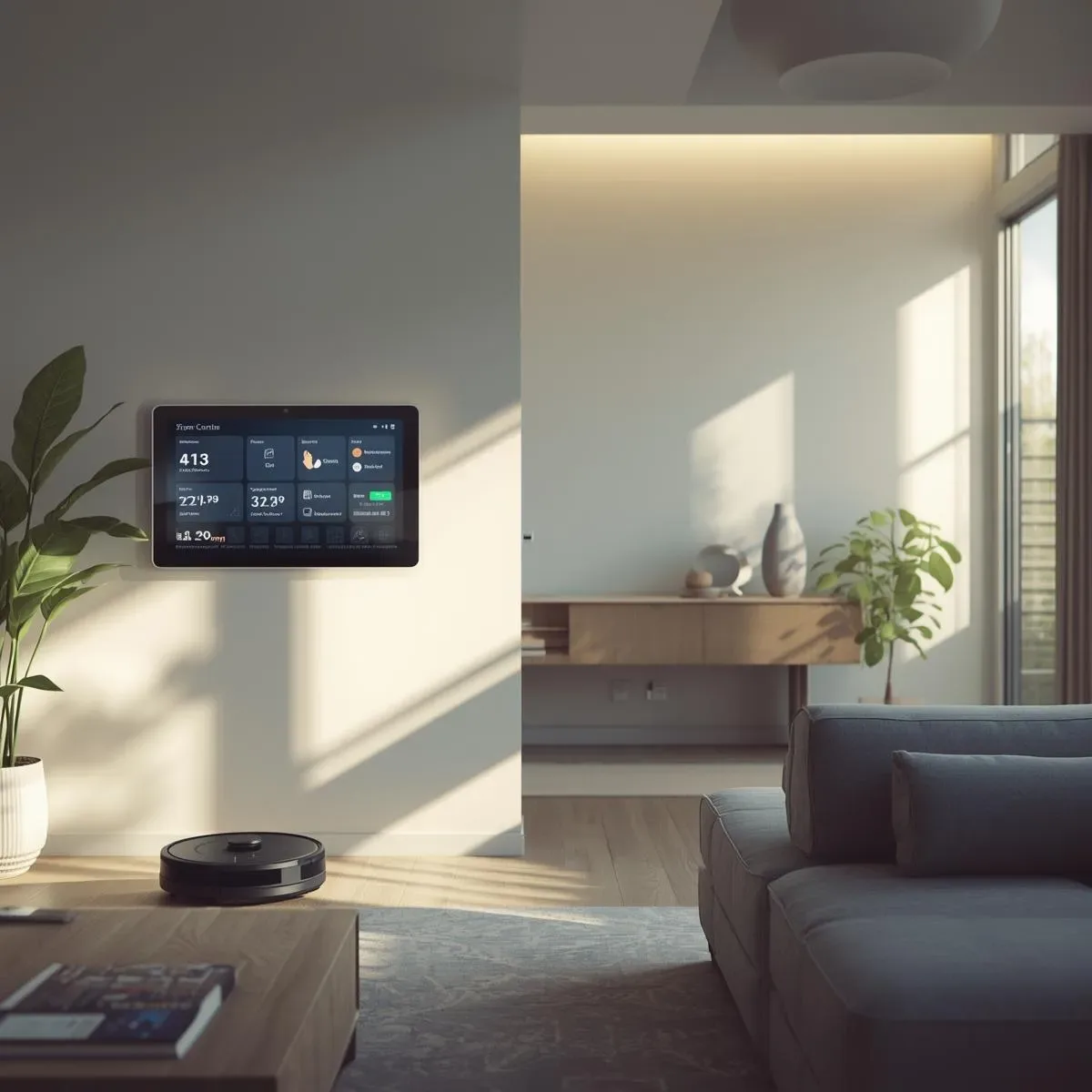
What is Home Automation and How Does It Work
Automation defines a Trigger + Condition + Action that the home controller executes automatically without manual input:
Trigger:   PM2.5 sensor exceeds 50 µg/m³
Condition: Time 07:00–22:00 and someone home
Action:    Turn on air purifier Speed High + close fresh air vent
Morning Routine: The Morning That Runs Itself
yaml
alias: Morning Routine — 06:30 Weekday
trigger:
  - platform: time
    at: "06:30:00"
condition:
  - condition: time
    weekday: [mon, tue, wed, thu, fri]
action:
  - service: cover.open_cover
    target:
      entity_id: cover.bedroom_curtain
  - service: climate.set_temperature
    target:
      entity_id: climate.bedroom_ac
    data:
      temperature: 26
      hvac_mode: cool
  - service: light.turn_on
    target:
      entity_id: light.bathroom
    data:
      brightness_pct: 50
      color_temp: 4000
  - service: fan.turn_on
    target:
      entity_id: fan.air_purifier_living
  - service: notify.mobile_app
    data:
      message: >-
        🌅 Good morning! Outdoor PM2.5: {{ states('sensor.pm25_outdoor') }} µg/m³
        Temperature: {{ states('sensor.outdoor_temp') }}°C
Energy Savings: How Automation Delivers 15–30%
Energy savings from automation fall into three groups:
Group 1: Turn off when not in use (saves 8–15%)
- Auto-off AC when occupancy sensor detects no one for 15 minutes
- Turn off all lights when everyone leaves (geofencing)
- Cut standby power via smart plugs on TVs and appliances
Group 2: Run at optimal times (saves 5–10%)
- Run washer/dishwasher during MEA TOU off-peak (21:00–08:00)
- Pre-cool rooms before MEA peak hours (09:00–22:00)
- Charge EV/backup batteries overnight at lower rates
Group 3: Optimize AC efficiency (saves 5–10%)
- Auto-adjust AC setpoint based on occupancy (unoccupied → 28°C)
- Turn off AC when windows are open (door/window sensor)
- Dim LED lights instead of frequent on/off cycling
Leave/Arrive Automation
yaml
alias: Goodbye — Leave Home
trigger:
  - platform: state
    entity_id: person.tony
    to: not_home
    for: "00:05:00"
condition:
  - condition: state
    entity_id: group.all_persons
    state: not_home
action:
  - service: climate.turn_off
    target:
      entity_id: all
  - service: light.turn_off
    target:
      entity_id: all
  - service: lock.lock
    target:
      entity_id: all
  - service: notify.line_notify
    data:
      message: "🏠 Home empty — all devices off, all locks secured"
Recommended Platforms for Thailand
| Platform | Strengths | Limitations | Best for |
|---|---|---|---|
| Home Assistant | Local-first, all protocols, free | Requires self-setup | DIY/Technical |
| Google Home | Easy, Thai Google Assistant | Cloud-dependent | Beginners |
| Apple HomeKit | Secure, Matter, iPhone | Apple ecosystem only | Apple users |
| SmartThings | Samsung ecosystem integration | Cloud | Samsung device users |
Getting Started: 3-Step Path
- Quick wins: Smart plugs + occupancy sensors → auto-off (~THB 2,000)
- Safety layer: Door/window sensors + camera + LINE alert (~THB 8,000)
- Full automation: HA + Zigbee hub + climate + energy monitoring (~THB 25,000)
Summary
Good automation delivers three values simultaneously — convenience, safety, and savings — and the more devices you add, the smarter the coordination becomes.