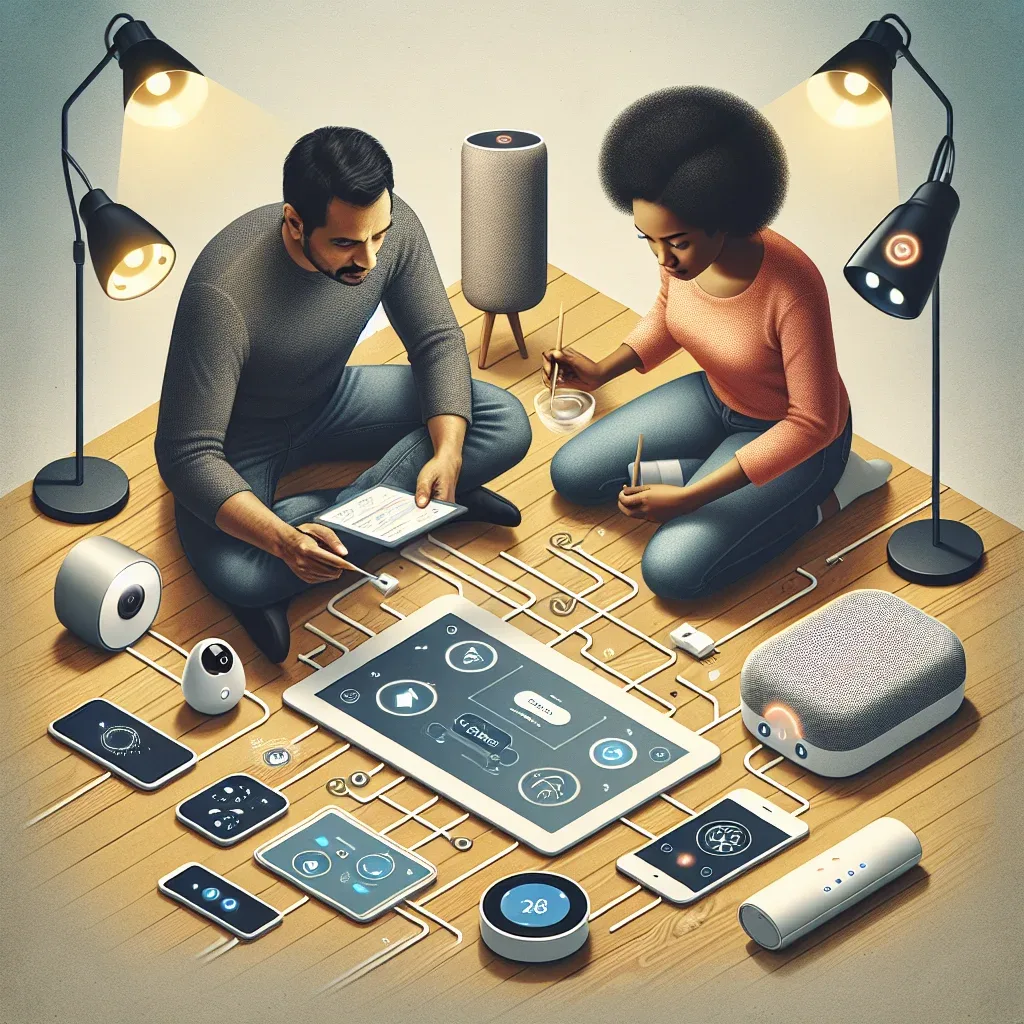
Starting a Smart Home from Scratch
Building a smart home doesn't require doing everything at once. Beginners should start with 3–5 devices that solve real daily problems, then expand gradually. This guide recommends the right entry path for Thai households.
Understanding Smart Home Basics
A smart home connects electronic devices via the internet for remote control or automation. Key benefits include convenience — turning on lights and AC before arriving home — energy savings through automatic shutoff when rooms are empty, and enhanced security through cameras and Smart Locks.
Good beginner devices should be reasonably priced, easy to set up, support both iOS and Android apps, and integrate with Google Home, Amazon Alexa, or Apple HomeKit.
Recommended Starter Devices
The recommended purchase sequence starts with a Smart Speaker — Google Nest Mini or Amazon Echo Dot (1,500–2,500 THB) as your voice control hub, capable of managing all future devices.
Next, add Smart Light Bulbs: Philips Hue E27 or Xiaomi Yeelight for adjustable brightness, color options, and immediate voice control. Then Smart Plugs — TP-Link Tapo P100 offers the fastest return on investment, instantly making any existing appliance voice-controllable via app.
Configuring Google Home and Amazon Alexa
For Google Home: download the Google Home app, sign in with your Google Account, tap + → Set up device → Works with Google, search for your device brand, and organize devices by room. You can then say "Hey Google, turn on bedroom lights" to control a whole room.
For Amazon Alexa: the platform offers 100,000+ Skills. Download the Amazon Alexa app, enable the Smart Home Skill for your device brand, and run Discover Devices to add everything automatically. Alexa is particularly strong for multi-step routines and third-party integrations.
Building Basic Automations
Start with useful, practical automations: turn off all lights when leaving home (Google Home: When I leave → Turn off all lights), turn on welcome lighting when arriving after 18:00, schedule all lights off at 23:30 automatically.
Google Home's If/Then Automations handle most everyday scenarios. Amazon Alexa's Routines are more powerful for complex sequences. Both support Geofencing using your smartphone's GPS as a trigger.
Smart AC Control and Sensors
For Thai homes using wall AC units instead of central thermostats, an IR Blaster like Broadlink RM4 Mini or SwitchBot Hub Mini (1,000–2,000 THB) converts any existing remote-controlled AC unit into a smart device instantly — no rewiring required.
A Temperature-Humidity Sensor (Xiaomi Temperature Sensor 2 or Aqara Temperature-Humidity Sensor) enables temperature-based AC automations rather than time-based schedules, delivering better energy savings by responding to actual conditions.