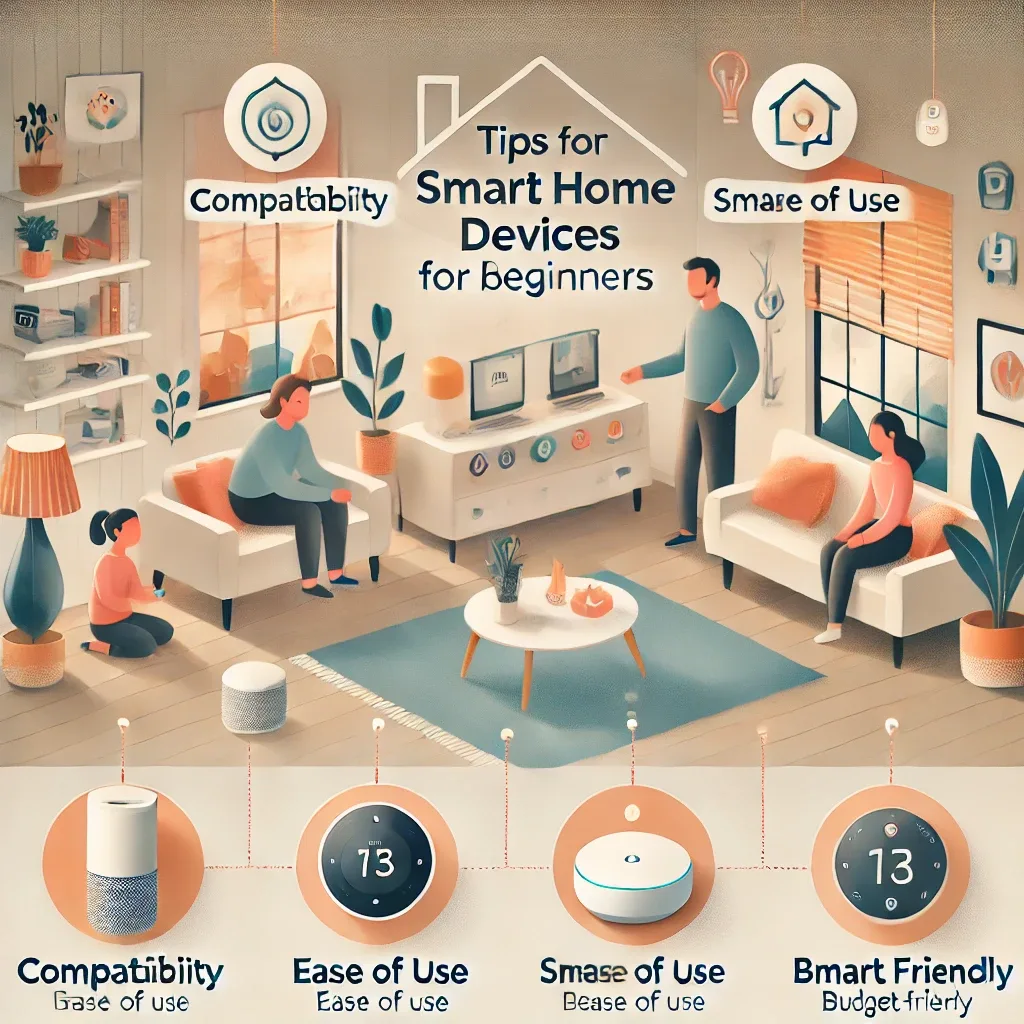
Where Should Beginners Start with Smart Home?
The most common question from smart home beginners is: "Which device should I buy first?" The best answer is to start with a clear problem or need — not the latest trend. Define what you want to improve before opening your wallet.
Define Your Goals Before Buying
Group your needs into three categories: comfort (controlling lights and air conditioning from your phone), security (smart cameras and smart locks), and energy savings (smart plugs with power monitoring and automated scheduling).
Set a budget upfront. A basic smart home can start at 1,000–3,000 THB for one or two smart bulbs and a smart plug, scaling to 20,000+ THB for a comprehensive system.
Recommended Starter Devices
Smart bulbs are the best entry point — affordable, immediately visible results, and no wiring required. Options range from Philips Hue (premium quality, higher price) and Ikea TRADFRI (mid-range, Zigbee-compatible) to Xiaomi Mi LED (budget-friendly, Wi-Fi) and Govee or Yeelight for affordable color lighting.
Smart plugs deliver excellent value for beginners: they measure power consumption and enable scheduling without modifying any wiring. Top picks include the NOUS A1T (Tasmota-flashable), Shelly Plug S (energy monitoring), and TP-Link Tapo P110 (extremely user-friendly app, ideal for those not yet using Home Assistant).
Smart cameras: Reolink RLC-810A (2K, PoE, Frigate-compatible), TP-Link Tapo C320WS (affordable Wi-Fi option), and Hikvision AcuSense (mid-high range with built-in AI detection).
Smart speakers for voice control: Google Nest Mini or Hub, Amazon Echo Dot (budget options), or Apple HomePod mini for Apple ecosystem users.
Choosing the Right Protocol
In 2026, four main protocols matter for beginners. Wi-Fi is the easiest entry point — no extra hub required, but uses multiple IP addresses. Zigbee is energy-efficient, stable, and requires a coordinator (USB dongle). Z-Wave is more expensive but offers superior signal range. Matter is the new 2025–2026 standard enabling cross-platform compatibility.
For beginners wanting no extra hub: start with Wi-Fi + TP-Link Tapo app. For beginners planning to expand: choose Zigbee + Home Assistant on Raspberry Pi.
Good Habits for Building a Smart Home
Avoid mixing too many brands without a plan — managing multiple apps becomes frustrating quickly. Choose a single ecosystem or use a central hub like Home Assistant. Always check compatibility before purchasing, especially for HomeKit or Google Home integration. Buy from retailers that offer warranty support, as some IoT brands discontinue firmware updates unexpectedly.
Conclusion
Starting a smart home requires neither a large budget nor deep technical expertise. Begin with a single smart bulb or smart plug, learn the system, then expand gradually. The key is starting with a clear purpose and building from there.