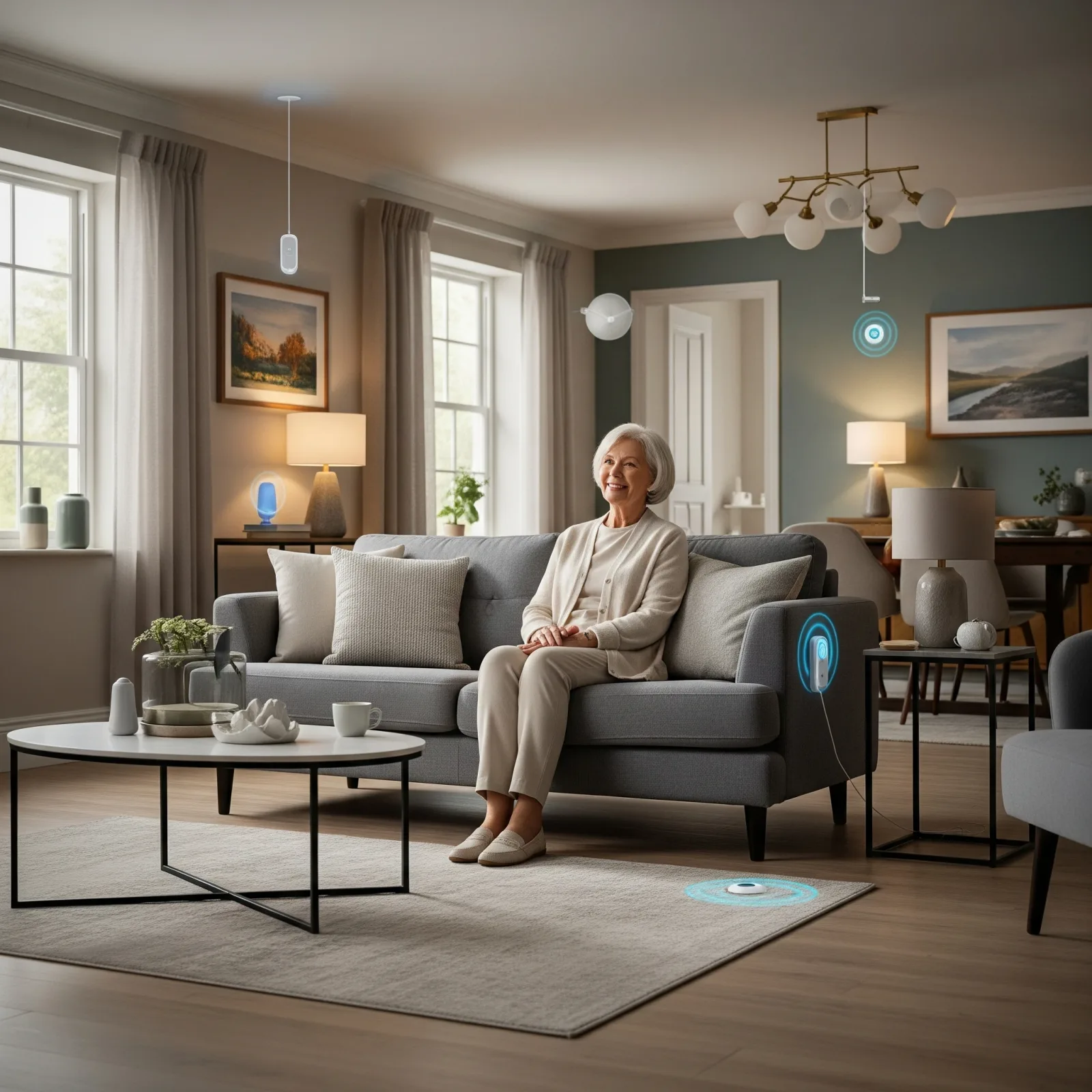
Why Fall Detection Is the Most Critical Feature
A fall is dangerous; being unable to get up afterwards, with no one aware, is often worse. A UK study that followed 110 people aged over 90 in Cambridge found that 82% of their falls happened when the person was alone, 80% of those who fell were unable to get up after at least one of their falls, and 30% lay on the floor for an hour or more. Call alarms were widely available, yet they went unused in most of those long lies (Fleming & Brayne, BMJ 2008). In Thailand, the Department of Disease Control reports that more than 1 in 3 older people fall every year, and that nearly 80,000 older people were admitted to hospital after a fall in 2024 (Department of Disease Control). Knowing quickly, rather than hours later, is the whole point of automatic fall detection.
But the market has dozens of options priced from 1,500 to 50,000 THB. Most families don’t know what to choose.
Technology 1: Camera-Based AI (e.g. Kami Fall Detect)
How it works: IP Camera with Real-time AI pose analysis. Kami Vision states 99.5% accuracy — the vendor's own figure, based on its internal data from more than 3,700 fall incidents in 2023 and not independently verified (Kami Vision press release, 6 Jan 2025).
Advantages:
- High vendor-reported accuracy
- Low starting price (3,500–8,000 THB)
- Provides real video — doubles as a video call device
Disadvantages:
- Privacy Score low — in a Swiss general-population survey (1,211 adults aged 18–93), only about 1 in 5 found a camera acceptable in the bedroom (20.3%) or bathroom (19.1%), rising to about 30% when the older person is at risk of falling (Wangmo et al., Gerontology 2026). It is a survey of Swiss adults of all ages, not of Thai elders.
- Performance depends on lighting, camera angle and obstructions
- Cloud-dependent — if internet goes down, system goes down
- Monthly subscription 299–599 THB
Best for: Living room, home entrance, areas where elderly consent
Technology 2: Dedicated mmWave Sensor (e.g. Vayyar Care)
How it works: 60 GHz mmWave Radar, wall-mounted, covers 1 room per unit. Detects falls, breathing, and Vital Signs without any camera.
Advantages:
- Privacy Score 10/10 — no camera, no audio
- One unit covers one full room
- Works without any wearable
- Local processing — no cloud dependency
Disadvantages:
- High price (15,000–25,000 THB/unit including installation)
- Requires one unit per room for coverage
- Complex setup — requires specialist
Best for: Bedroom, bathroom — highest-risk zones
Technology 3: AI Fall Detection Software (e.g. ElderFallGuard)
How it works: Software running on an existing IP camera, analysing Depth Camera Point Cloud for fall detection without recording actual images.
Advantages:
- Better privacy than standard camera (no actual images stored)
- Works with existing compatible cameras
- Mid-range price (5,000–12,000 THB)
Disadvantages:
- Requires Depth Camera (more expensive than standard IP camera)
- Accuracy depends on setup and camera angle
- Higher False Positive rate than dedicated mmWave
Best for: Living room, kitchen, hallway
Technology 4: DIY mmWave Module (e.g. LD2410 + Home Assistant)
How it works: Budget mmWave module connected to Home Assistant via ESPHome or Zigbee, with custom Fall Detection Rules.
Advantages:
- Very low cost (800–2,500 THB/unit)
- Privacy 10/10 — no camera
- 100% customisable via Home Assistant
- No monthly subscription
Disadvantages:
- Requires DIY skill or a skilled installer
- Lower Fall Detection accuracy than dedicated devices
- No manufacturer technical support
Best for: Tech-savvy users or those with a skilled installer
Summary Comparison Table
| Feature | Kami AI Camera | Vayyar Care | ElderFallGuard | DIY mmWave |
|---|---|---|---|---|
| Price | 3,500–8,000 | 15,000–25,000 | 5,000–12,000 | 800–2,500 |
| Privacy Score | 2/10 | 10/10 | 7/10 | 10/10 |
| Accuracy | 99.5% — vendor's internal data | No public figure | No independent figure | Depends on tuning and placement |
| Easy install | Easy | Medium | Hard | Very Hard |
| Local Processing | No | Yes | Partial | Yes |
| Monthly fee | 299–599 | None | 199–499 | None |
Published accuracy figures — from vendors or from lab studies — are measured in different ways and often under controlled conditions, so they cannot be compared directly. In a real home, performance depends on placement, room layout and who is in the room.
Budget-Based Recommendations
Under 10,000 THB: Living room → Kami Camera + bedroom → Panic Button 10,000–30,000 THB: Bathroom → Vayyar Care × 1 + Panic Button in every room Over 30,000 THB: Vayyar Care in bedroom + bathroom + Camera in living room — full risk coverage