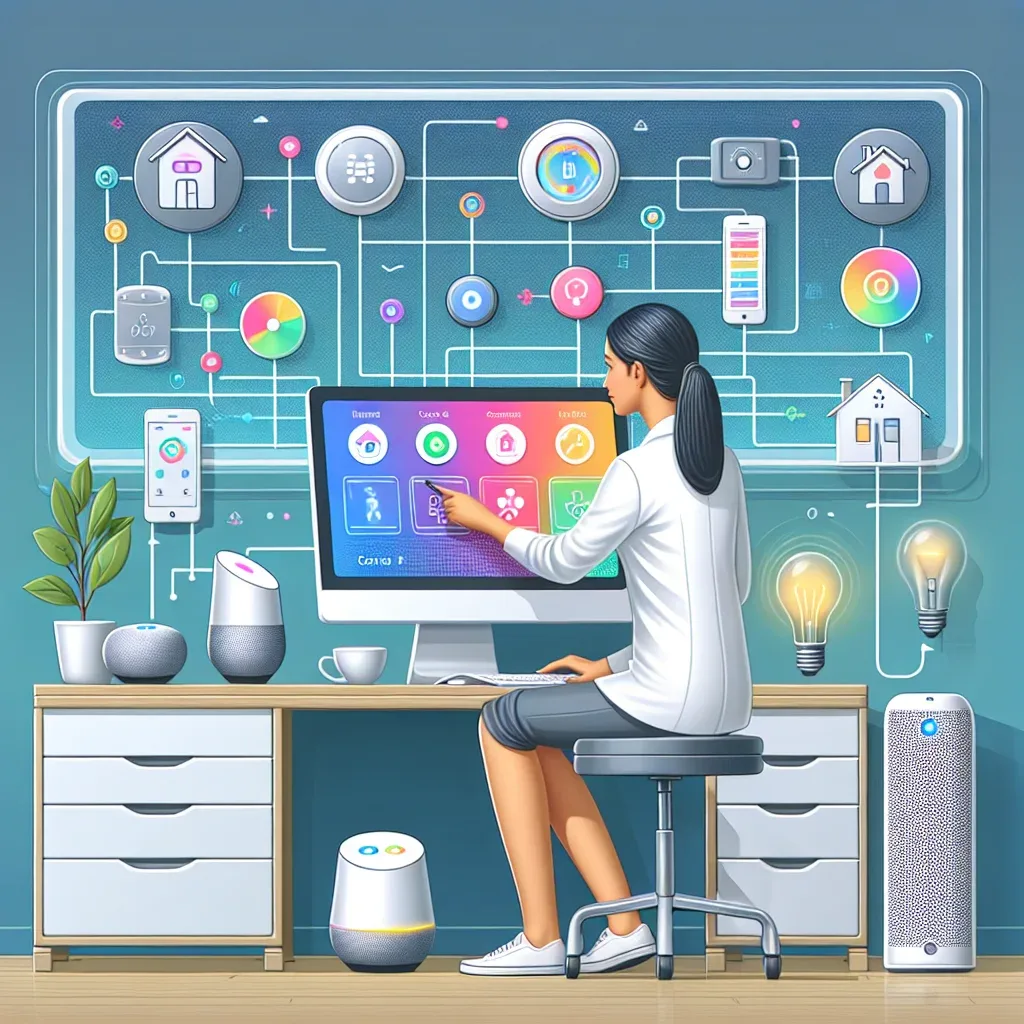
Home Assistant: A Platform for Both Residential and Office Smart Management
Home Assistant is open-source software engineered for maximum flexibility, supporting both B2C (residential) and B2B (offices, shops, small hotels) use cases on the same platform.
Installed on a Raspberry Pi 5 on your local network, all data remains under your control — no monthly subscription required (unless remote access via Nabu Casa is needed at $6.50/month).
Dashboard: Screens Customized for Every Use
One of Home Assistant's greatest strengths is the fully customizable Lovelace Dashboard:
- Mobile Dashboard: shows only the most-used controls, designed for comfortable thumb navigation
- Wall Panel: tablet mounted on the wall, displaying room status, camera feeds, and Scene buttons
- Admin Dashboard: Energy Usage graphs, 30-day Sensor History, and Automation logs
Popular widget examples:
- Thermostat Card: drag slider to adjust AC temperature
- Camera Card: live CCTV feed
- History Graph: view PM2.5, Temperature, or Electricity Usage for the past 24 hours
- Scene Button: tap "Leaving Home" to shut everything off simultaneously
Remote Access: Control from Anywhere in the World
Two main methods to access Home Assistant remotely:
Option 1: Nabu Casa ($6.50/month, ~230 THB)
- Register in Home Assistant Settings → Nabu Casa
- Receive a unique URL such as
https://abcdef1234.ui.nabu.casa - No Router or Firewall configuration required
- Subscription revenue partially funds Home Assistant development
Option 2: WireGuard VPN (free, requires manual setup)
- Install the WireGuard Add-on in Home Assistant
- Configure Port Forwarding on your Router
- Maximum security, no monthly cost
B2B Benefits: Smart Office with Home Assistant
Thai SMEs are adopting Home Assistant for office use because it delivers:
- Energy savings: auto-off AC and lights when the office is empty after 8 PM — reduces electricity bills 20-30%
- Security: AI cameras + Motion Sensors alert when the office is accessed outside business hours
- Real-time monitoring: CO2 sensors in meeting rooms alert when levels exceed 1,000 ppm (signal to ventilate)
- Smart Lock: temporary PINs for temporary staff or maintenance contractors
Real example: a small Bangkok retail shop installed RPi5 + Home Assistant controlling 8 light points, 2 AC units, and 2 cameras. Automation turns everything off when the door is locked. Monthly electricity saving: 800 THB.
Protocol Connectivity
Home Assistant supports multiple protocols within one system:
- Zigbee via ZHA or Zigbee2MQTT: affordable devices, Mesh Network
- Z-Wave via Z-Wave JS: more stable, ideal for large homes
- Wi-Fi via Integrations: Tuya, Tasmota, ESPHome
- IR/RF via Broadlink Integration: control AC units and legacy appliances
- Matter via built-in Integration: supports the latest generation of devices
HappySmart serves both B2C and B2B — installing Home Assistant for residential homes and SME offices throughout Bangkok and surrounding areas.