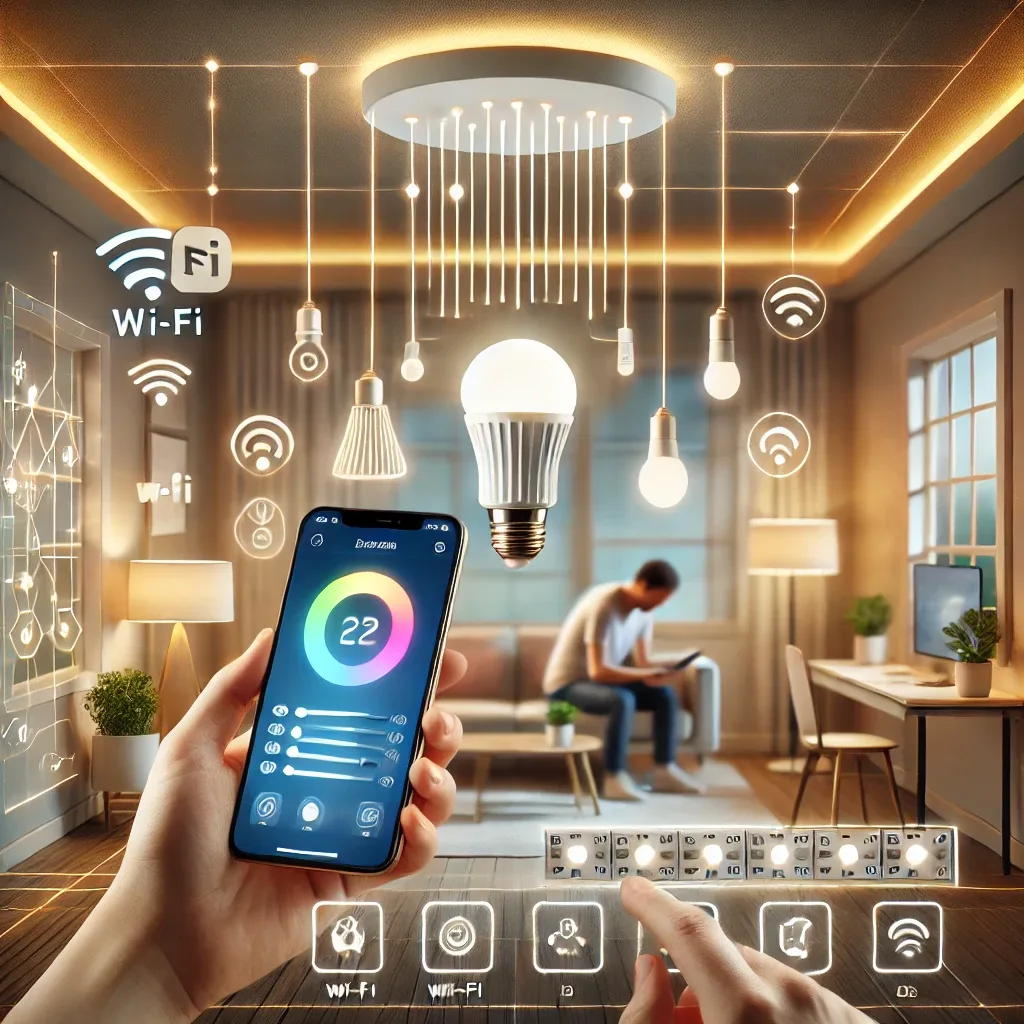
What Is Smart Lighting
Smart Lighting is an electrically connected lighting system controllable through smartphones, tablets, or voice commands via Google Assistant, Amazon Alexa, or Apple Siri. Connected through Wi-Fi, Zigbee, or Z-Wave, these systems go beyond simple on/off control — they adjust brightness, change light color, schedule automatic timers, and respond to motion sensors or outdoor environmental conditions.
Planning and Equipment Preparation
Before installation, assess your home's size and the rooms you want to cover. Decide on your control method — smartphone app, voice assistant, or central hub — and the type of bulbs needed. Wi-Fi suits smaller homes with fewer bulbs, but for controlling dozens of lights simultaneously, Zigbee or Z-Wave delivers superior stability and efficiency. Required equipment includes smart bulbs (Philips Hue, LIFX, or Sengled), a hub controller (Philips Hue Bridge or Sonoff Zigbee 3.0 USB Dongle), a smartphone, and a Wi-Fi router with full coverage.
Installation Steps
Installing smart bulbs is straightforward — simply swap old bulbs for new ones and open the manufacturer's app to connect them to the system. If using a hub like Philips Hue Bridge, connect it to your router first, then sync all bulbs through the app. Finally, link the system to Google Assistant or Alexa to enable voice control throughout. In Home Assistant, all brands consolidate into a single Integration for unified control.
Customizing Your Smart Lighting System
After installation, Smart Lighting can be customized at multiple levels. Automatic schedules — living room lights off after midnight, kitchen lights on in the morning — save energy without requiring manual thought. Color temperature options include warm white (approximately 2,700K) for relaxation, cool white (4,000–5,000K) for focused work, and RGB for special atmospheres. PIR motion sensors automatically turn on corridor or bathroom lights at night, eliminating the need to find switches in the dark.
Remote Control and System Integration
Smart Lighting apps enable control from anywhere — if you forget to turn off lights before leaving home, a tap on the app resolves it instantly. Smart Lighting also integrates with security cameras, door sensors, and security systems. When a camera detects night-time movement, the system automatically turns on exterior lights to deter intruders. Home Assistant makes these automations unlimited in scope and complexity.