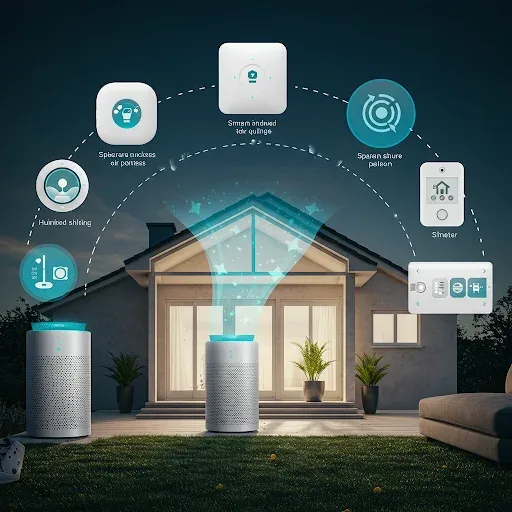
Why Smart Home Technology Is Essential for Air Quality
Modern Smart Home systems are more than convenience — they are real-time health infrastructure. IoT sensors measure PM2.5, CO2, VOC, and other contaminants around the clock. When any reading exceeds a threshold, Automation commands devices immediately without waiting for anyone to notice. This capability is critical because PM2.5 and CO2 are colorless and odorless — they cannot be perceived by the senses.
Smart Air Purifiers: The Heart of an Air Quality System
Smart air purifiers operate fundamentally differently from standard units. Built-in sensors measure PM2.5, PM10, CO2, and VOC in real time, pushing data to a smartphone app. When sensors detect PM2.5 exceeding 35 μg/m3, the unit immediately increases fan speed; when air clears, it automatically returns to quiet mode.
App control via Xiaomi Home, SmartThings, or Home Assistant enables historical air quality graph tracking, remote command from anywhere, and scheduling the unit to activate 30 minutes before arriving home. Voice commands through Google Assistant or Alexa add further convenience.
Air Quality Sensors That Connect to Home Assistant
Popular choices for Home Assistant users in Thailand include: Xiaomi Air Quality Monitor measuring PM2.5, CO2, and VOC over Wi-Fi using the Miio Integration; Airthings Wave Plus measuring radon gas (important in homes using natural stone), CO2, and humidity via Bluetooth or Hub; and Awair Element measuring PM2.5, CO2, temperature, humidity, and VOC over Wi-Fi with a full API.
Once connected to Home Assistant, these sensors feed real-time data to the Dashboard and instantly enable complex Automation.
Powerful Automation Examples
An Automation set for PM2.5 and CO2 management:
When PM2.5 > 35 μg/m3: activate all purifiers at maximum + close smart windows + send Line notification.
When PM2.5 < 12 μg/m3: reduce purifiers to quiet mode + activate ventilation if outdoor air is good.
When CO2 > 1,000 ppm: activate exhaust fan or ERV + alert to open a window.
When humidity < 30%: automatically activate Humidifier + stop when humidity reaches 50%.
When leaving home (Presence Detection): reduce purifiers to energy-saving mode — not fully off — to maintain baseline air quality.
Choosing the Right Sensors for Your Home
Consider four factors: Connectivity (Wi-Fi is more convenient; Zigbee is more stable and energy-efficient but requires a Hub), Parameters measured (PM2.5+CO2 as minimum; VOC+humidity add value), Accuracy (sensors above 3,000 THB are typically more accurate than budget models), and Platform compatibility.
HappySmart provides consultation on selecting and installing air quality sensors alongside Home Assistant Automation configuration tailored specifically to your home.