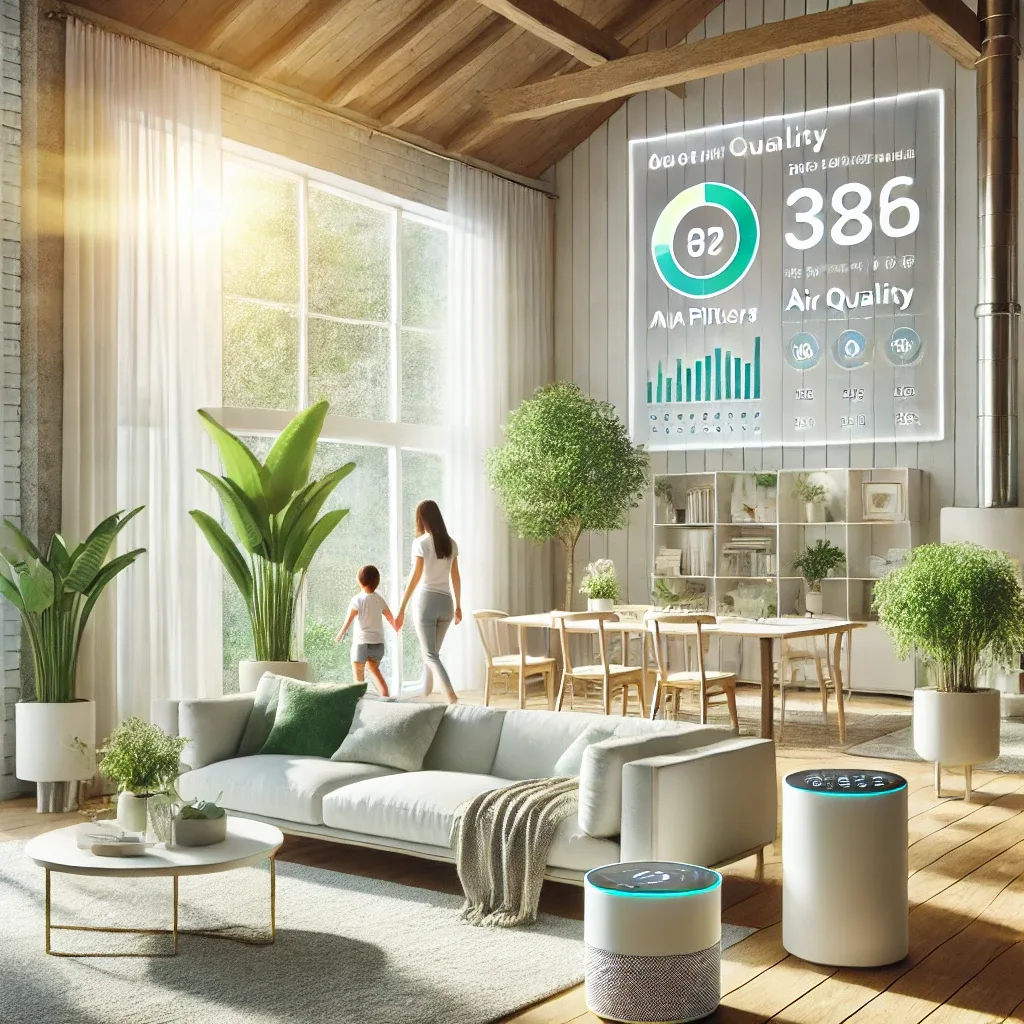
What is Home Assistant and Why It Suits Air Quality Management
Home Assistant is an open-source smart home platform supporting over 3,000 brands, running on a Raspberry Pi or NUC at home — no external cloud dependency, all data stays local. For air quality management, HA supports PM2.5, CO2, humidity, and temperature sensors from multiple brands, controlling purifiers, ventilation fans, and air conditioners from one unified interface.
Real-Time Monitoring
Install sensors such as the Xiaomi Mi Air Quality Monitor, MH-Z19 (CO2), or Aqara TVOC Sensor via Zigbee or Wi-Fi into HA, then build a Lovelace dashboard showing PM2.5, CO2, humidity, and temperature as real-time graphs. View readings from your phone, tablet, or a wall-mounted display. Set traffic-light color thresholds so you know air status the moment you open the app.
Automation for Purifier Control
Build HA Automations such as: when bedroom PM2.5 exceeds 50 μg/m³, activate the Xiaomi Mi purifier at maximum speed and send a LINE notification; when it drops below 25 μg/m³, reduce to Auto speed and stop alerting. Create separate automations per room — lower thresholds for a child's bedroom versus the living room to protect vulnerable occupants.
Ventilation Management Using CO2
When CO2 exceeds 800 ppm, occupants begin feeling drowsy and unfocused. Automate ventilation fans or HVAC to activate above 800 ppm and stop below 600 ppm. Combine with an outdoor PM2.5 check: if outdoor air is dusty, run exhaust fans only rather than drawing air inward. This reduces CO2 without increasing indoor dust.
Alerts and Energy Saving
HA supports LINE Notify, Telegram, and custom push notifications with tiered thresholds — PM2.5 >35 for moderate alert, >75 for urgent alert, CO2 >1,000 ppm to open doors or windows. The Energy Management feature tracks purifier and fan consumption. Combined with behavioral learning AI, the system pre-activates devices before you enter a room, reducing energy use without compromising air quality.
Getting Started
Install Home Assistant OS on a Raspberry Pi 4 or NUC, connect a Zigbee USB dongle (e.g., Sonoff Zigbee 3.0), add Aqara or Xiaomi sensors via Zigbee, and connect Xiaomi or Philips purifiers through Mi Home Integration or Local Tuya. Install HACS for additional integrations, then build Automations and a Lovelace Dashboard. Thai-language guides and the Thai HA Facebook community with over 10,000 members provide ongoing support.