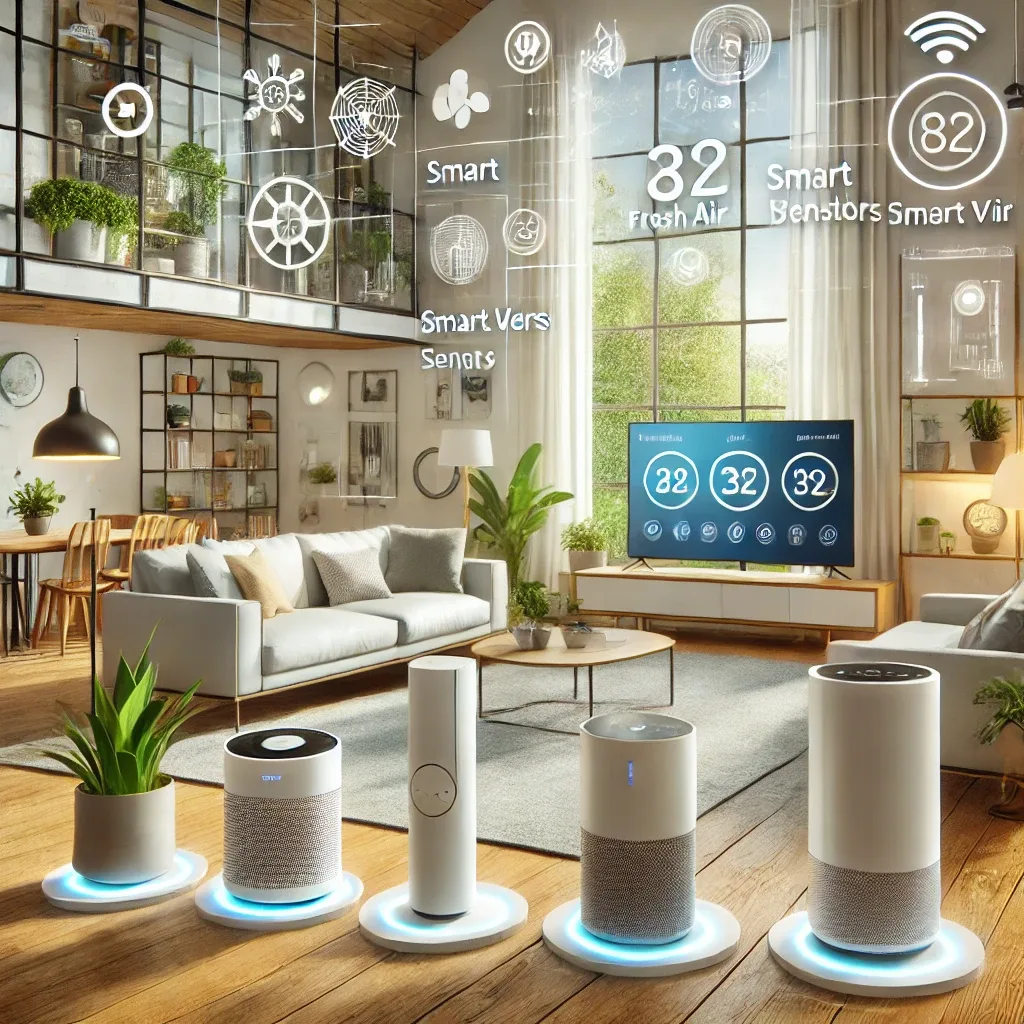
Principles for Selecting Smart Home Devices That Support Fresh Air Systems
Choosing Smart Home devices to work with Fresh Air Systems requires consideration of 3 key factors: data communication compatibility with Home Assistant (API, Zigbee, Z-Wave, Wi-Fi), measurement accuracy for reliable automation triggers, and 24-hour operational reliability.
The most expensive device is not always the best — it must fit the system architecture you have planned.
Category 1 — Smart Air Purifier
Dyson Pure Cool Link / Pure Cryptomic (15,000-35,000 THB): Supports native Dyson integration in Home Assistant, measures PM2.5, VOC, and NO2 in real time, and auto-adjusts fan speed. Suited for large rooms of 30-50 square meters.
Xiaomi Air Purifier 4 Pro / Mi Air (6,500-12,000 THB): Supported via Mi Home integration in Home Assistant. Cost-effective and integrates well with other sensors through automation. Suited for 20-40 square meter rooms.
Selection Principle: Choose Air Purifiers with official Home Assistant integration or a local API that does not depend on cloud services for stable automation.
Category 2 — Air Quality Sensors (Positive Air Pressure Devices)
These are the most critical devices in a Fresh Air + Smart Home system:
Aqara TVOC Air Quality Monitor (2,500-3,000 THB): Measures PM2.5, CO2, TVOC, temperature, and humidity. Connects via Zigbee directly to Home Assistant without requiring an Aqara Hub.
SEN55 (Sensirion) (2,000-3,500 THB module): Higher-grade sensor measuring PM1.0, PM2.5, PM4.0, PM10, NOx, VOC, temperature, and humidity. Compatible with ESPHome on RPi5.
IKEA VINDSTYRKA (approximately 1,200 THB): Most affordable option, connects directly via Zigbee — suitable for tight budgets.
Category 3 — Smart Ventilation System
Intelligent ventilation fans controllable via app or automation:
Smart Bathroom Fan with Built-in Humidity Sensor (3,000-6,000 THB): Auto-activates when humidity exceeds a set threshold — ideal for bathrooms and kitchens with high moisture.
Zigbee Smart Switch + Standard Ventilation Fan (1,500-3,000 THB): More economical, controlled through Home Assistant automations based on sensor data.
Category 4 — Smart Thermostat with Humidity Control
Ecobee SmartThermostat Premium (8,000-12,000 THB): Built-in humidity measurement, native ecobee integration in Home Assistant, auto-activates ventilation fans when humidity rises to prevent mold.
Tuya Smart Thermostat + Humidity Sensor (2,500-4,500 THB): Affordable option supported via Tuya/Local Tuya integration in Home Assistant.
Category 5 — Smart Windows and Doors
Automated Window Actuators (4,000-8,000 THB per window): Open automatically when outdoor AQI is good and indoor CO2 is high. Close automatically when outdoor PM2.5 exceeds 35 μg/m³ or when rain is detected via weather integration in Home Assistant.
Selection by Priority: Air quality focus → invest in Sensors first + ERV Fresh Air system. Convenience focus → Smart Purifier + Smart Thermostat. Full ecosystem → all 5 categories working together.