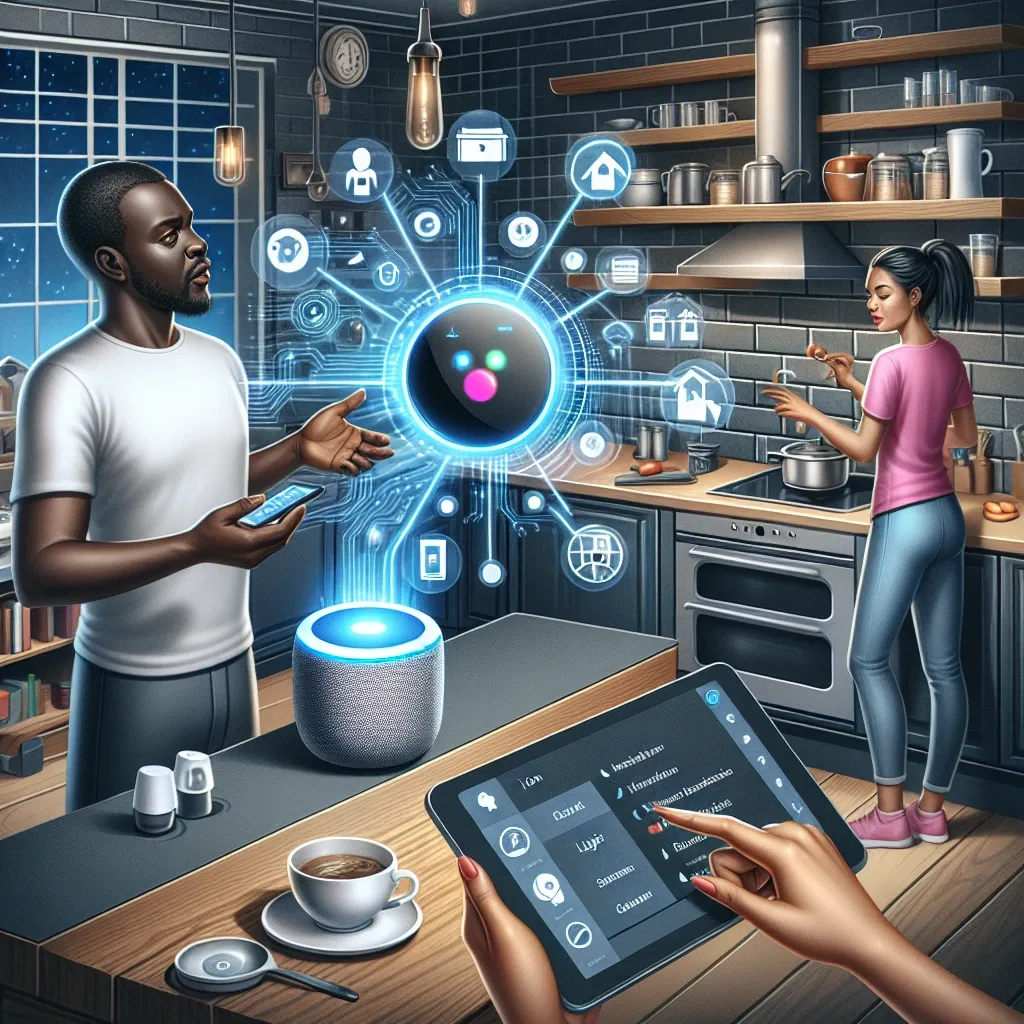
Home Assistant Is a Platform, Not Just an App
A common misconception is that Home Assistant is simply a device control app. In reality, it's an Open-Source Platform running on your own server (RPi 5, NAS, or Mini PC), supporting connections to 3,000+ brands and protocols including Zigbee, Z-Wave, Wi-Fi, Bluetooth, MQTT, Matter, and many more.
What sets Home Assistant apart from typical Smart Home apps: your data stays in your home without sending it to third-party clouds, it operates without internet, customization is unlimited, and a global developer community releases new Add-ons weekly.
Function 1: Comprehensive Control Center
Instead of switching between Mi Home, Philips Hue, Hikvision, and Daikin apps, Home Assistant consolidates all devices into a single customizable Dashboard. Create room-by-room views, monitor all device statuses in real-time, access an Energy Dashboard showing hourly electricity use, and view weekly PM2.5 trend graphs.
Function 2: Complex and Intelligent Automation
Home Assistant's Automation engine supports multi-level Triggers, Conditions, and Actions. Example complex automation: turn on the bedroom AC 30 minutes before usual sleep time, but only when the homeowner is physically at home (detected via phone GPS) and outdoor temperature exceeds 30°C.
Beyond Automations, Scenes let you configure multiple devices simultaneously — for example a Movie Scene: turn off all lights except a 30% warm white accent light, automatically turn on the TV, and set temperature to 24°C.
Function 3: Comprehensive Security
Home Assistant transforms ordinary CCTV cameras into an AI security system via integration with Frigate (an AI Object Detection Add-on). It distinguishes between people, vehicles, and pets — sending alerts with still images when detecting unknown persons specifically. This reduces false alarms from standard motion detection by 90%.
Real case study: a Bangkok family with an elderly parent living alone installed Home Assistant with 5 motion sensors. If no sensor detected movement for 4 hours during daytime, the system automatically sent a Line Notify message to family members.
Functions 4-6: Energy, Health, and Scalability
For energy management, Home Assistant's Energy Dashboard shows hourly electricity consumption per device, analyzes peak hours, and recommends optimal timing for running high-consumption appliances. For Solar Rooftop homes, it manages EV charging to always prioritize solar power.
For health, integration with Apple Health, Google Fit, and Garmin allows Home Assistant to detect poor sleep nights and automatically cool the bedroom by 1°C the following night.
For scalability, HACS (Home Assistant Community Store) offers 4,000+ Add-ons covering Line notifications, Google Calendar integration, electricity price tracking, and countless others. The system scales without limits as your needs grow.