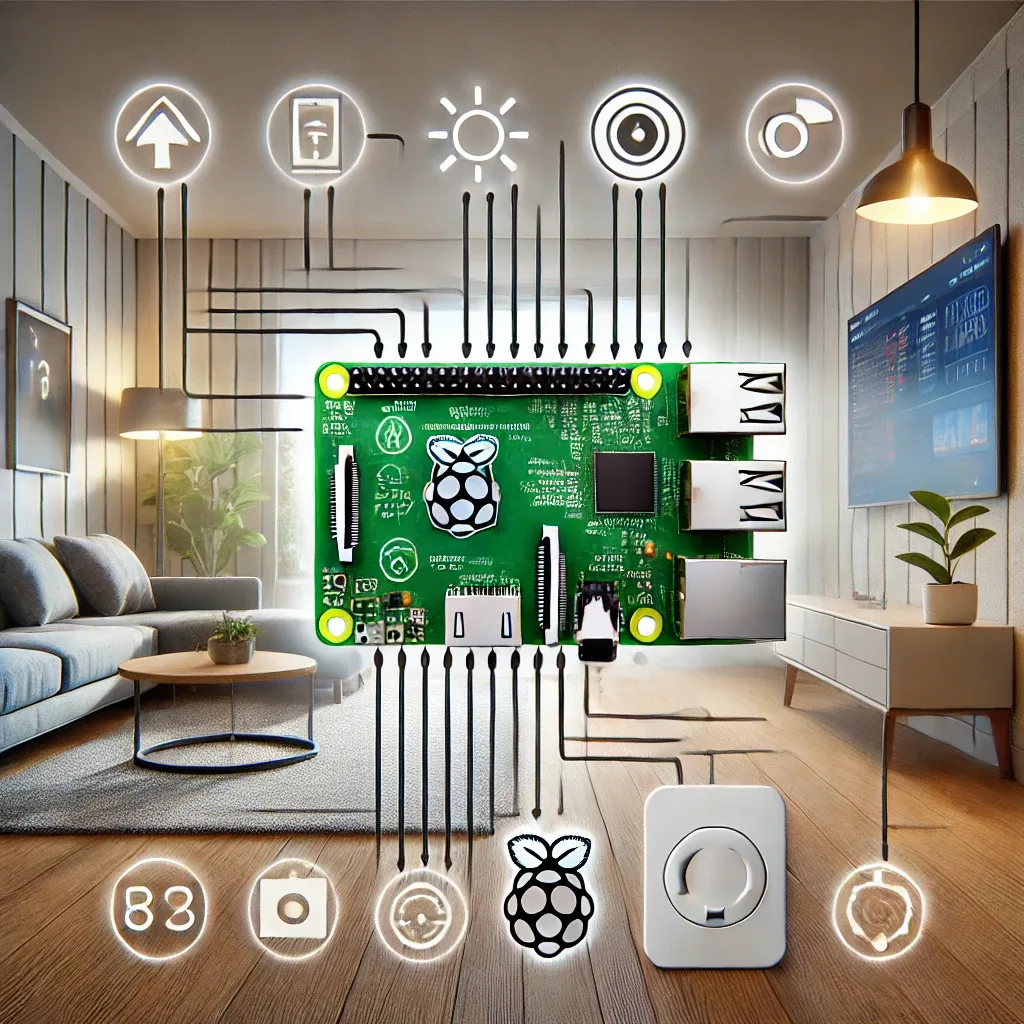
Why Raspberry Pi 5 Is the Ideal Smart Home Hub
Raspberry Pi 5 is a small but powerful single-board computer that is affordable, flexible, and unrestricted. Unlike proprietary Smart Home Hubs that lock you into a single brand ecosystem at a premium price, Raspberry Pi 5 lets you install any software, customize without limits, and work with devices from every manufacturer.
With a quad-core Cortex-A76 CPU at 2.4 GHz, up to 8 GB RAM, and PCIe Gen 2 for direct SSD connectivity, the RPi5 has more than enough performance to run Home Assistant with hundreds of automations, Frigate AI camera processing, and real-time dashboards simultaneously.
Five Core Advantages of Raspberry Pi 5 for Smart Homes
Maximum flexibility: The open-source OS environment supports Home Assistant OS, Raspberry Pi OS, Ubuntu, and Docker — configure the system however your needs demand without vendor restrictions.
Energy efficiency: Drawing only 5-10 watts under normal load, the RPi5 can run 24/7/365 with minimal impact on electricity costs — a critical advantage for an always-on home controller.
Extensive connectivity: Dual-band Wi-Fi, Bluetooth 5.0, 2x USB 3.0, 2x USB 2.0, Gigabit Ethernet, 40-pin GPIO, and PCIe Gen 2 provide hardware interfaces for virtually any IoT device on the market.
Cost-effective: At approximately 2,000-3,000 THB, it delivers greater capability than proprietary smart home hubs costing 5,000-20,000+ THB.
Reliability: Designed for continuous operation, backed by a massive global community and continuous software updates.
How to Install Home Assistant on Raspberry Pi 5
Gather hardware: RPi5 (4 GB or 8 GB RAM recommended), 32 GB+ micro SD card or PCIe SSD, a case with fan, USB-C 5A power supply, and HDMI cable for initial setup.
Flash the image: Download Raspberry Pi Imager from raspberrypi.com, select Home Assistant OS as the image, choose your SD card as storage, and click Write. Insert the card into the RPi5 and power on.
Initial setup: Navigate to http://homeassistant.local:8123 in any browser on the same network. Create your user account — Home Assistant will automatically discover IoT devices on the network.
Add integrations: Go to Settings > Devices & Services > Add Integration, select your brand or protocol, and follow the step-by-step wizard.
Connecting Popular IoT Protocols
Raspberry Pi 5 supports Zigbee via USB dongles like the SONOFF Zigbee 3.0 USB Dongle Plus, enabling direct Zigbee device pairing without a separate hub. Z-Wave is similarly supported via USB adapters. This makes RPi5 the recommended primary platform for a comprehensive smart home system — the approach HappySmart uses for all full-system installations.