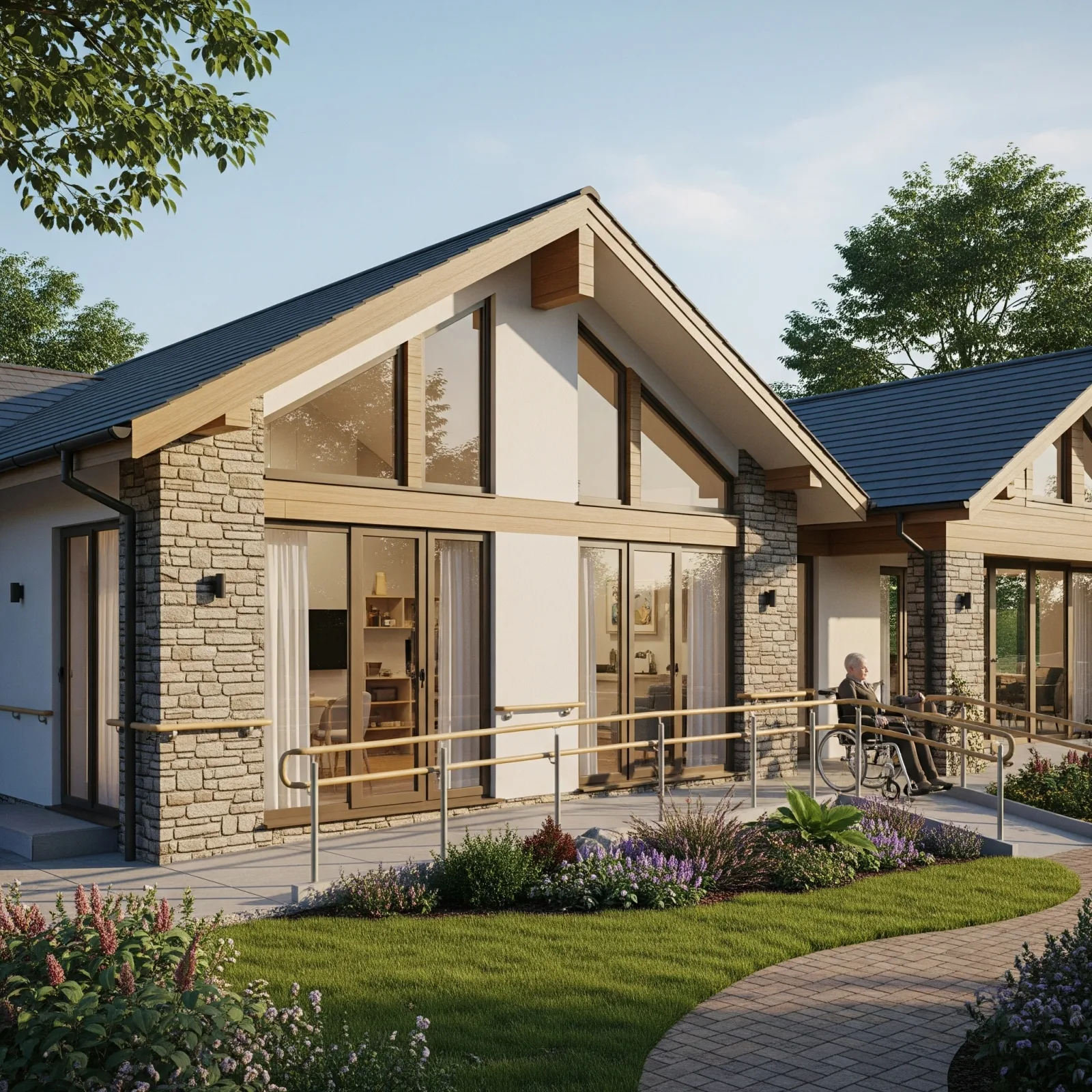
The Difference Between Looking Safe and Being Safe
Many homes have grab rails and non-slip tiles — they look safe. But when an elderly resident falls at 3 AM and no one knows until morning, the home was never truly safe. Real safety means a system that detects, alerts, and responds in time — not just preventing accidents, but managing them when they happen.
Here is a 7-feature checklist every truly safe elderly home must pass.
✅ Feature 1: AI Camera for Behavioral Anomaly Detection
Capabilities: Fall detection, unstable gait detection, prolonged motionlessness, safe-zone exit alerts
Minimum spec: 1080p resolution, IR night vision, AI Pose Estimation, 30-day event video retention
Cost: 3,500–12,000 THB per unit
What AI camera does that basic CCTV cannot: Real-time analysis without requiring anyone to watch — alerts only when it matters.
✅ Feature 2: mmWave Sensor for Privacy Zones
Bathrooms and bedrooms are where privacy matters most — and where falls are most likely. mmWave radar solves this tension:
- Fall detection without any image
- Breathing detection while motionless
- 24/7 operation with very low power
- Unaffected by light, heat, or obstacles
Cost: DIY 800–2,500 THB | Professional 12,000–25,000 THB
✅ Feature 3: Automatic Night Path Lighting
80% of nighttime falls occur when seniors rise to use the bathroom. Motion-activated LED lighting that turns on instantly in warm 2,700K (gentle on aging eyes) is the highest-ROI prevention measure available.
Cost: 800–2,000 THB per set (covering 3–5 meters)
✅ Feature 4: Door/Window Sensor + Smart Lock
Door Sensor: Alerts when opened outside expected hours — especially 11 PM–6 AM.
Smart Lock: Remote lock/unlock, temporary nurse codes, entry/exit history.
Cost: Sensor 150–500 THB | Smart Lock 3,000–12,000 THB
✅ Feature 5: Real-Time Mobile Home Control
The system heart is Home Assistant on Raspberry Pi 5, unifying all devices:
- Live status of every sensor
- Unlimited automation rules
- Event log for every alert
- Supports LINE Notify, Google Home, Apple HomeKit
Hub cost: RPi5 (4GB) + Zigbee dongle + UPS ≈ 4,500–7,000 THB
✅ Feature 6: Smart Air Purifier + Air Quality Monitor
Elders with lung or heart disease face high risk from poor indoor air:
- AQM measures PM2.5, CO2, TVOC, temperature, humidity
- Smart purifier auto-starts when PM2.5 > 35 μg/m³
- Saves 40–60% electricity vs. always-on operation
Cost: AQM 800–2,500 THB + Smart Purifier 3,000–12,000 THB
✅ Feature 7: SOS Emergency Button
The simplest device and arguably the most important. IP67 waterproof SOS button installed at:
- Beside the toilet
- In the shower zone
- Beside the bed
One press → LINE family alert immediately. Cost: 350–600 THB per point.
Safety Score Summary
| Feature | Without | With |
|---|---|---|
| AI Camera | ❌ | ✅ |
| mmWave | ❌ | ✅ |
| Motion Lighting | ❌ | ✅ |
| Door Sensor | ❌ | ✅ |
| Home Assistant | ❌ | ✅ |
| AQM + Purifier | ❌ | ✅ |
| SOS Button | ❌ | ✅ |
A home with all 7 features is truly safe — not just visually reassuring.