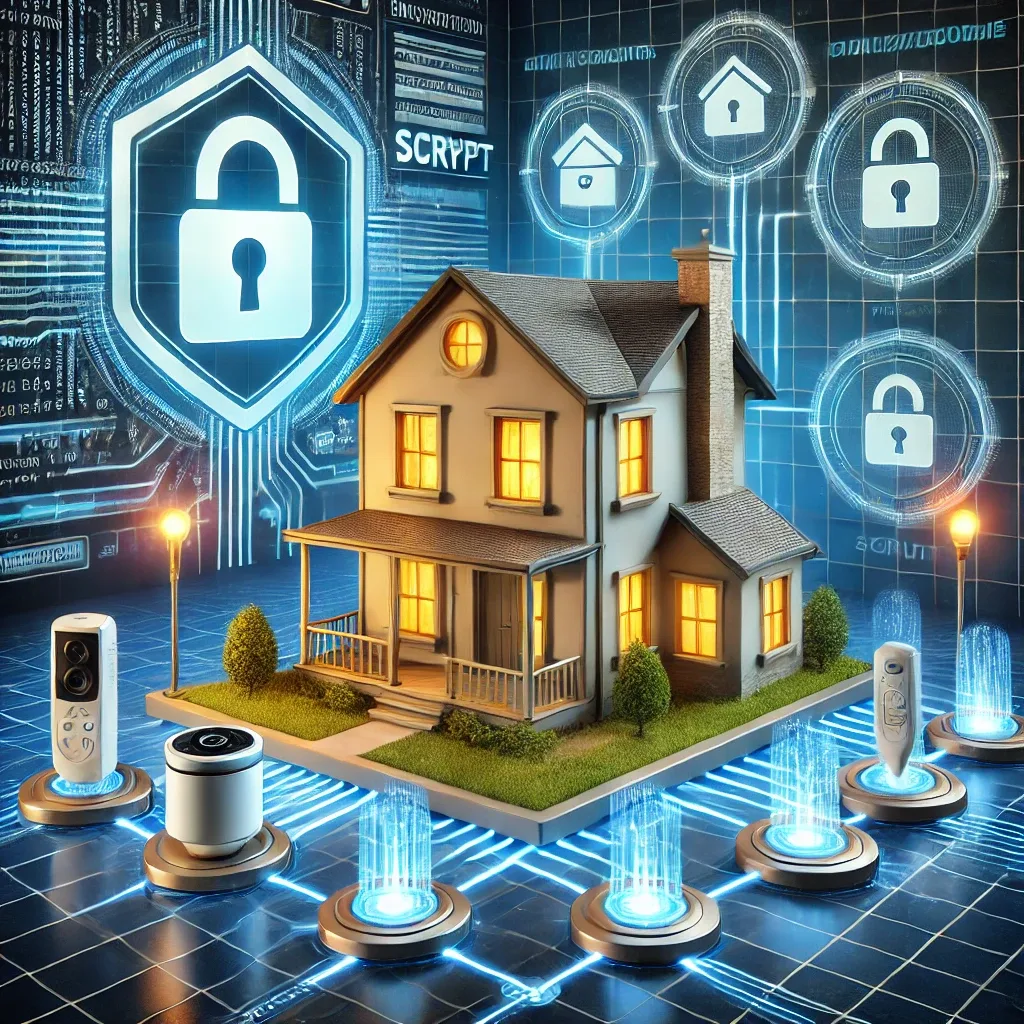
What Is Scrypt and Why Does It Matter for Smart Homes?
Scrypt is a Password Hashing Algorithm designed to require large amounts of RAM during processing — known as a Memory-hard Function. This property makes brute-force attacks or parallel GPU/ASIC attacks extremely difficult compared to older algorithms like MD5 or SHA-256, which use minimal resources and are far easier to crack. In an era where smart homes are connected to the internet around the clock, password and personal data security has become more critical than ever before.
Why IoT Devices Require High-Level Security
Smart home IoT devices — CCTV cameras, Smart Locks, and various control systems — are connected to the internet 24 hours a day, making them targets for Man-in-the-Middle attacks where malicious actors attempt to intercept data in transit. If a smart home system password is compromised, attackers may gain access to CCTV cameras, unlock doors, or disable the entire security system remotely. The damage extends beyond digital data loss to potential physical safety consequences for the family inside the home.
Benefits of Scrypt in Smart Home Systems
Using Scrypt in smart home systems delivers several clear advantages. For strong encryption: Scrypt generates hashes significantly harder to crack than traditional algorithms. For brute-force resistance: the requirement for large amounts of RAM makes parallel attacks using GPU clusters or ASIC so costly that they become economically unviable for attackers. For IoT device protection: it secures passwords used in authentication between IoT devices and the central Hub. For user trust: implementing high-standard encryption increases overall confidence in the smart home system's security posture.
How to Implement Scrypt in Smart Home Systems
Practical Scrypt implementation in smart homes involves several key steps. First, select devices and software that support Scrypt — Home Assistant supports Scrypt for data encryption. Next, configure encryption through each device's Web UI or through Home Assistant Configuration files. Regularly update software and device Firmware to receive the latest Security Patches. Use Scrypt in combination with other security measures to build multi-layer protection rather than relying on any single technique.
Important Cautions When Using Scrypt
Despite Scrypt's high security capability, important considerations require understanding. High resource usage: Scrypt demands significant RAM and CPU — older IoT devices with limited resources may slow noticeably, though Raspberry Pi 5 handles it well. Complex configuration: incorrect parameter settings may result in less security than intended; consulting experts or following tested configurations is advisable. Inconsistent update risk: new vulnerabilities are continuously discovered, making irregular software updates the largest ongoing security risk. Device incompatibility: not all IoT devices support Scrypt, requiring verification before implementation.
Multi-Layer Security Architecture
Scrypt alone is insufficient for complete smart home protection. It should be combined with additional measures: two-factor authentication (2FA) for all account access; Firewall and VPN for external connections; IoT Network isolation from the home's main network using VLAN; antivirus software on Hub devices; regular password rotation using a Password Manager for complex credential management; and vigilance against Social Engineering such as Phishing or impersonation of technicians. Encryption is the foundation — multi-layer security is the complete structure.