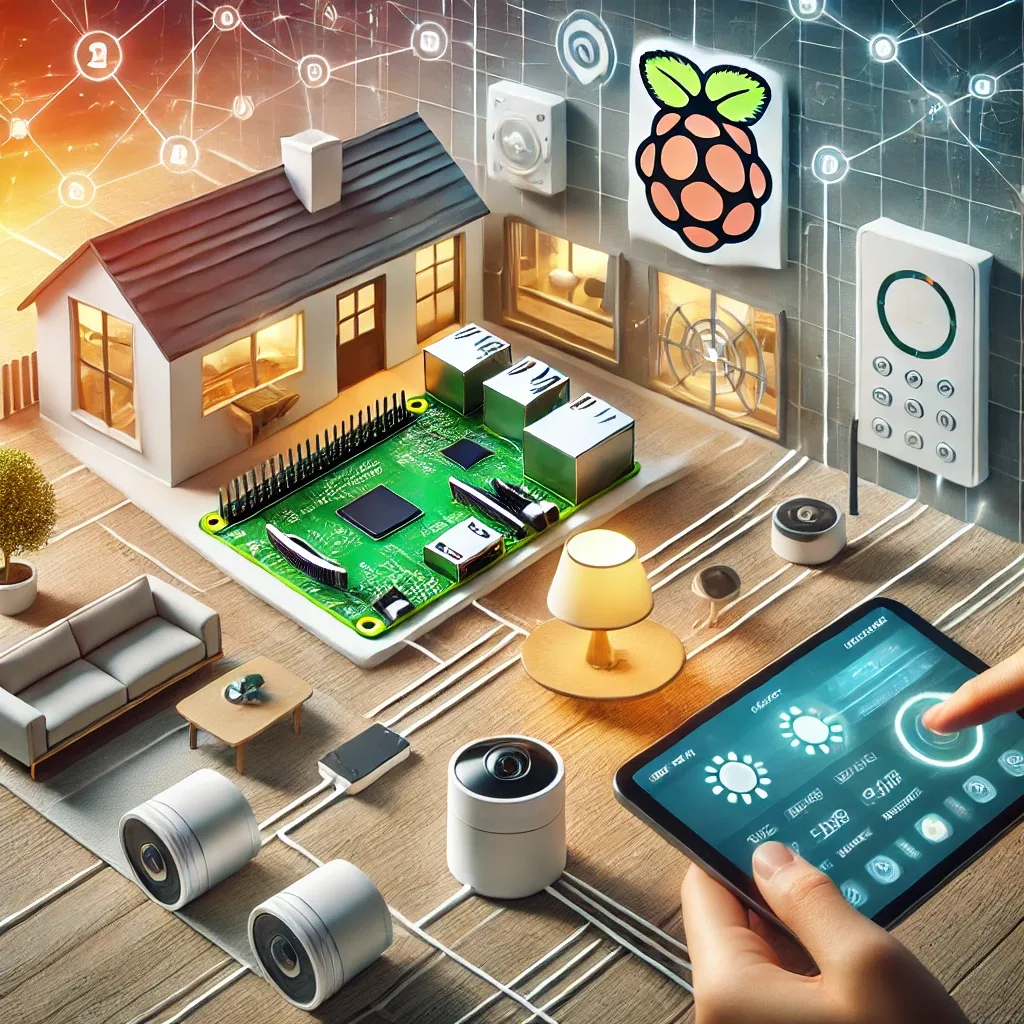
Why Raspberry Pi Is the Best Smart Home Hub Choice
Among all smart home hub hardware options, Raspberry Pi stands out for three reasons: best value (2,500–4,000 THB versus 8,000–30,000 THB for commercial hubs), maximum flexibility (runs any software), and the world's largest developer community. Long production guarantees from the Raspberry Pi Foundation make it a confident long-term investment.
Home Assistant: Universal Device Control
Home Assistant is an open-source platform supporting 3,000+ integrations — from Philips Hue, IKEA TRADFRI, Google Nest, and Xiaomi to Aqara, Sonoff, and every Zigbee and Z-Wave brand. All controllable from a single app, with automations buildable without coding. The critical advantage is local processing — every automation runs locally on the Pi, delivering sub-100ms response times and fully offline operation.
Homebridge: The Bridge to Apple HomeKit
For Apple users who want to control every device through Siri and the Apple Home app, Homebridge is the solution. It operates as a plugin layer that translates non-HomeKit devices into entries Apple devices can recognize. With 2,000+ plugins covering nearly every market brand, Homebridge running alongside Home Assistant on the same Pi creates a comprehensive, fully Apple-integrated smart home.
Step-by-Step Smart Home Build with Pi
Step 1: Choose Raspberry Pi 4 (4GB) or Pi 5 (8GB) for larger homes. Step 2: Install Home Assistant OS on microSD or NVMe SSD. Step 3: Boot and access http://homeassistant.local:8123, set up account and timezone to Asia/Bangkok. Step 4: Add integrations for your devices. Step 5: Install Homebridge add-on if Apple HomeKit is needed. Step 6: Build your first automation — such as turning on lights when you arrive home. All achievable in a single day.
Immediate Benefits After Installation
HappySmart clients typically report 15–25% electricity bill reductions from automations that turn off unused devices, enhanced security from cameras and sensors, and clear time savings from routine automations such as pre-cooling the home 30 minutes before arrival.
HappySmart: From Bare Pi to Smart Home in One Day
HappySmart installs Home Assistant and Homebridge on Raspberry Pi with pre-configured integrations for all client devices, an intuitive custom dashboard, working automations from day one, and basic usage training. Contact HappySmart to start your smart home journey.