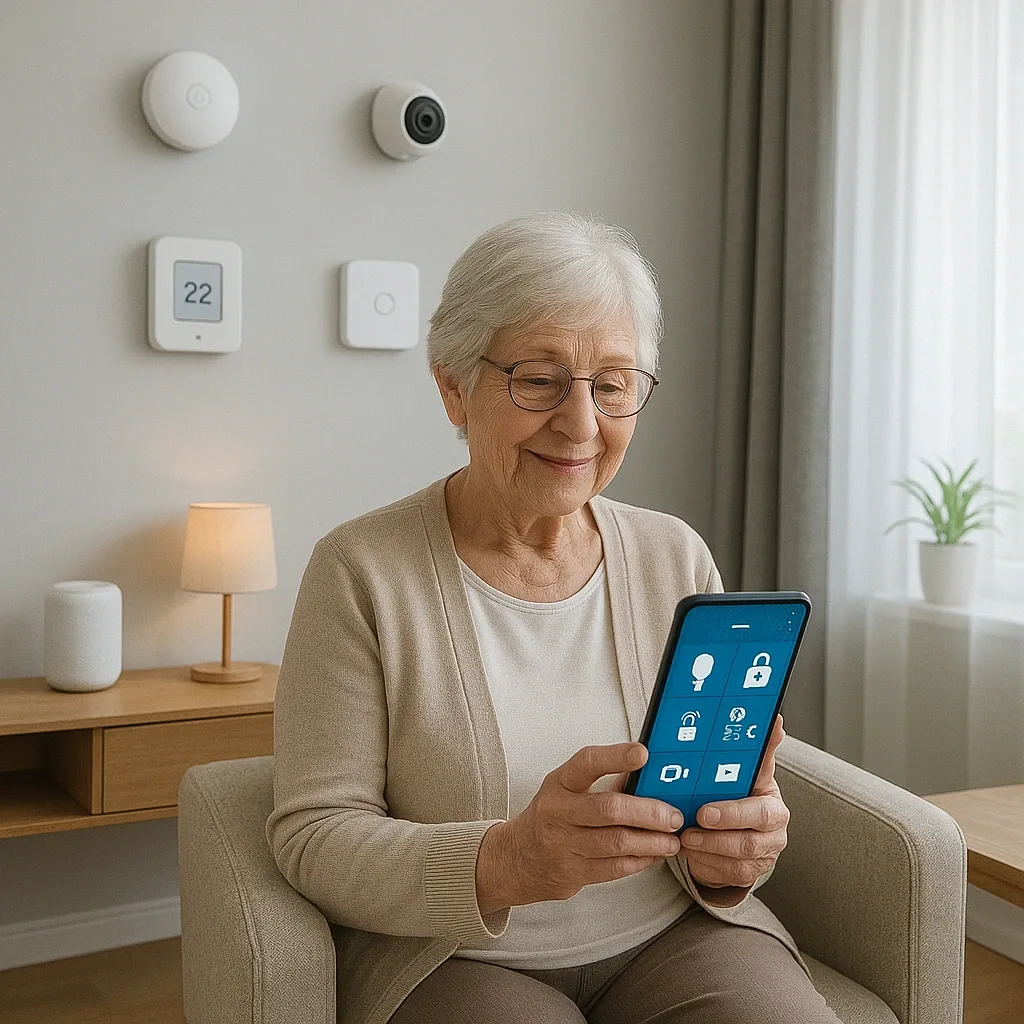
Elderly residents with Parkinson’s tremors, reduced vision, or post-stroke limitations may struggle with smartphone touchscreens. HappySmart therefore designs multi-modal control systems that do not rely solely on app button presses.
Thai-language Voice Control: Google Nest Mini is the primary choice for Thai households, offering the best Thai language recognition in its class at 1,500-2,000 THB. Configured via the Google Home integration in Home Assistant, it accepts natural Thai commands — for example, speaking a named device command or using the Ok Google prefix to control named HA entities. HA also supports Siri Shortcuts on iPhone, enabling custom voice commands for iPhone users.
Gesture Sensor: The Aqara Cube T1 Pro (1,200-1,500 THB) provides genuine gesture control, detecting 6 gestures: shake, rotate, press, flip 90°, flip 180°, and tap. Each gesture maps to a custom HA action — for example, shaking toggles lights and rotating left dims brightness. This gives elderly residents with limited finger dexterity a physical, tactile way to control their home without looking at a screen.
Physical Accessibility for Tablet Dashboard: WCAG 2.1 guidelines recommend minimum 44x44 pixel touch targets, but for elderly residents with hand tremors, targets of 80x80 pixels or larger are recommended. HA Lovelace supports custom large-tile layouts. Font size should be ≥18pt with a contrast ratio of ≥4.5:1 (WCAG AA). A 10-inch tablet on a bedside charging stand — always powered, never needing to be picked up — is the ideal deployment.
Emergency Voice Command: a HA routine triggered by an emergency keyword heard through Nest Mini (such as a distress phrase) sends a LINE alert, turns on all lights throughout the home, and unlocks the front door for emergency responder access. This automation runs locally via HA script and does not require an active internet connection to trigger.