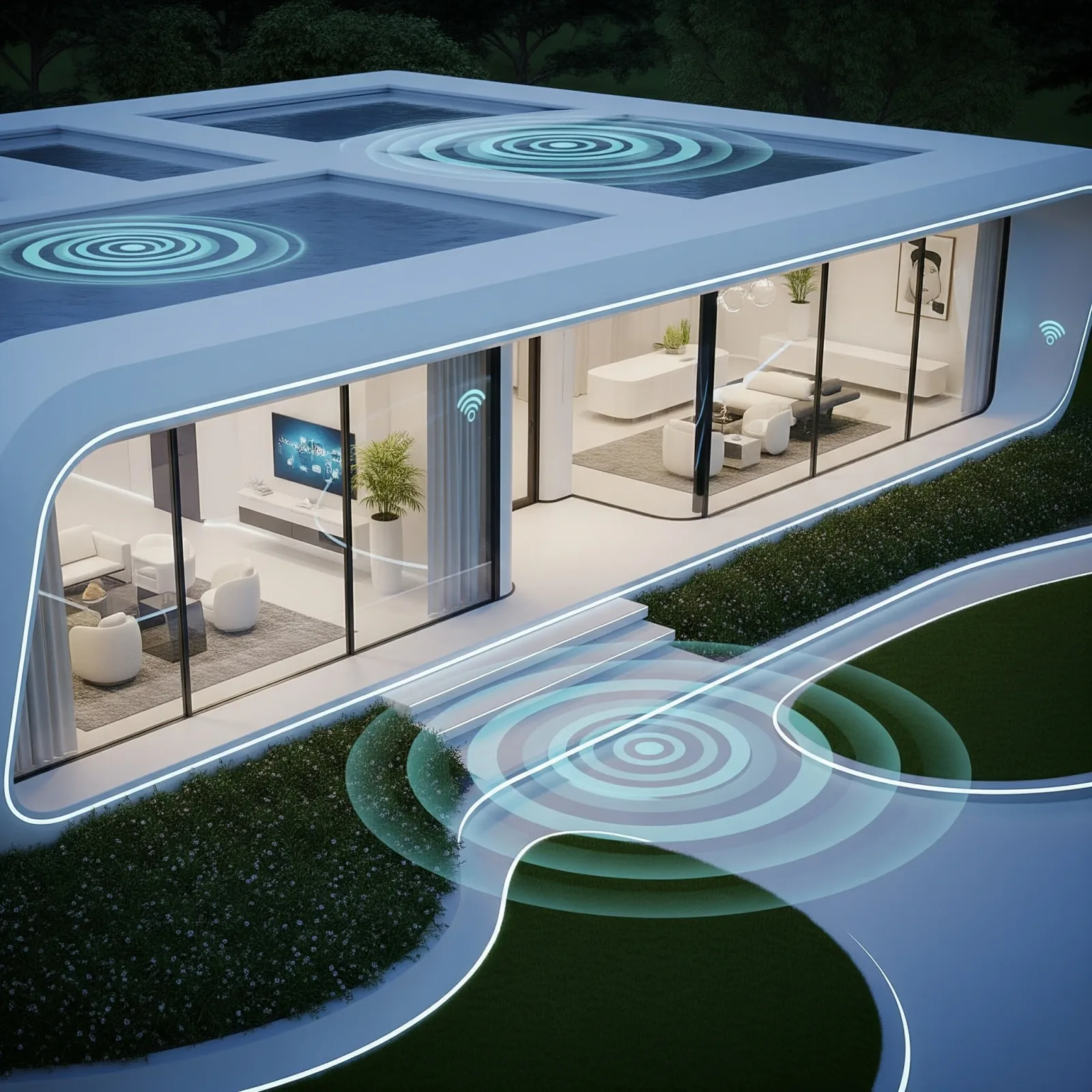
What Is a Smart Home and Why Is It Easier Than You Think?
Many people assume smart home requires tearing out walls, expensive professional installation, or advanced IT knowledge. In reality, getting started takes 250 THB and 15 minutes. Most modern smart devices are designed for everyday users, ship with intuitive apps, and require zero electrical expertise.
The core concept is simple: connect devices to the internet and your smartphone so you can control, schedule, and voice-command everything from anywhere.
Five Essential Devices for Beginners
Smart Plug: the best starting point. Plug into your existing outlet, use with appliances you already own. Price: 250–499 THB.
Smart Bulb: adjustable brightness and colour via app or voice. Yeelight and Philips Hue are reliable choices at 300–1,500 THB per bulb.
Smart Camera: sends push alerts when motion is detected. Tapo C200 or Reolink models run 800–1,800 THB.
Door Sensor: alerts you every time a door opens or closes. Aqara and Xiaomi Mi options at 300–500 THB.
Smart Hub or Voice Assistant: links all devices together and accepts voice commands. Google Nest Mini (1,500–2,000 THB) or Amazon Echo Dot (1,200–1,800 THB).
Simple Installation Steps
Step 1: Choose one platform first — Google Home, Apple HomeKit, or Home Assistant — then select devices that support it. Mixing multiple platforms adds unnecessary complexity.
Step 2: Set up your first device, such as a Smart Plug. Connect it to your 2.4GHz Wi-Fi and the brand's app.
Step 3: Add the device to Google Home or Alexa using Works with Google or the brand's Alexa Skill.
Step 4: Create your first Routine — for example, turn on the bedroom light every morning at 07:00.
Step 5: Add devices one at a time as your needs grow. There's no requirement to buy everything at once.
Case Studies: Pira and Waraphon
Pira lives in a 35 sqm condo in Bangkok's Sukhumvit area. She started with two Smart Plugs and a Tapo C200 camera — total spend 1,200 THB. After two months, her electricity bill dropped by 18% and she no longer worries about leaving appliances running.
Waraphon lives in a standalone house in Chiang Mai. She began with a Smart Bulb in the bedroom and a Door Sensor at the front door. Today she manages 12 devices through Home Assistant and controls everything remotely while travelling abroad.
Recommended Budgets for Beginners
Basic Tier (1,500–2,500 THB): Two Smart Plugs and one Door Sensor. Solves the most common daily frustrations immediately.
Medium Tier (3,000–5,000 THB): Adds a Smart Camera and Smart Bulbs for broader coverage.
Pro Tier (7,000–15,000 THB): Full device set including a Voice Assistant, delivering a complete connected home experience.