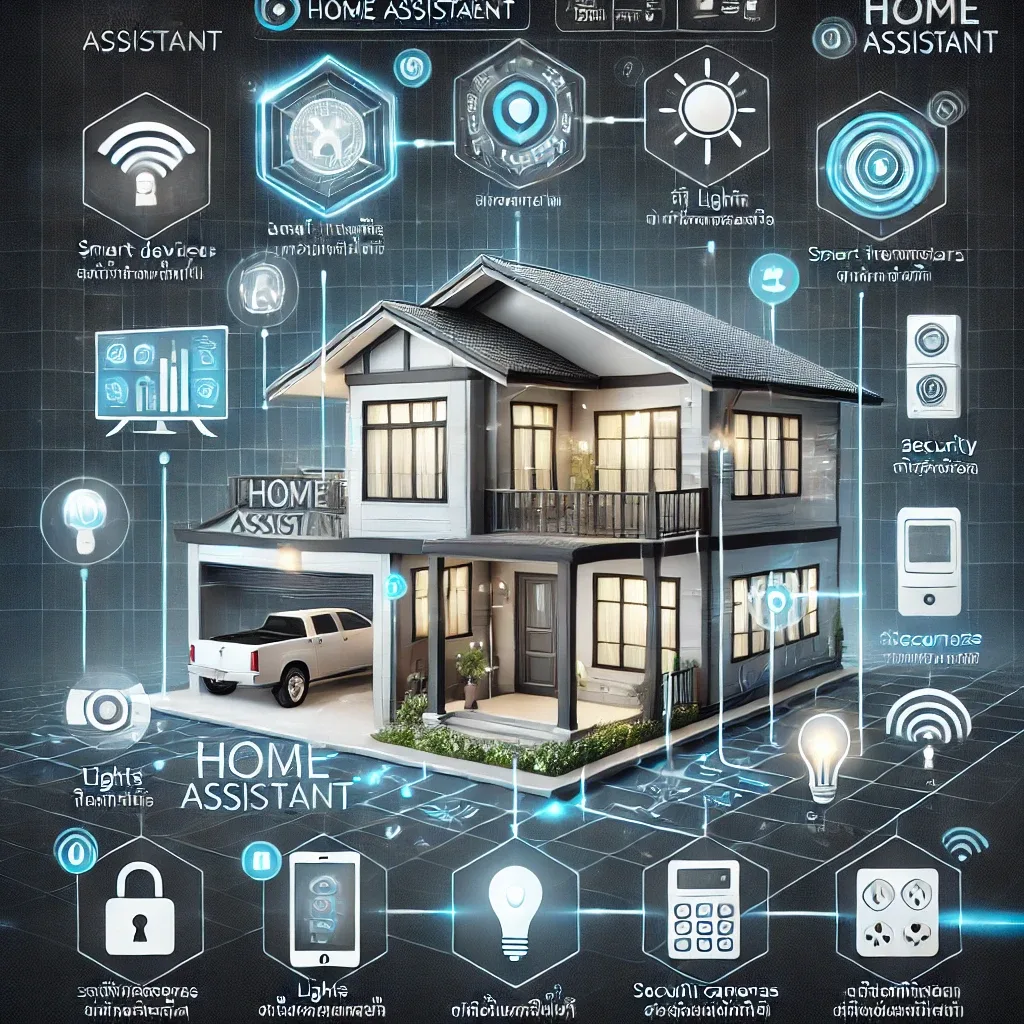
What Is a Smart Home, and Why Choose Home Assistant?
A smart home is one where devices connect and operate automatically based on resident behavior and preferences — covering lights, AC, CCTV, door locks, air purifiers, and irrigation systems.
Home Assistant is the world's most popular open-source smart home platform, built on four core strengths:
- Flexibility: supports 3,200+ integrations
- Privacy: all data stays in your home
- Open-source: free, developed by a global community
- Community: 40+ million users, 4,000+ HACS Add-ons
Daily Life with Home Assistant: What Can It Do?
Waking up (6:30 AM): Instead of manually switching on lights and AC, bedroom lighting gradually brightens with Circadian Lighting, the AC reduces noise to prepare for waking, your favourite music plays softly, and a weather and PM2.5 summary appears on your phone dashboard.
Leaving home (8:00 AM): Press "Leaving" or set a Geofence to detect when you're more than 200 metres away — all lights off, all AC units off, door locked, Motion Sensors armed, and a notification confirms "Home secured and locked."
Arriving home (6:30 PM): When GPS detects you're 1 km away, the bedroom AC pre-cools, entrance lights turn on, and the door unlocks automatically as you arrive.
Night time (10:30 PM): The "Night" Scene activates: lights dim to warm white 2700K to encourage sleep, the TV switches off after 30 minutes of inactivity, outdoor Motion Sensors arm, and Smart Lock enters Auto-Lock Mode.
Home Assistant vs Google Home vs Amazon Alexa
| Feature | Home Assistant | Google Home | Amazon Alexa |
|---|---|---|---|
| Integrations | 3,200+ | ~500 | ~1,000 |
| Data privacy | Stays local | Google Cloud | Amazon Cloud |
| Offline use | Yes | No | No |
| Cost | Free + hardware | Free | Free |
| Customization | Unlimited | Limited | Limited |
How HappySmart Installs Home Assistant
- Home survey — assess existing devices and plan integrations
- Hardware installation — RPi5 + Zigbee/Z-Wave dongle + sensors
- Configuration — set up Automations matched to the family's lifestyle
- Training — teach the mobile Dashboard and how to add new devices
- 24H Support — Hotline and LINE available around the clock
A home that lives the way you do — not the way a tech company decides — that is what HappySmart builds for you.